01 For creators
Show the app, as it is.
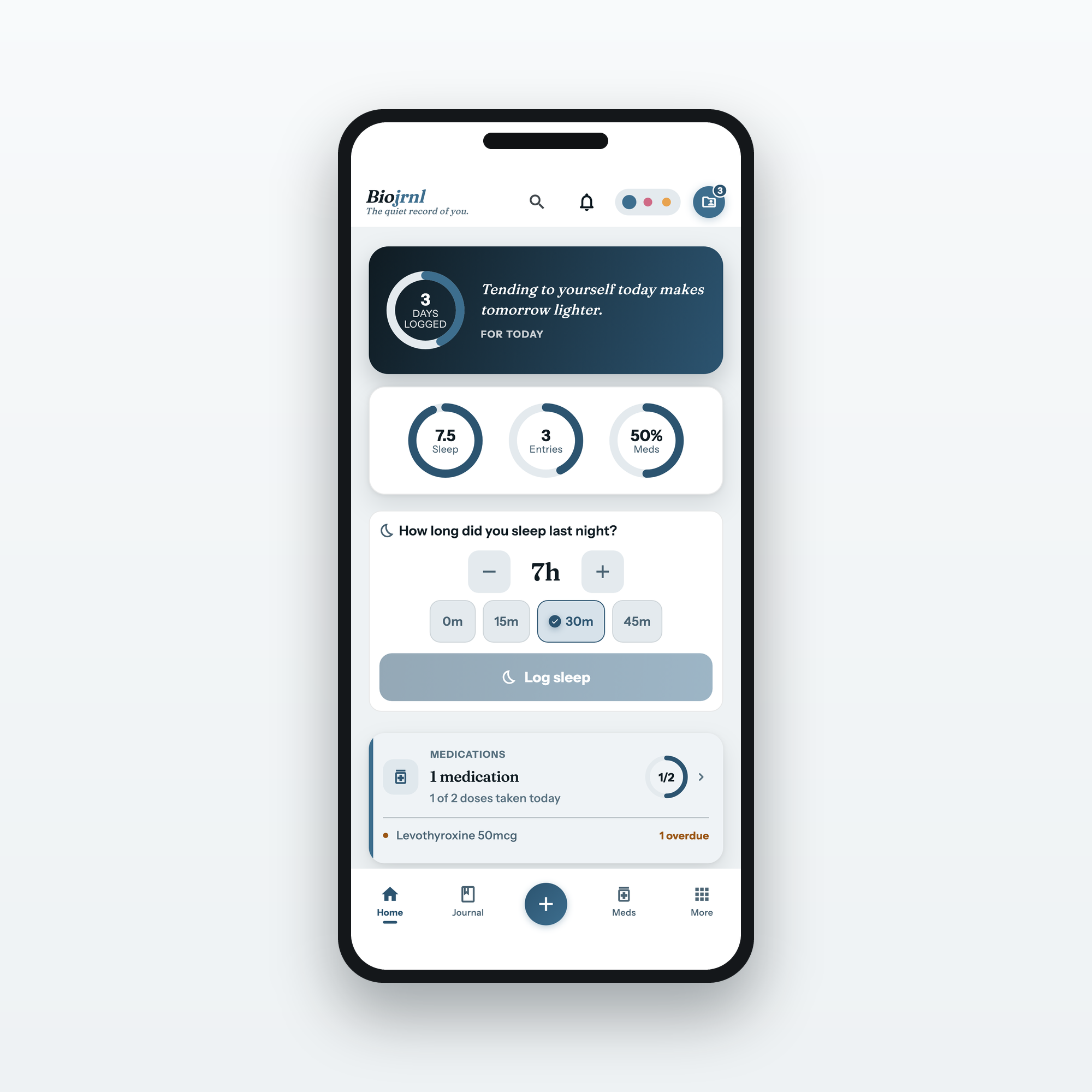
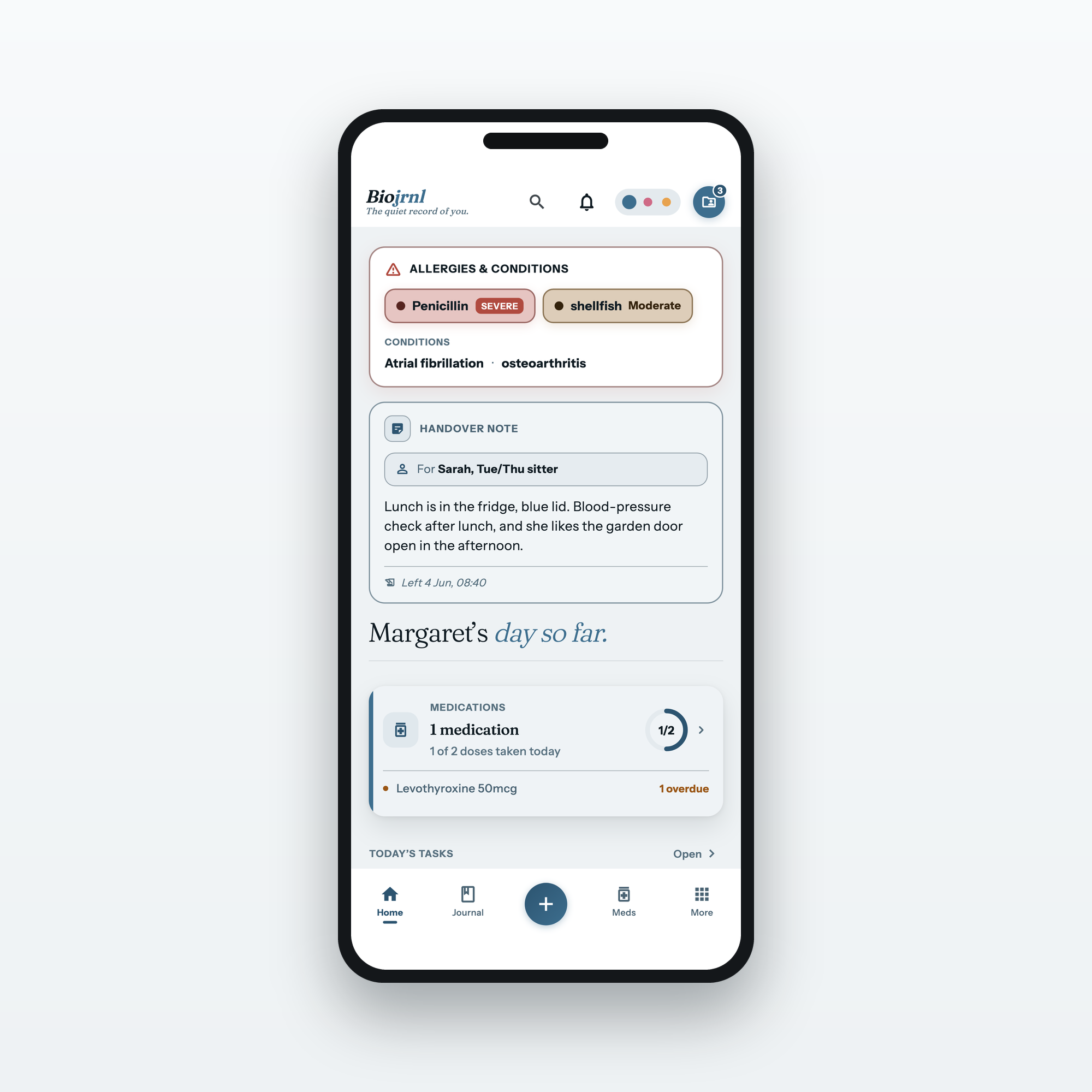
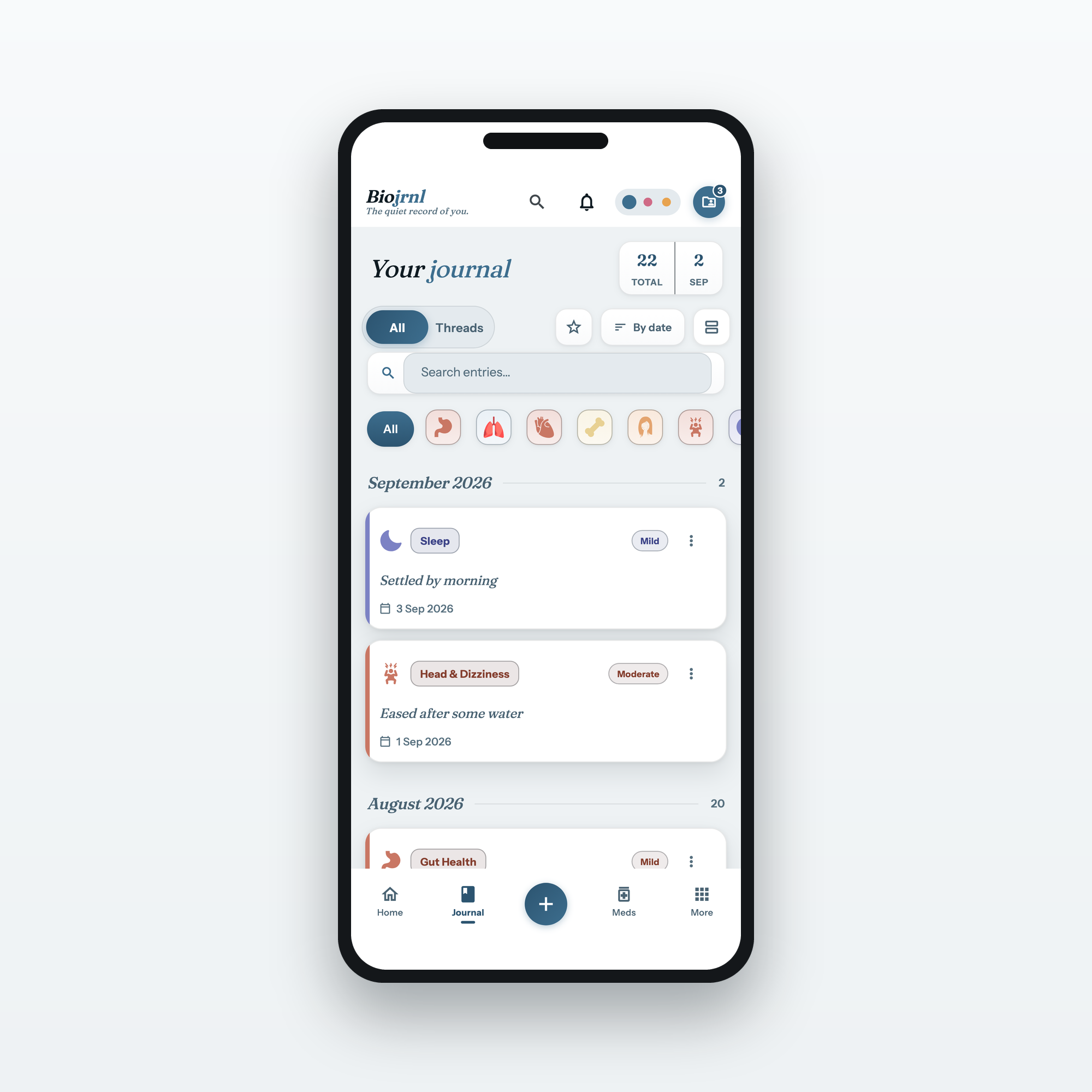
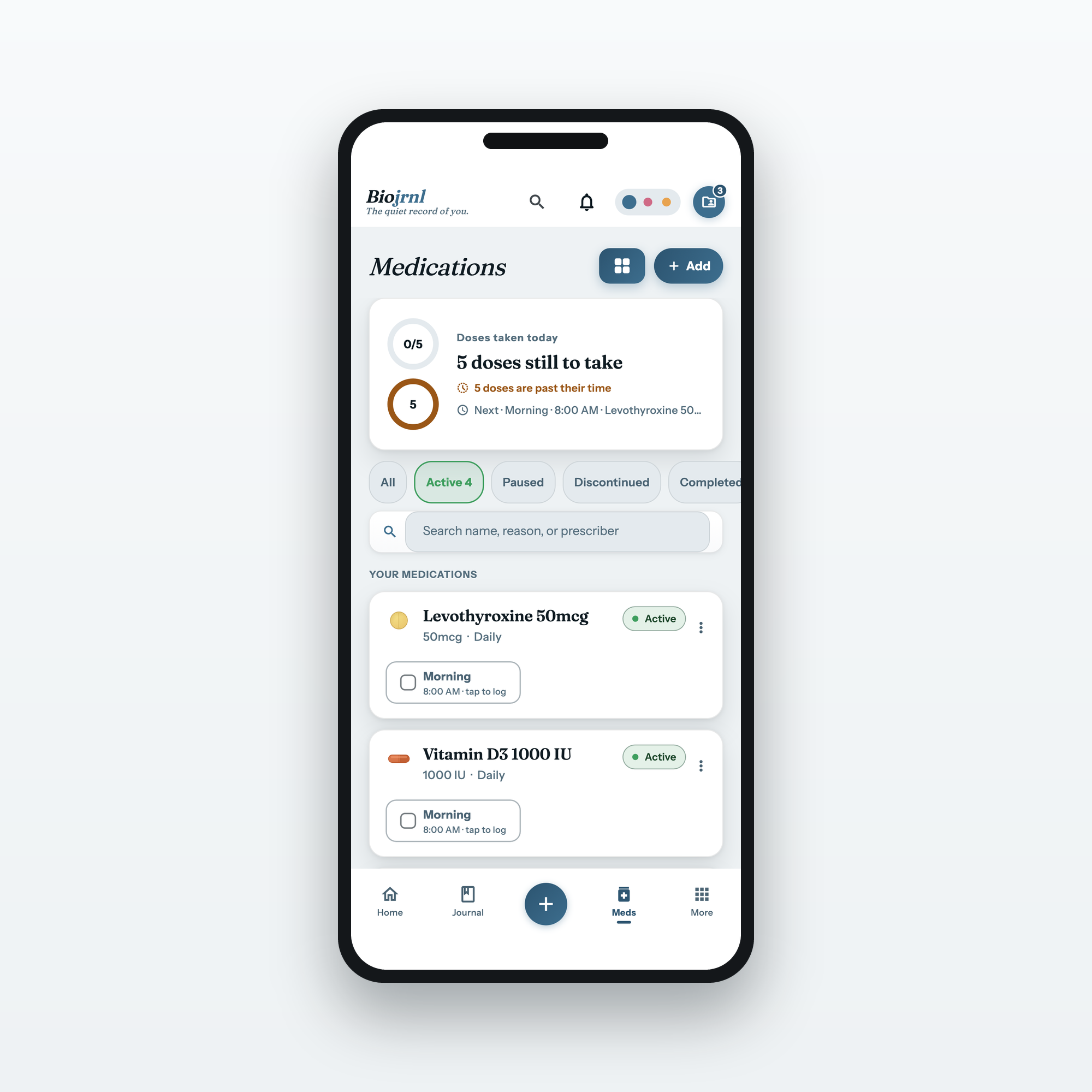
Real screens from Biojrnl, ready to drop into a post, a story or a clip.
No need to work through the app just to grab a screenshot.
Free to use wherever you talk about Biojrnl. Every screen shows sample data,
never a real person’s record. Phone shots at 1620×2880, straight from the app, the shape a story, a post or an article header wants.
Tide, Blush and Dusk take turns across the set, so the app is shown in all three. The app looks the same on iPhone and Android, and these screens
carry no platform chrome, so one set covers both. The square and 16:9
versions at the foot of this page are separate downloads, so the kit stays
the size it is.
Where you land
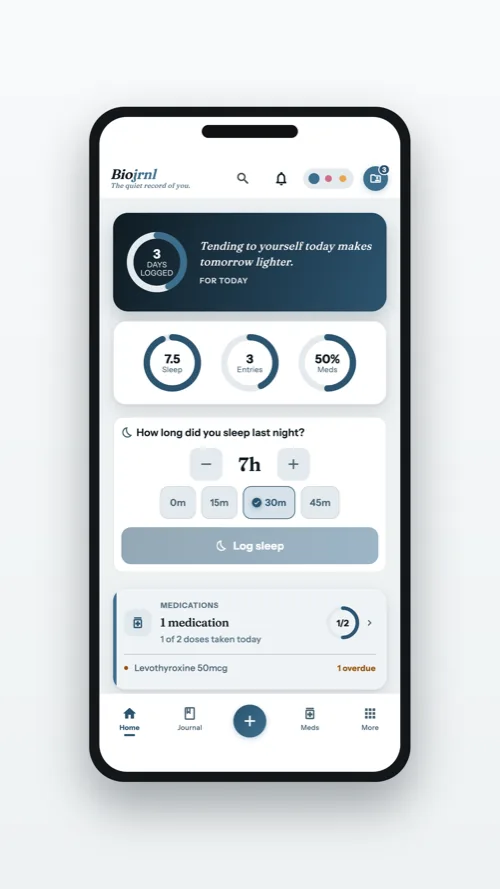
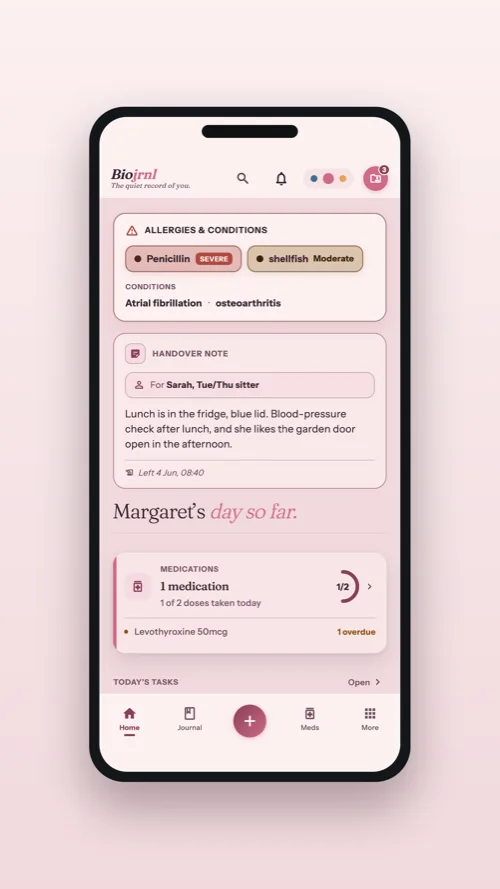
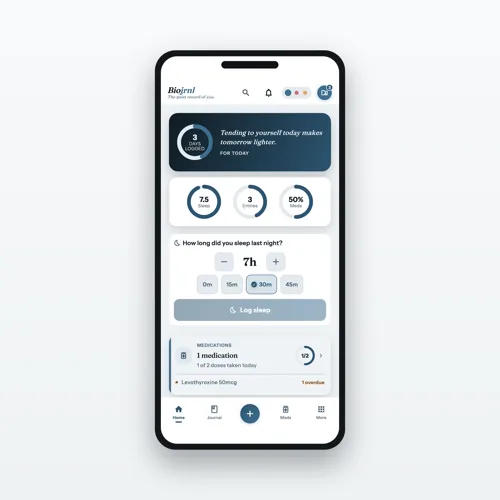
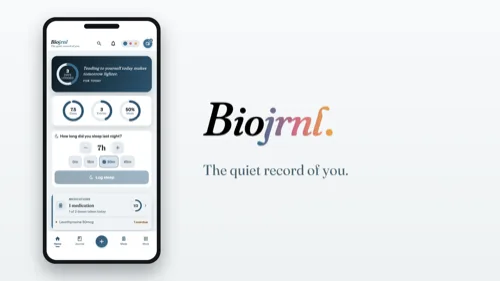
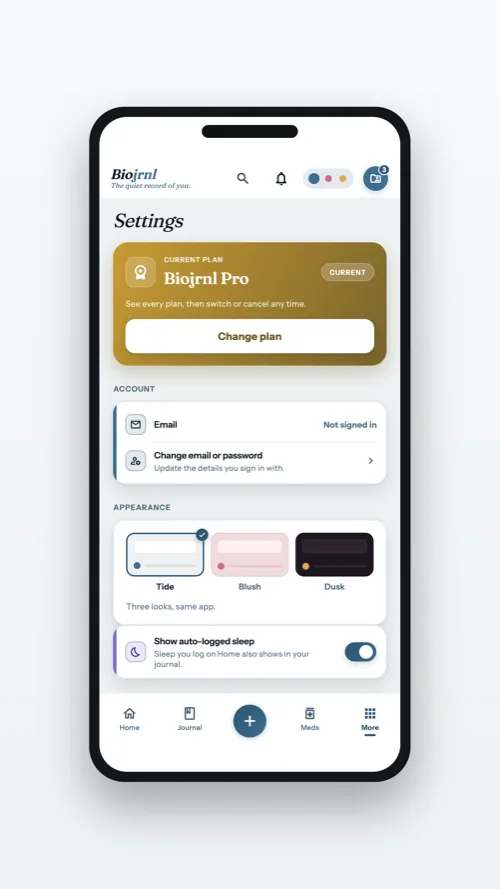
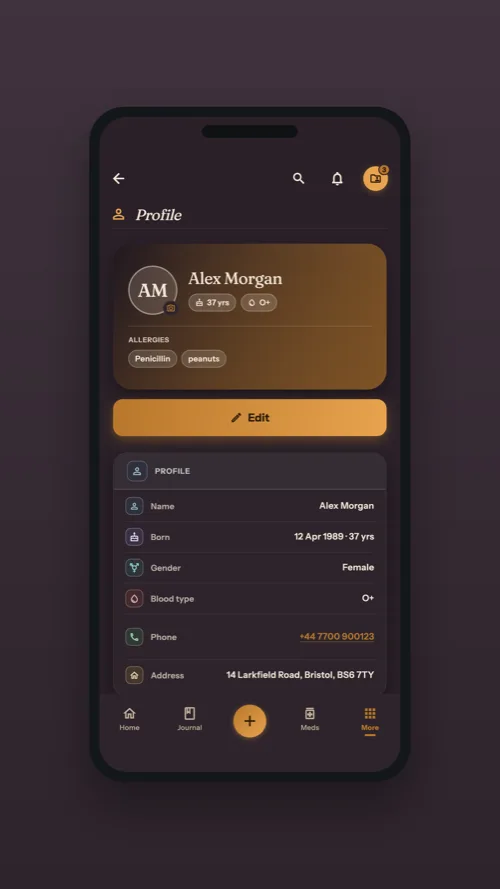
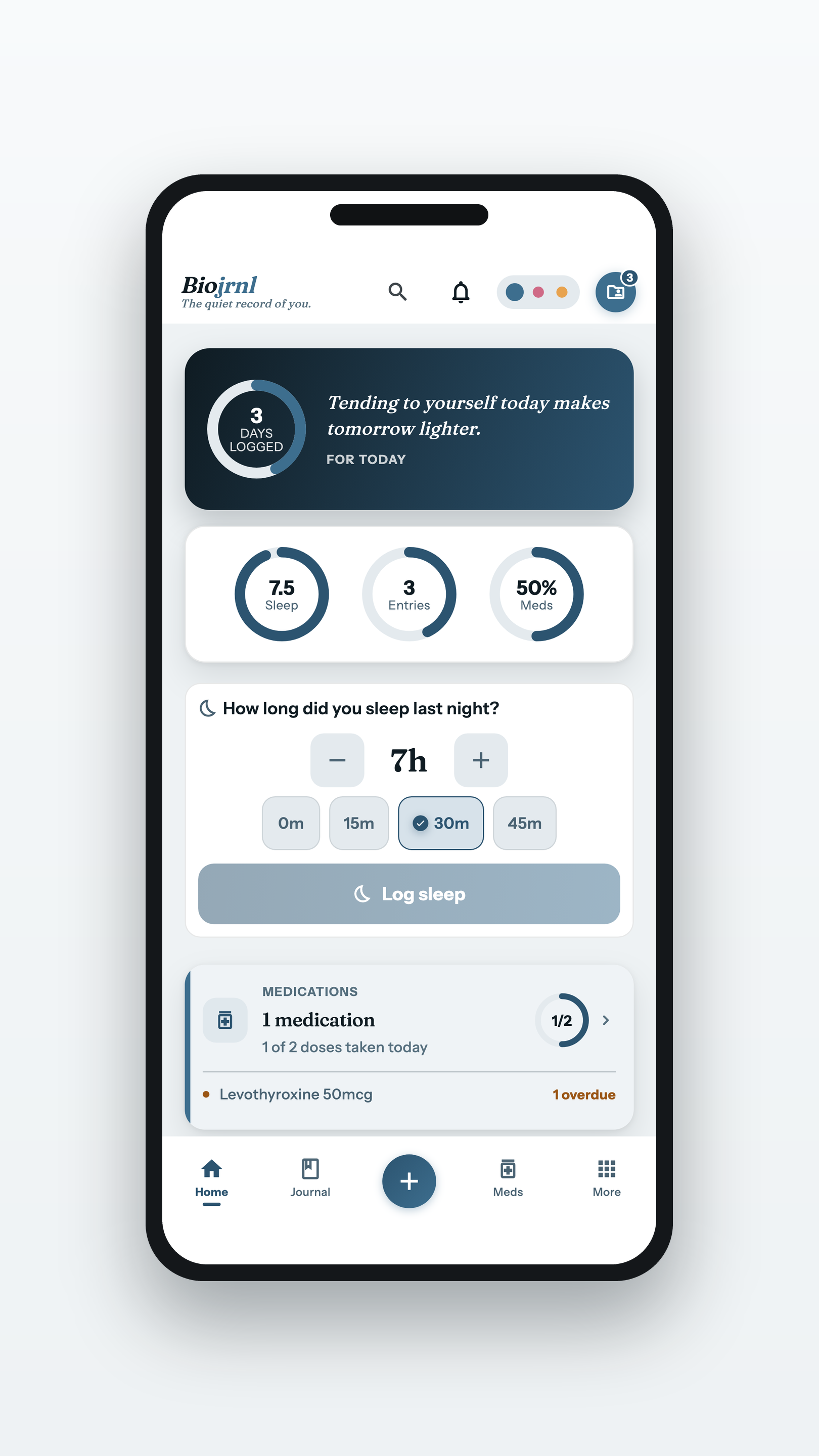
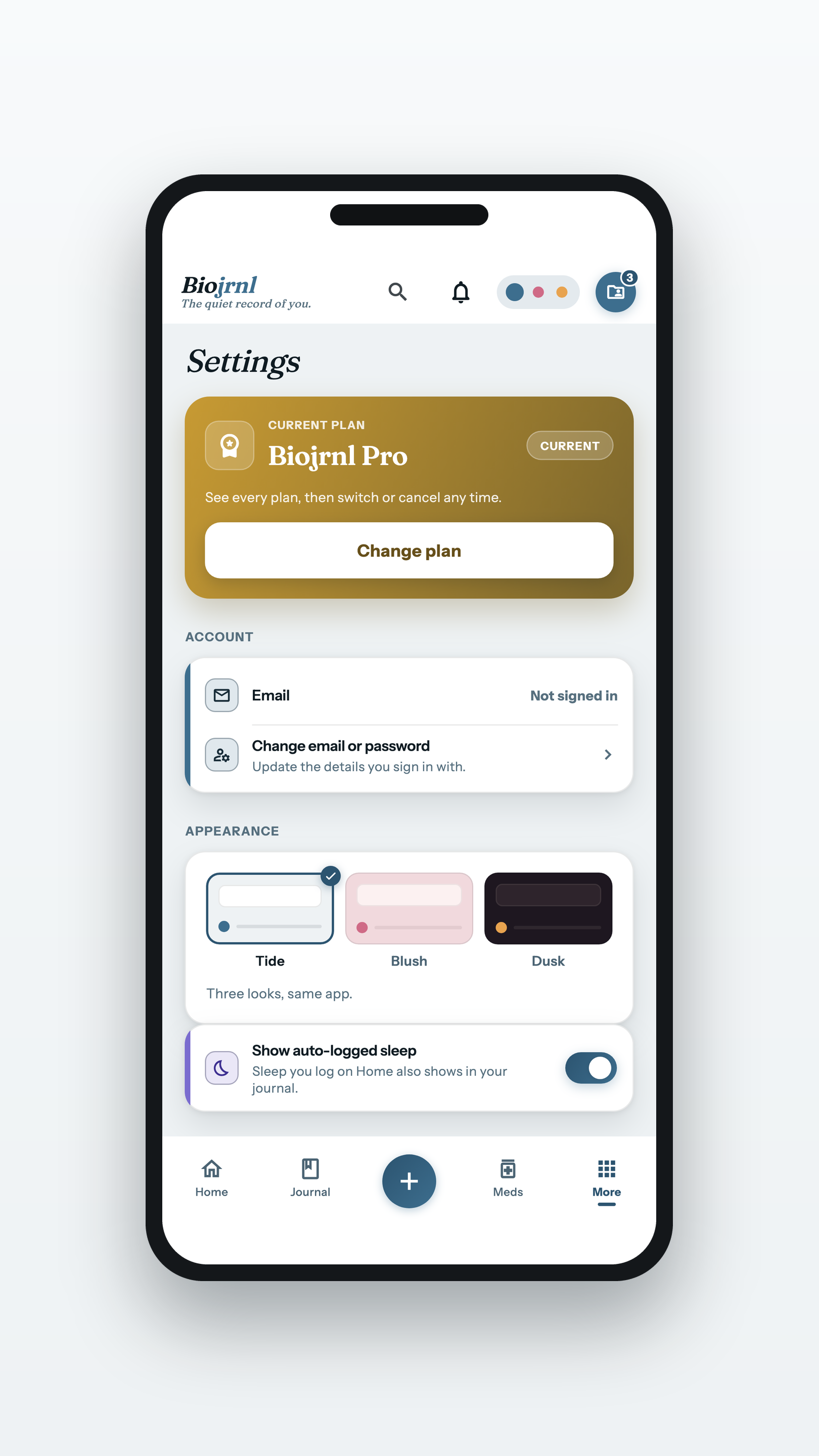
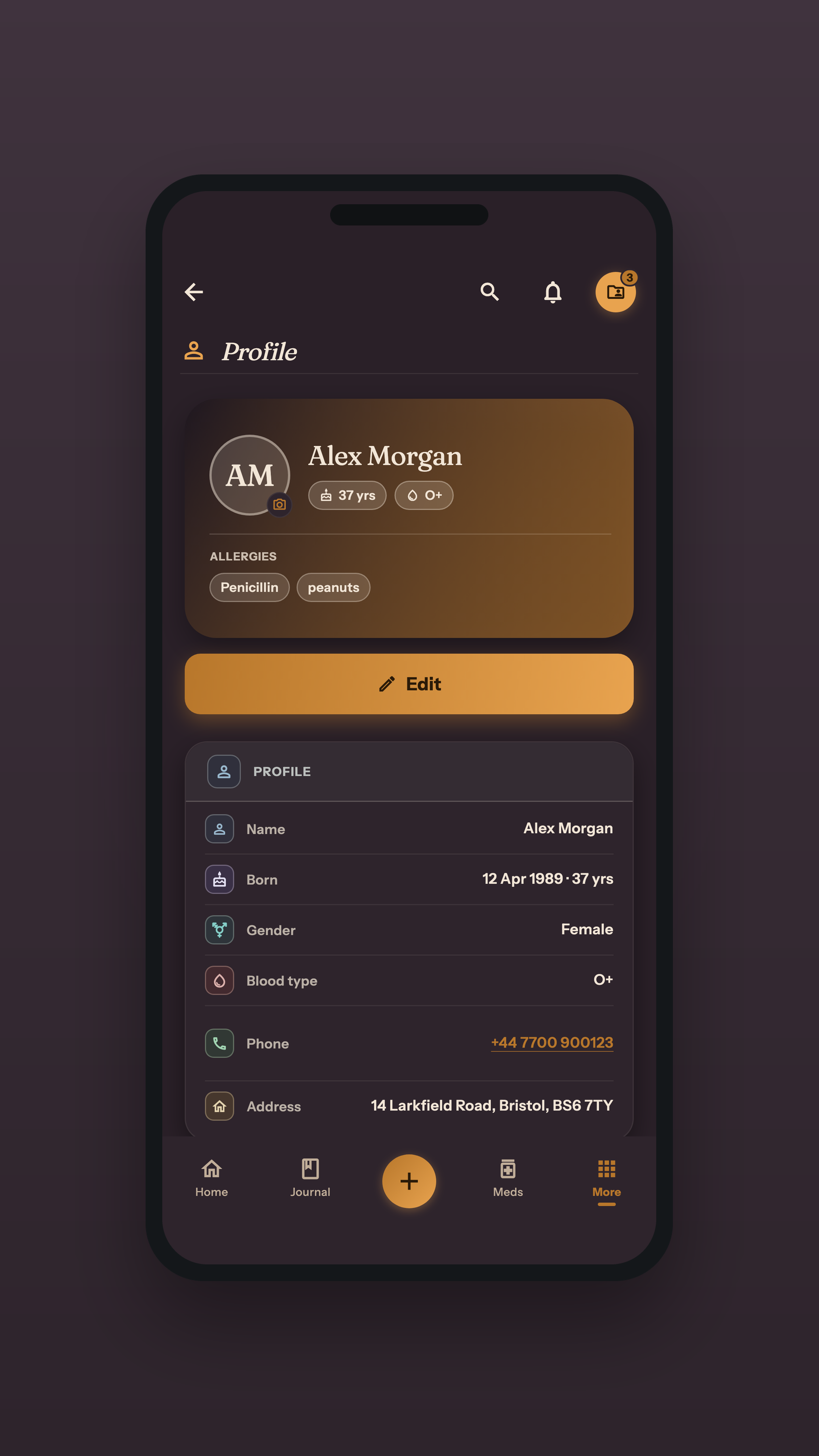
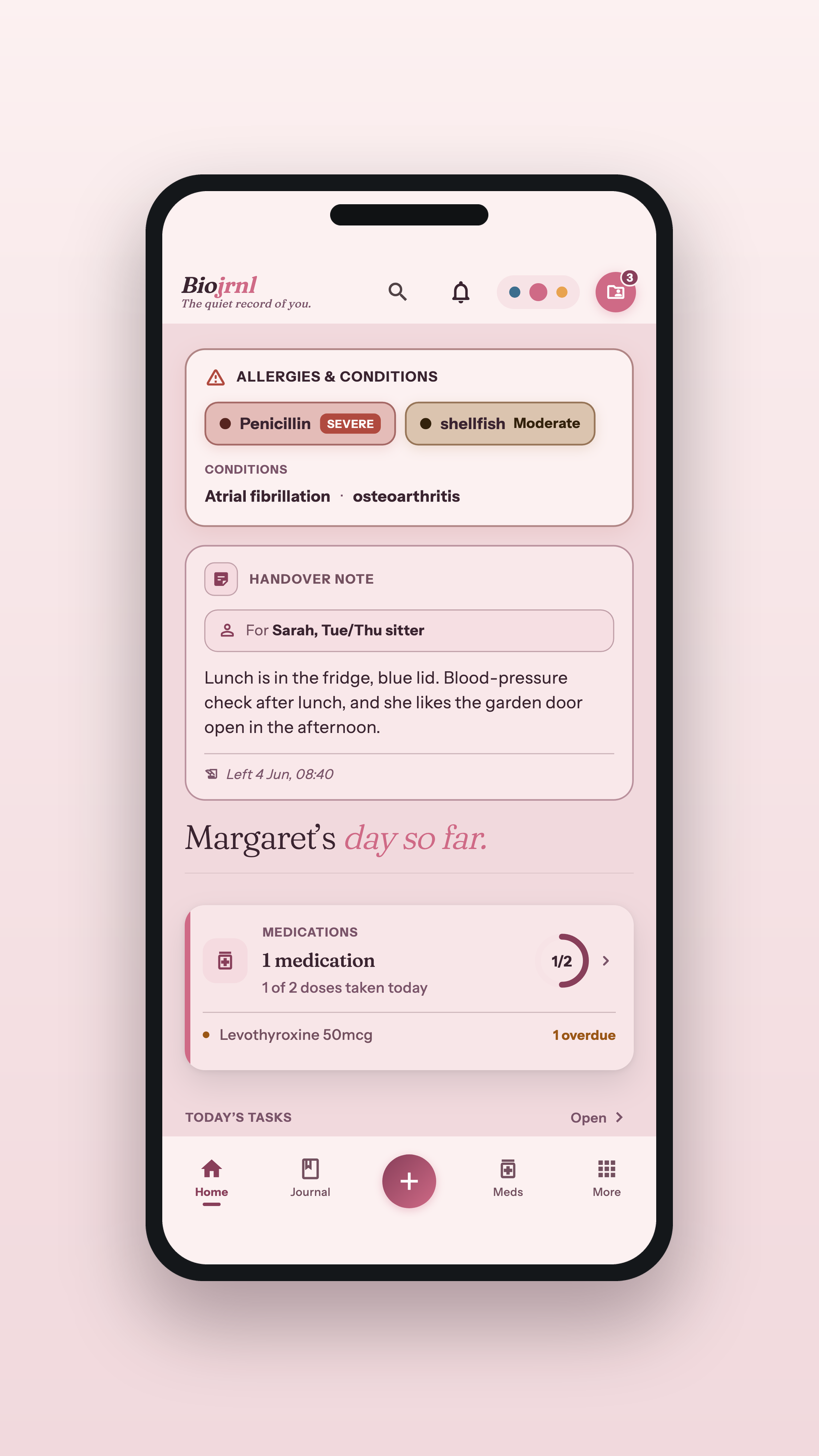
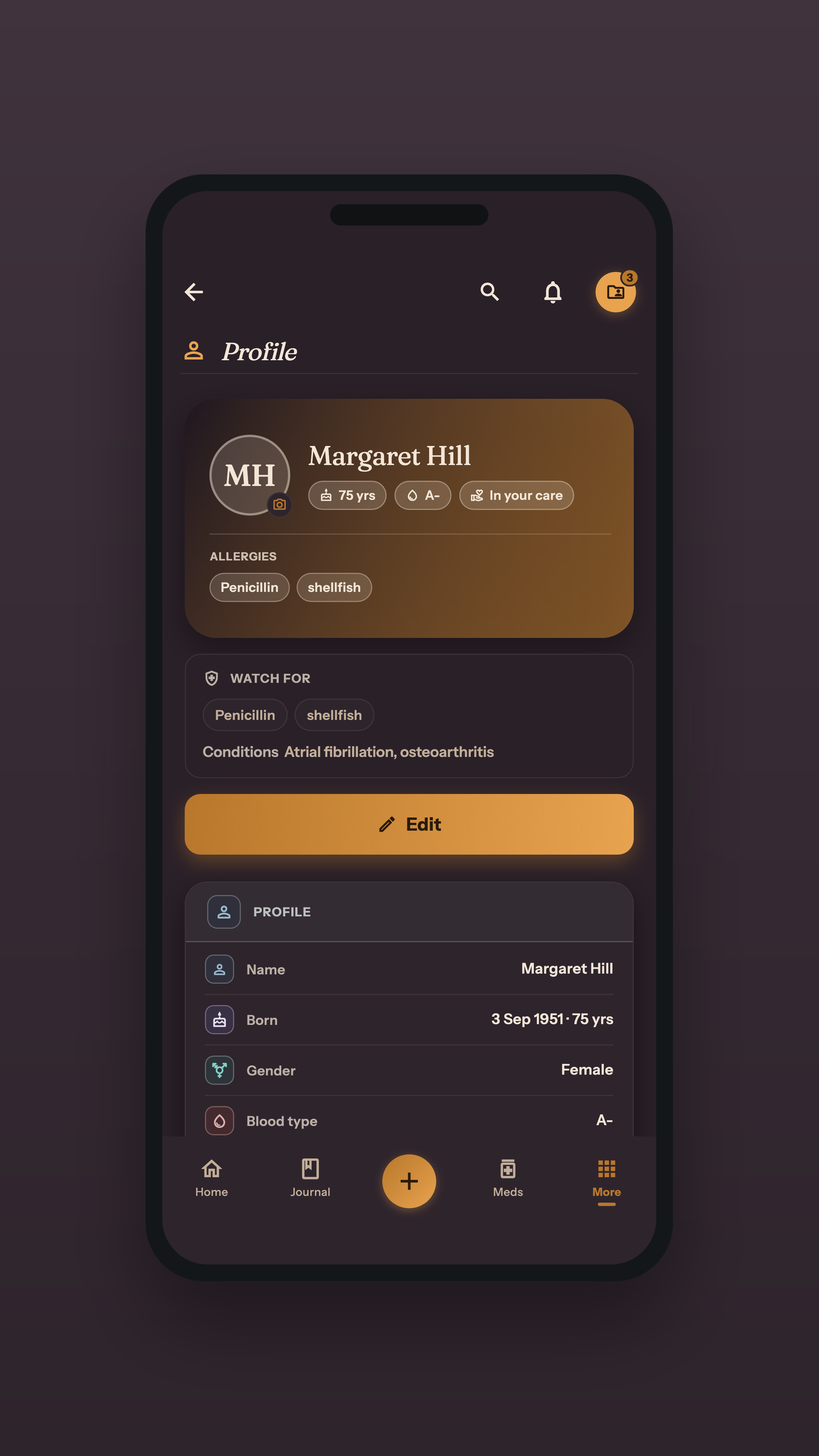
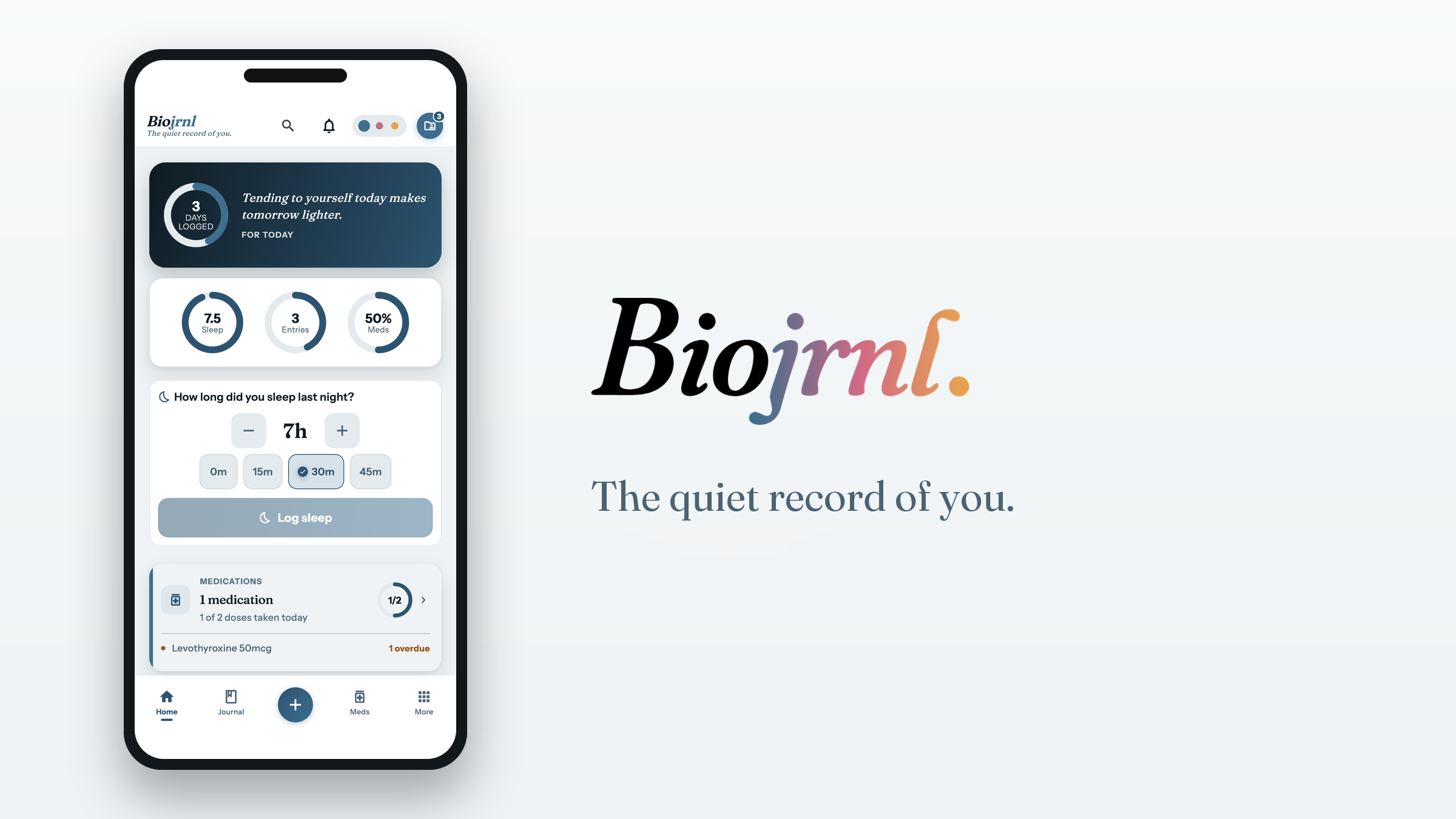
The home screen, the settings where the three themes live, and your own health profile.
Settings, and the themesPNG · 1620×2880
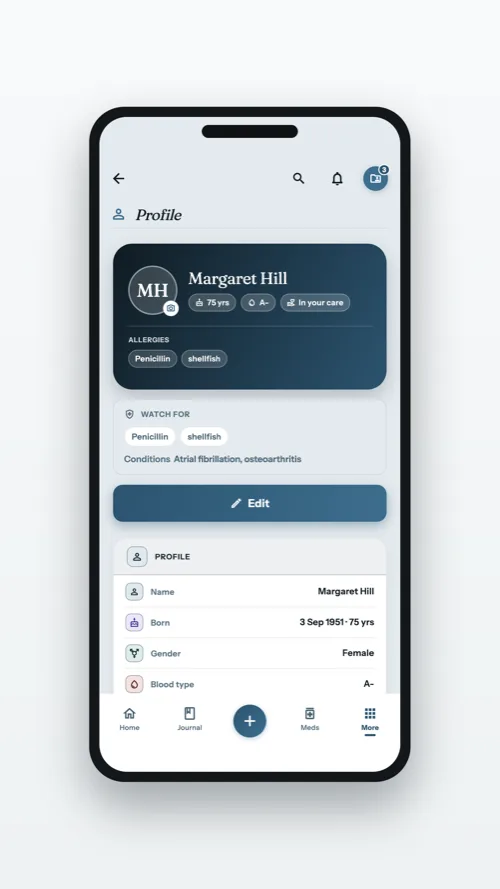
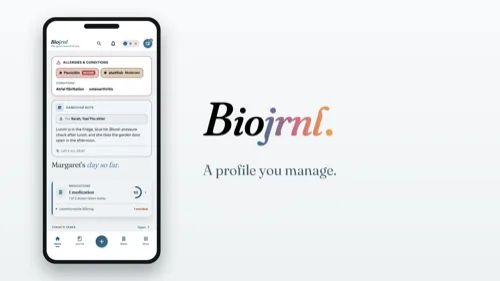
Your health profilePNG · 1620×2880
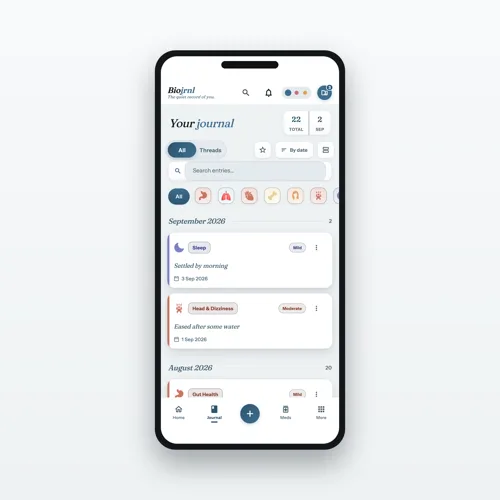
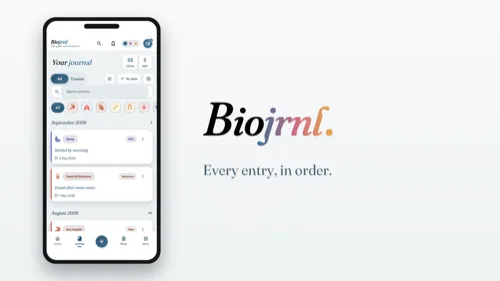
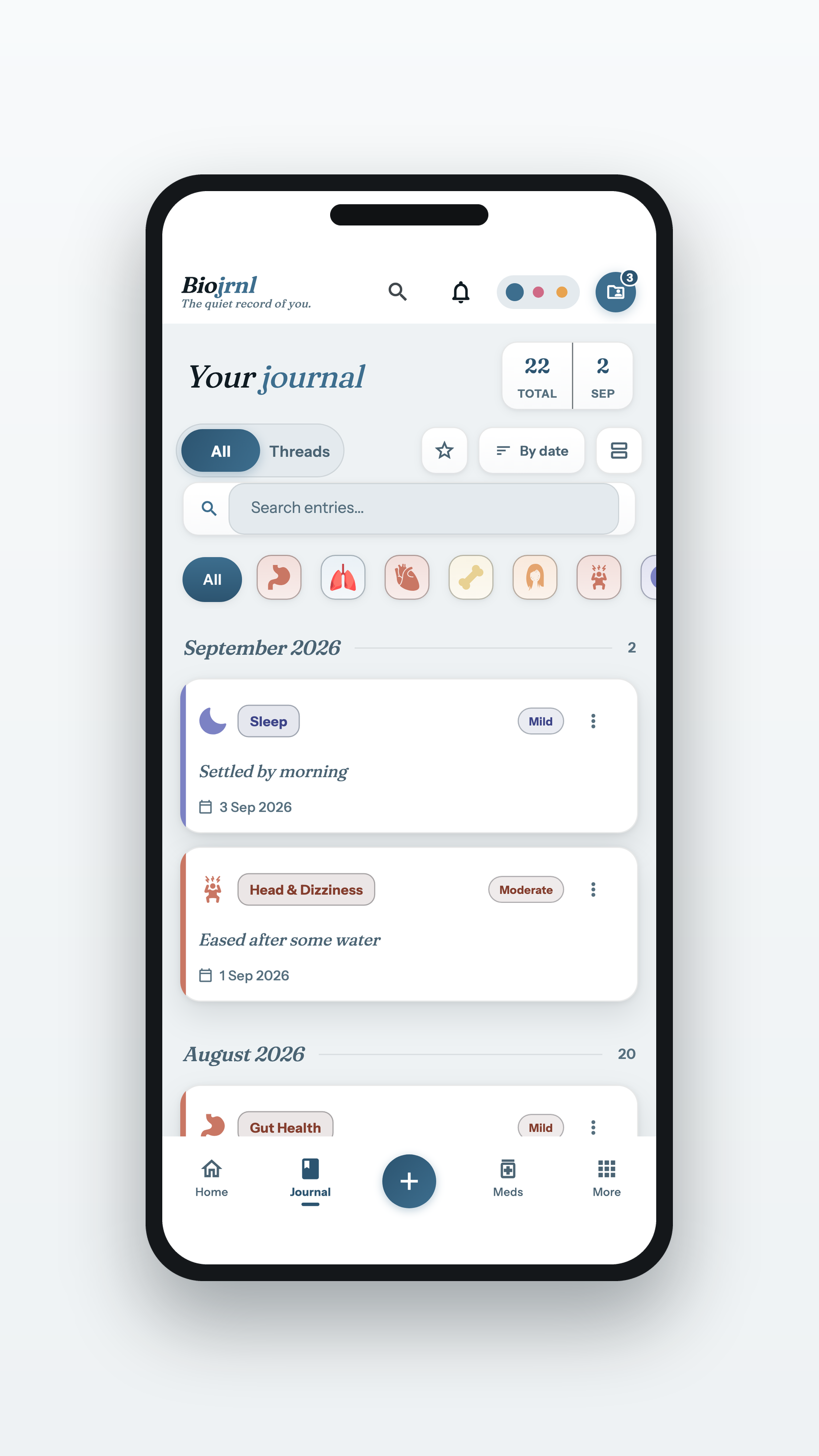
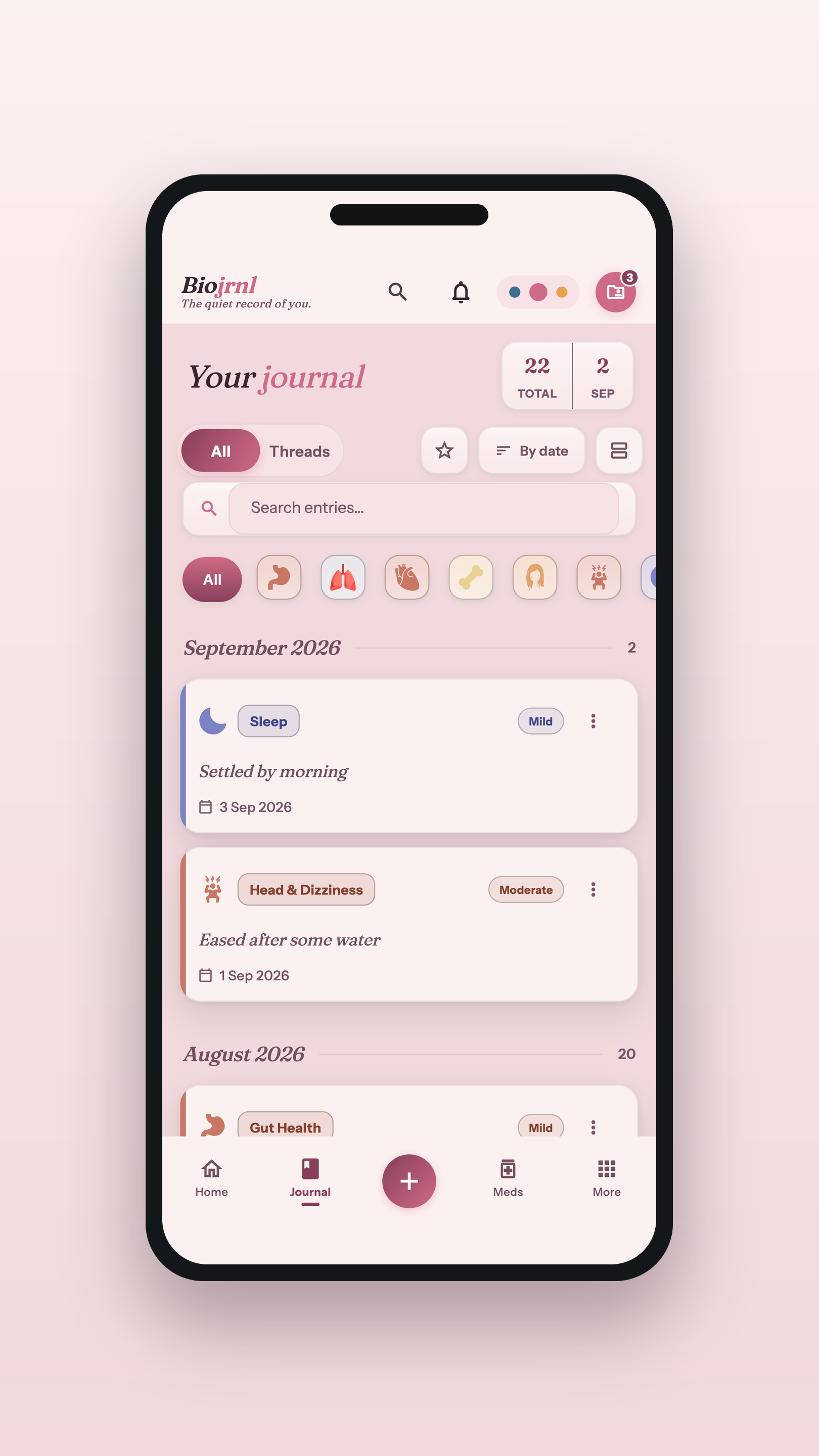
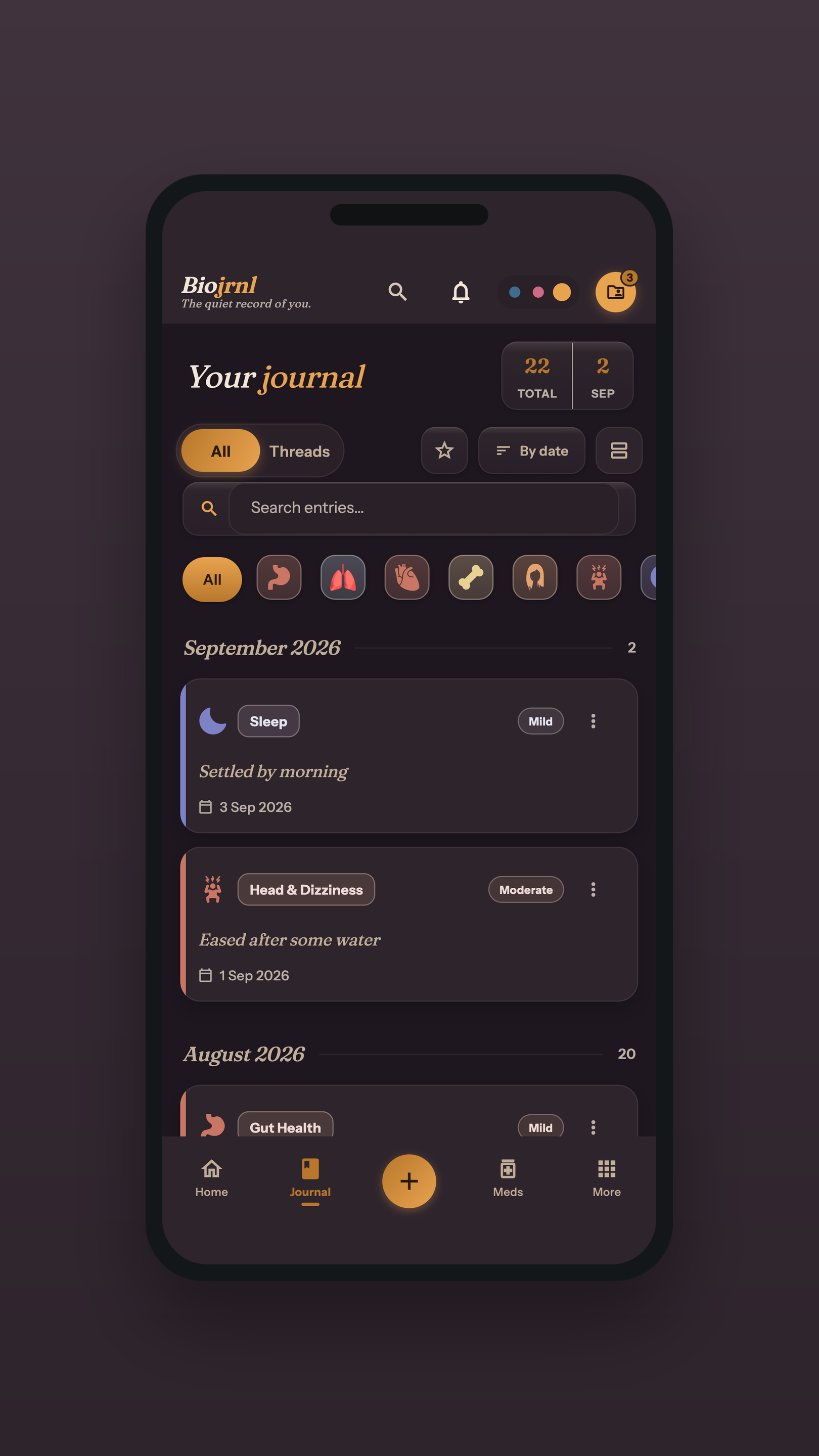
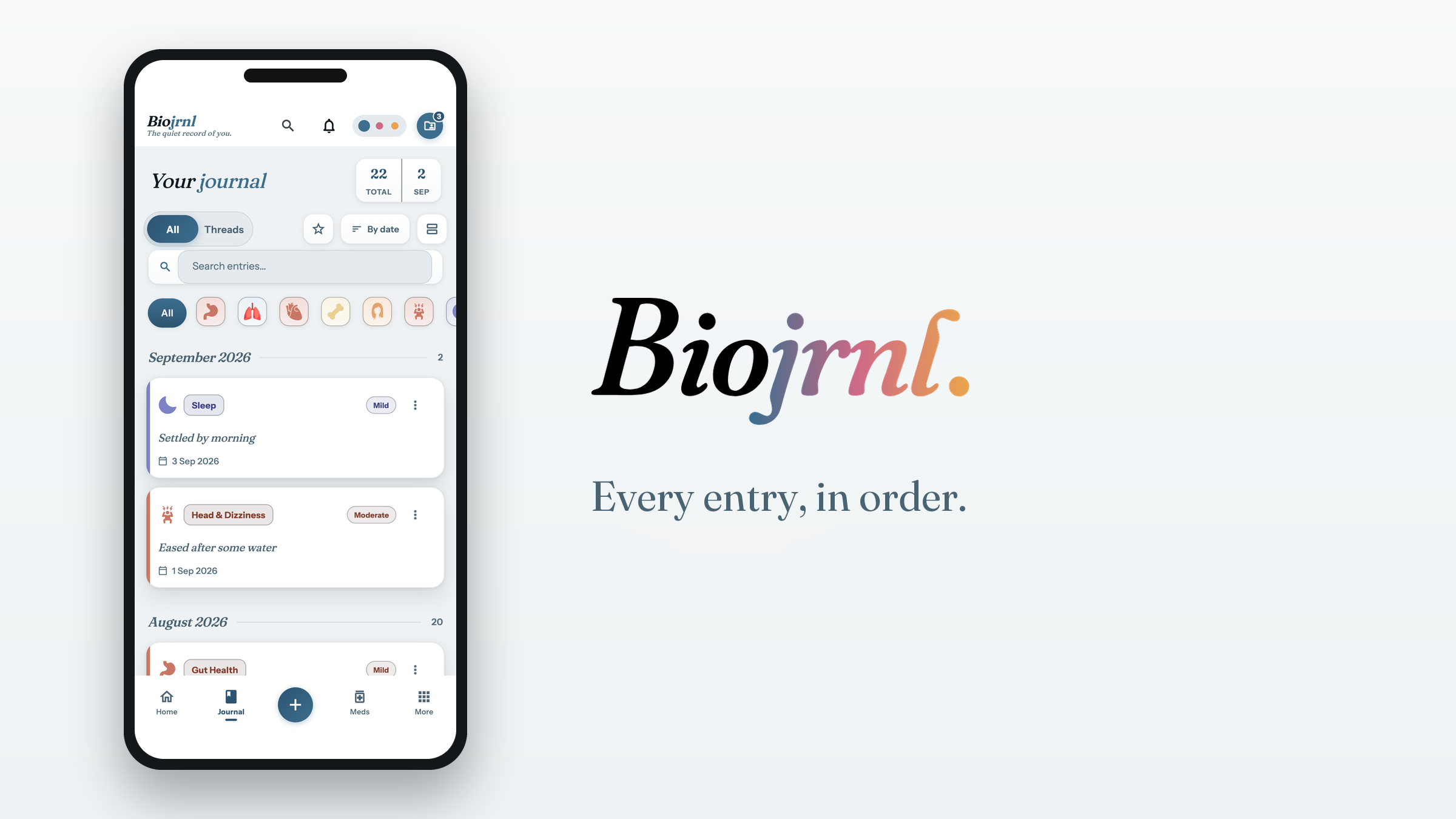
One journal, three moods
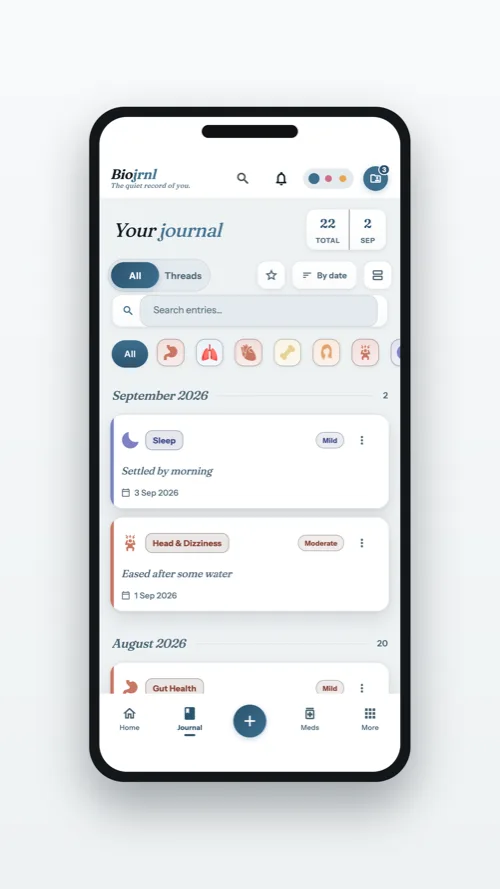
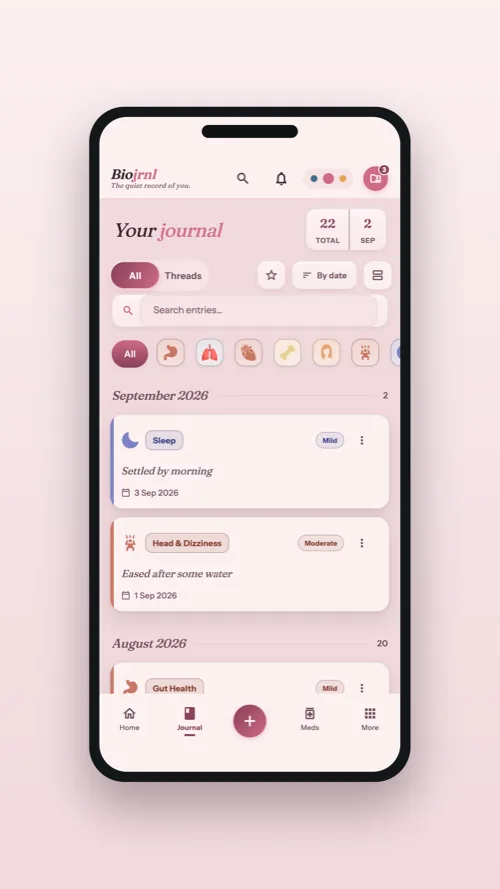
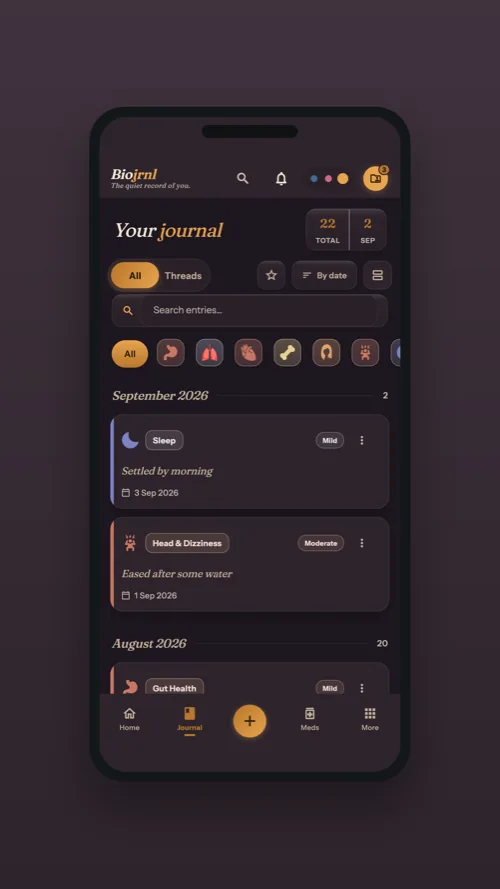
The same journal in each of the three themes. The screens below take turns across Tide, Blush and Dusk, so the set shows the app in all three.
Start an entry, in order
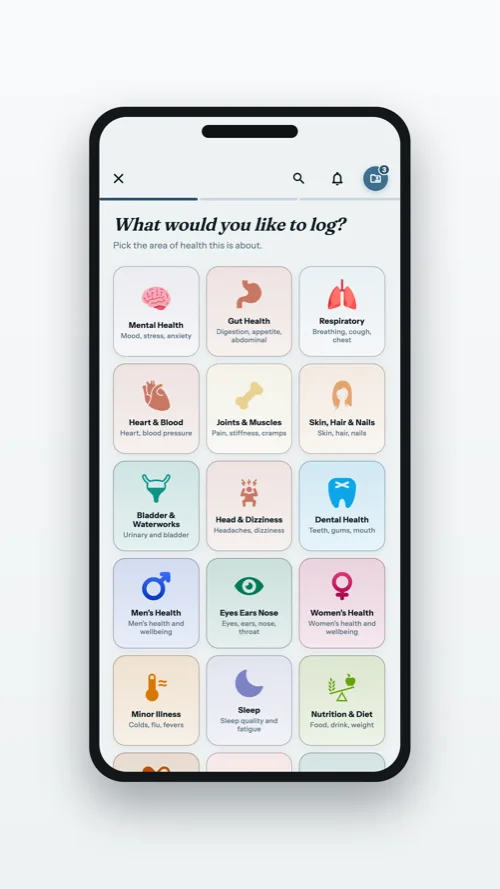
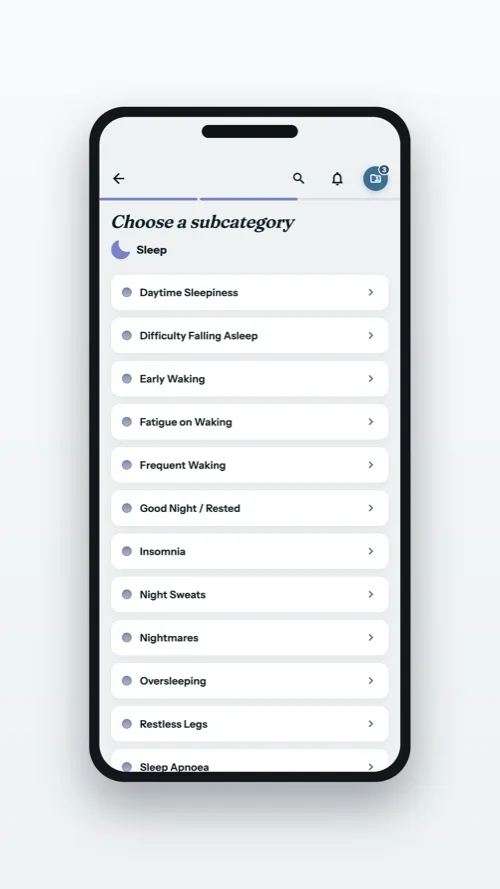
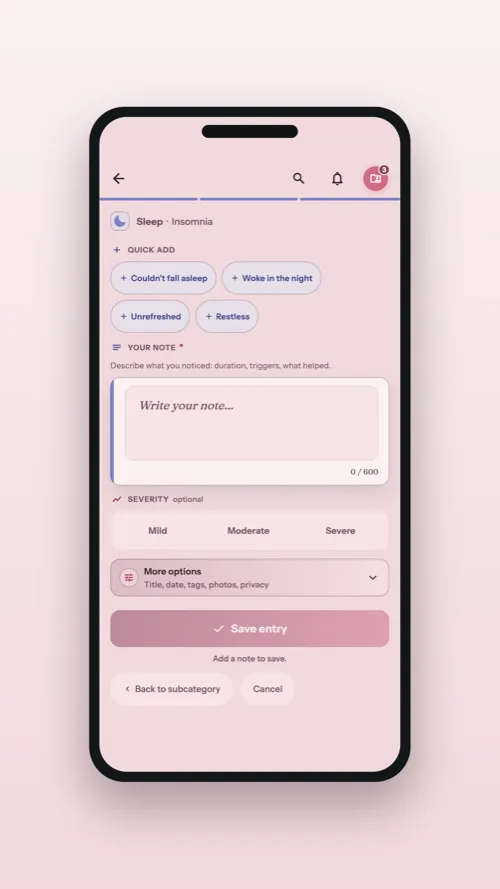
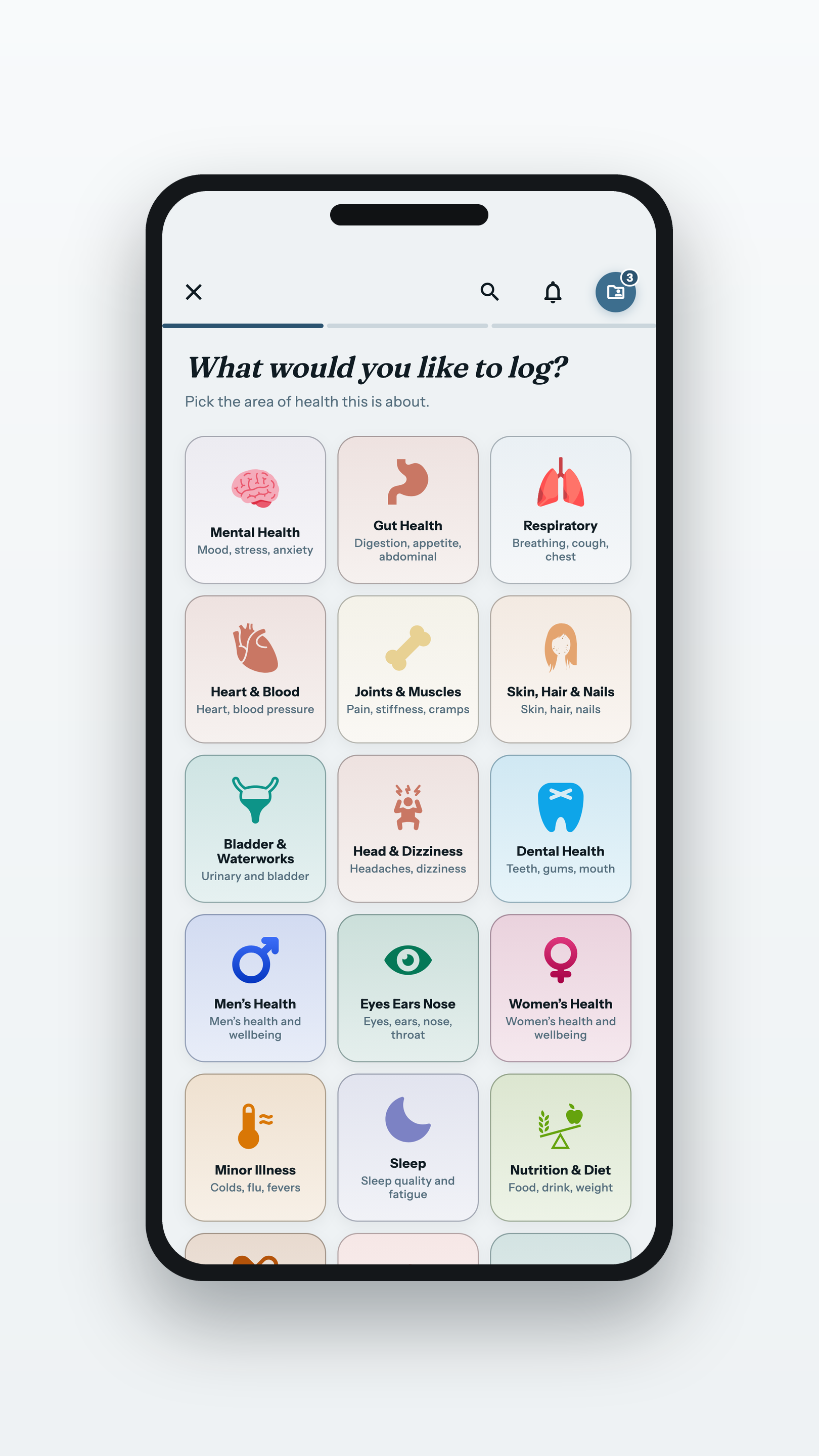
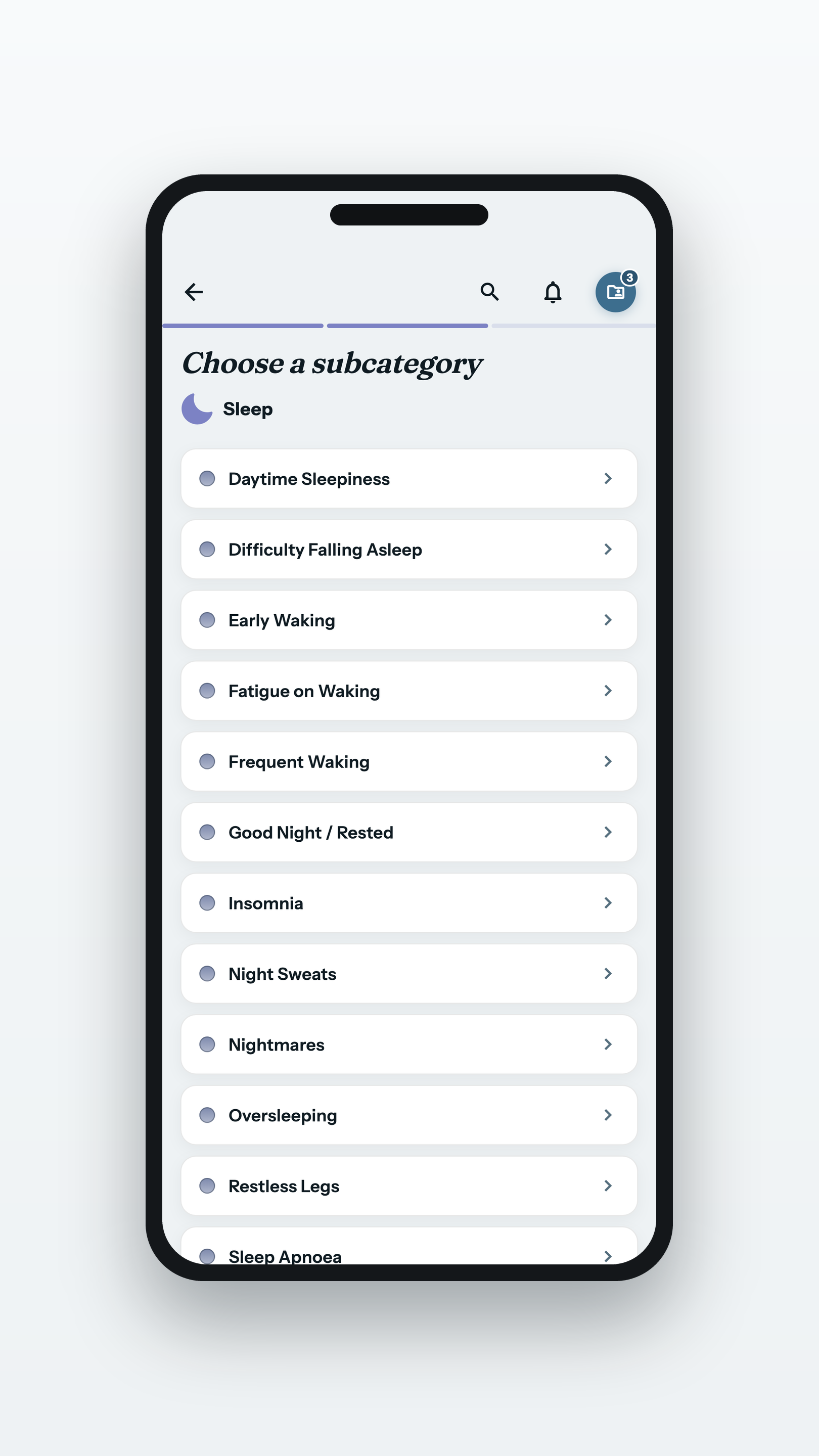
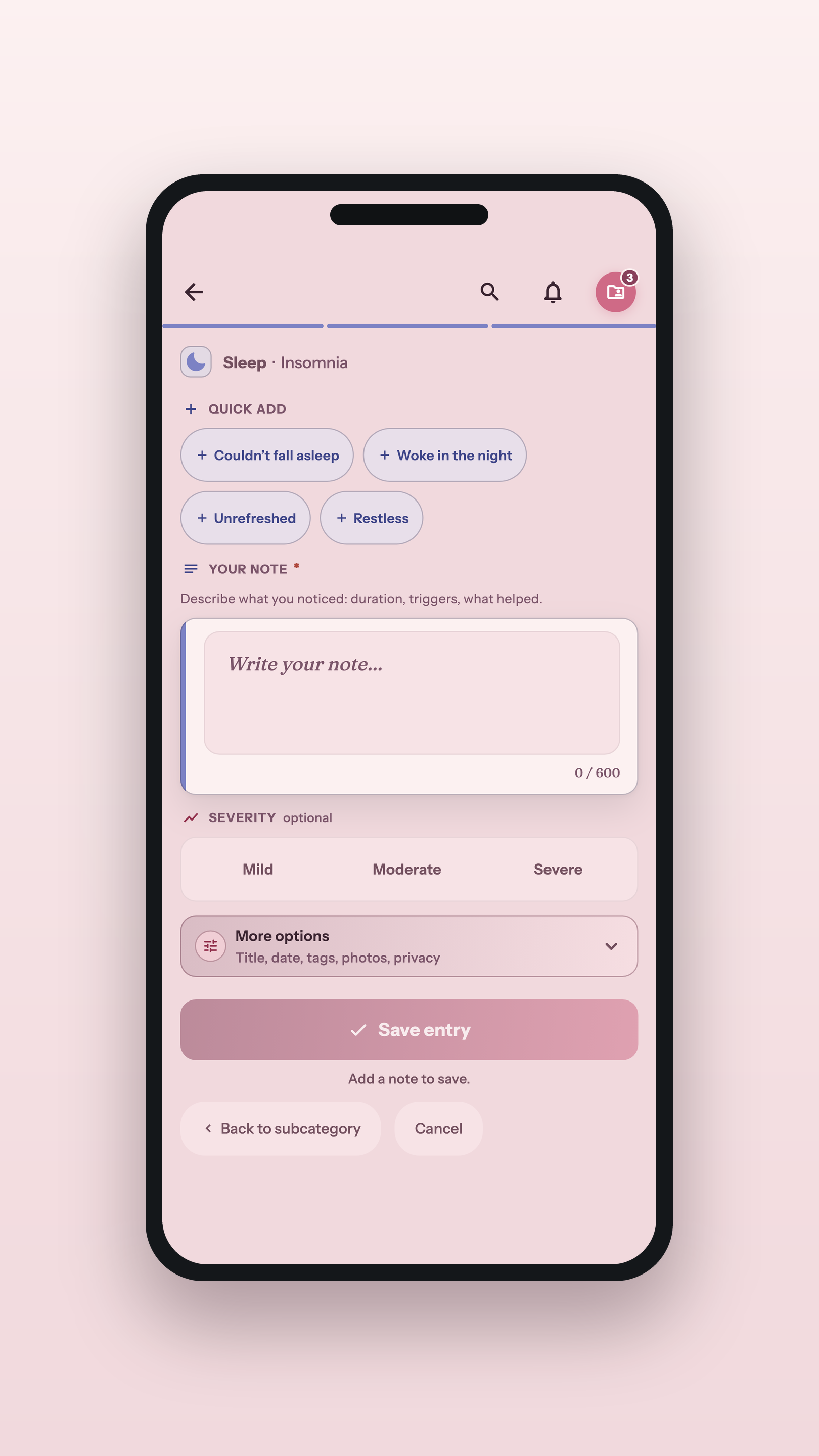
Four screens: the category picker, the subcategory picker, the growing entry and the save.
1 · Pick a categoryPNG · 1620×2880
2 · Narrow it downPNG · 1620×2880
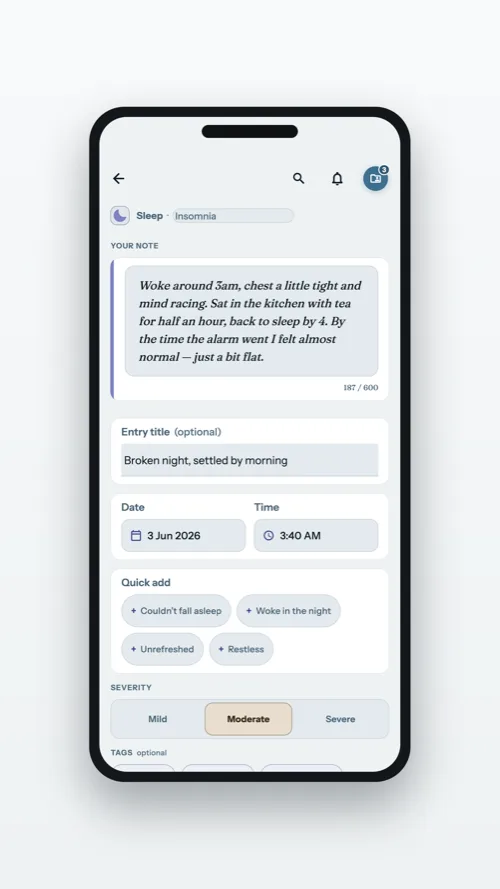
3 · The entry, growingPNG · 1620×2880
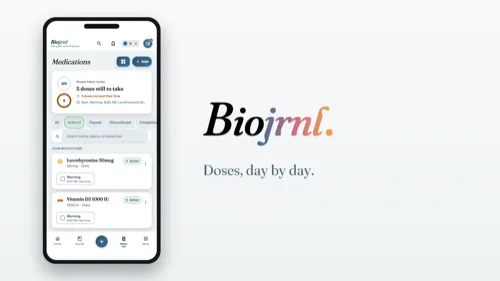
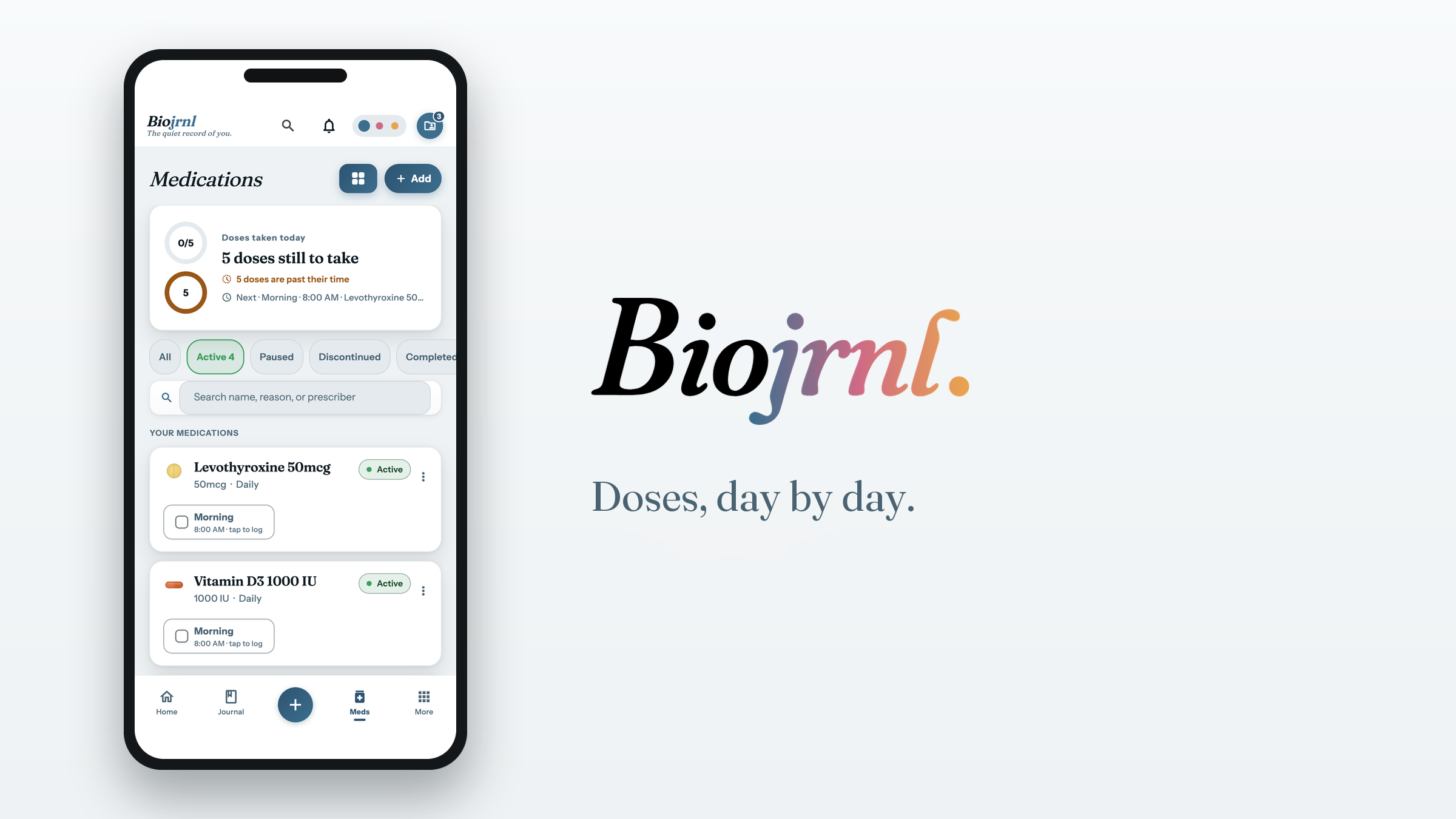
Medications, day by day
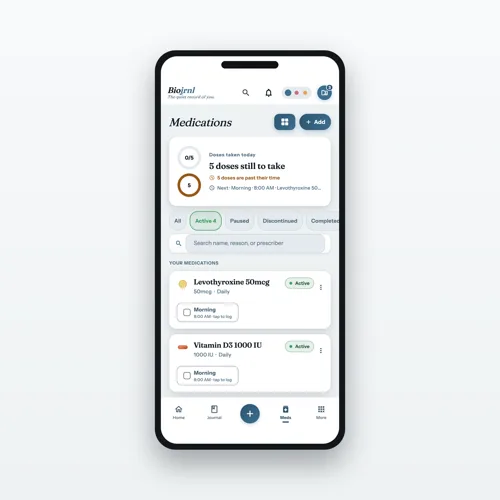
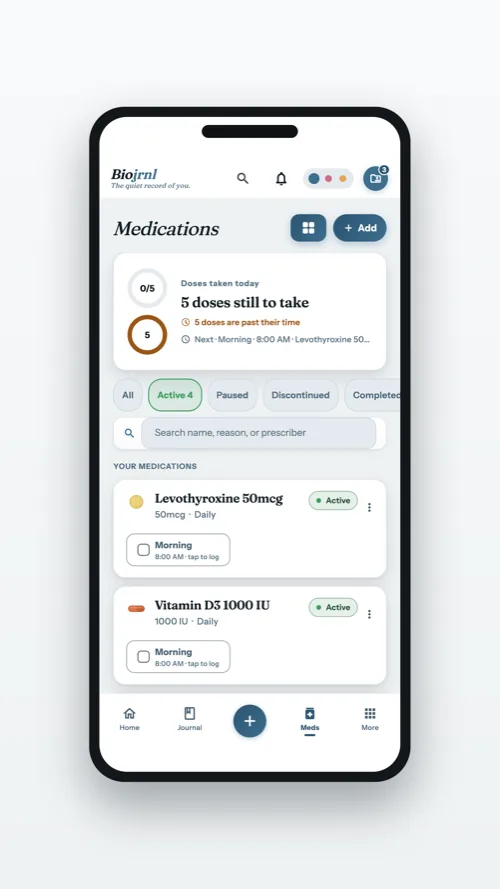
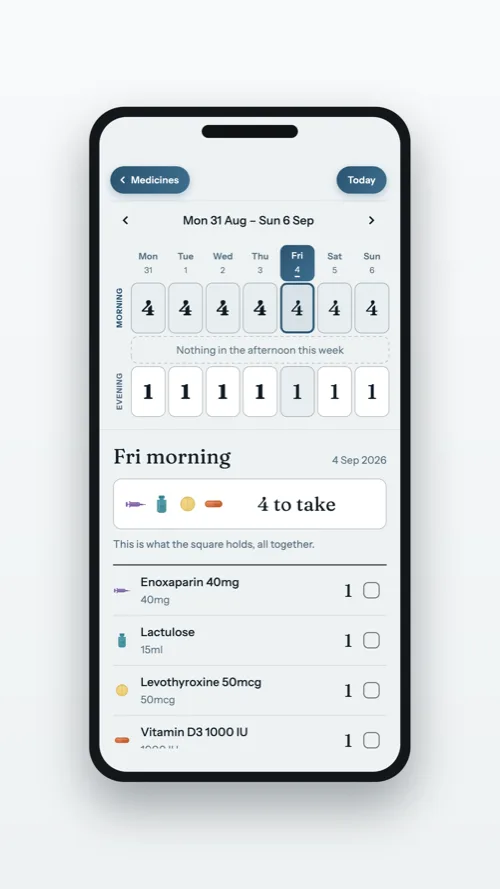
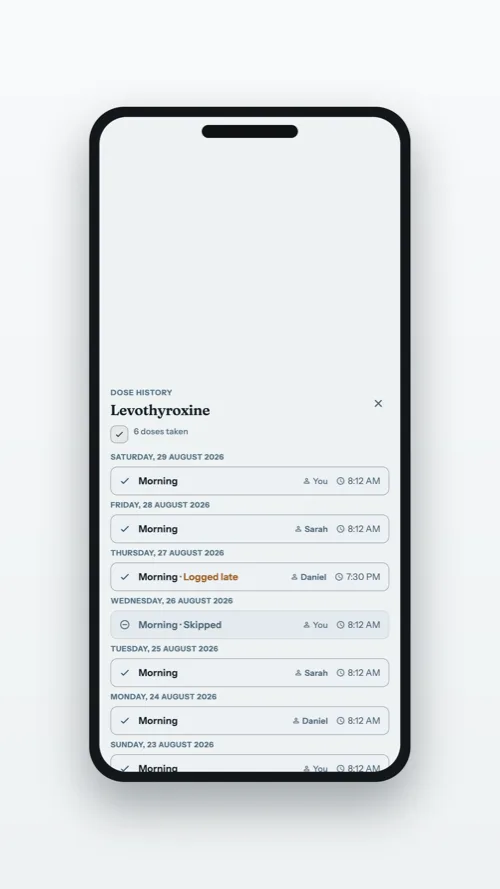
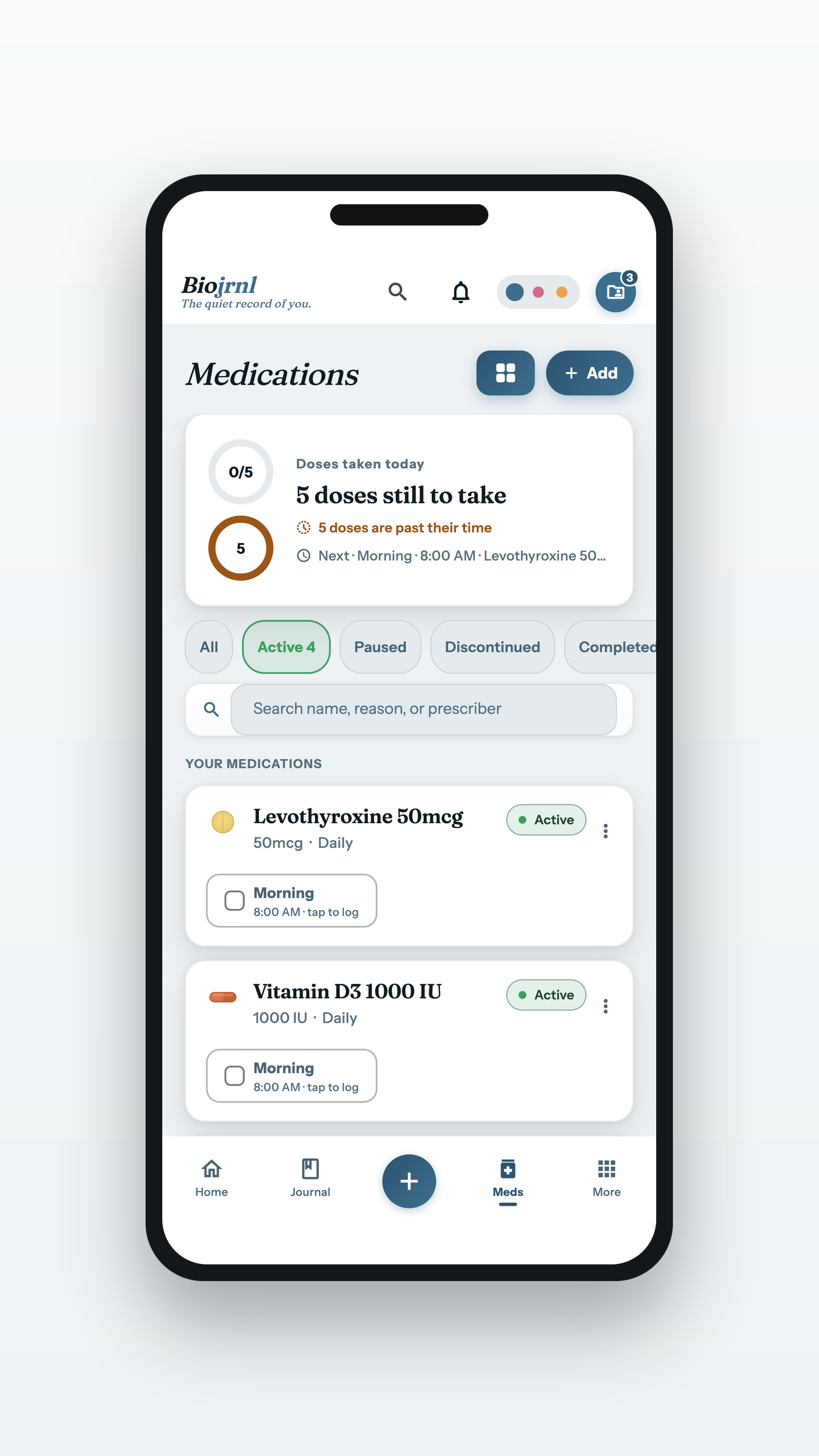
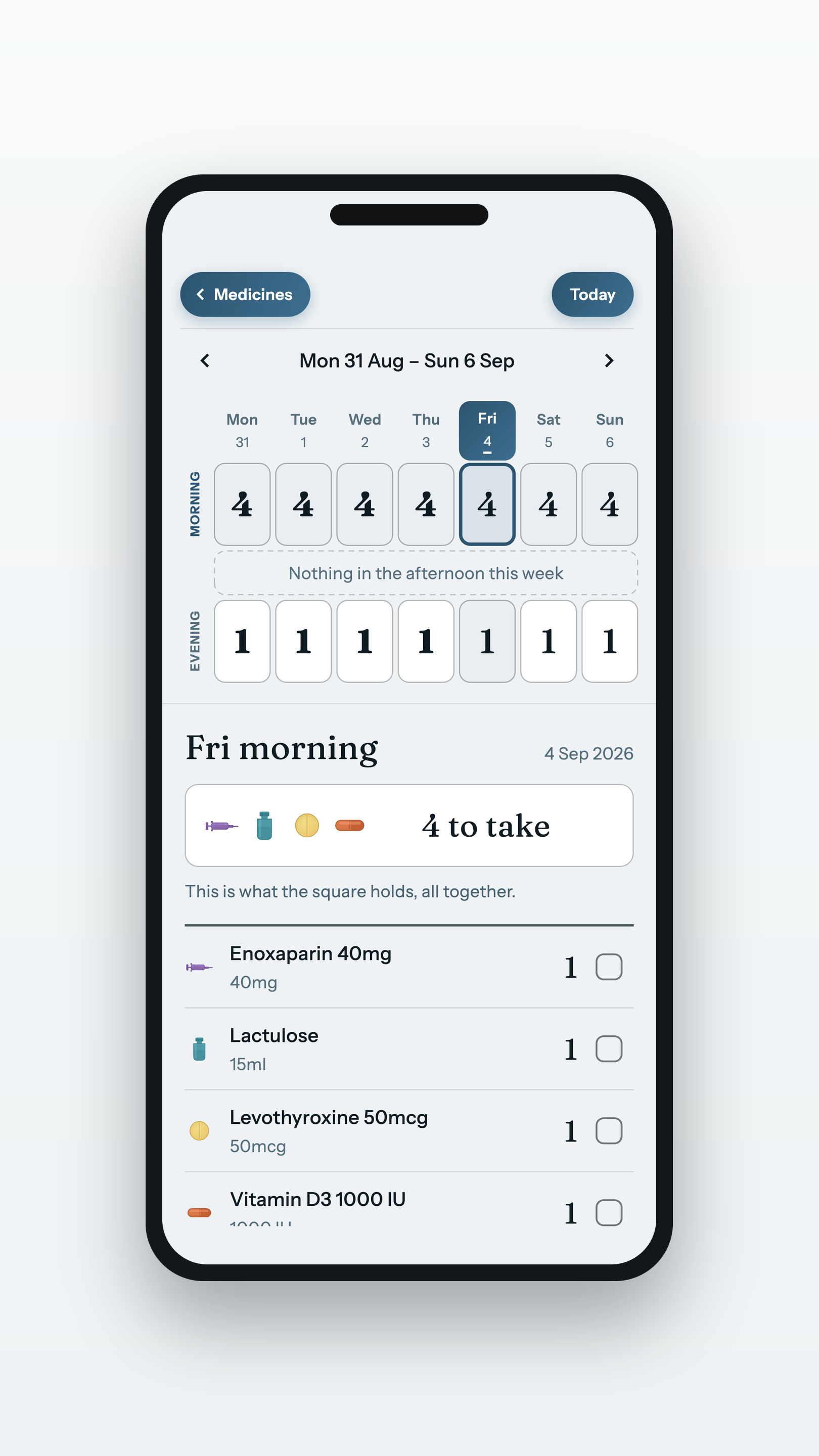
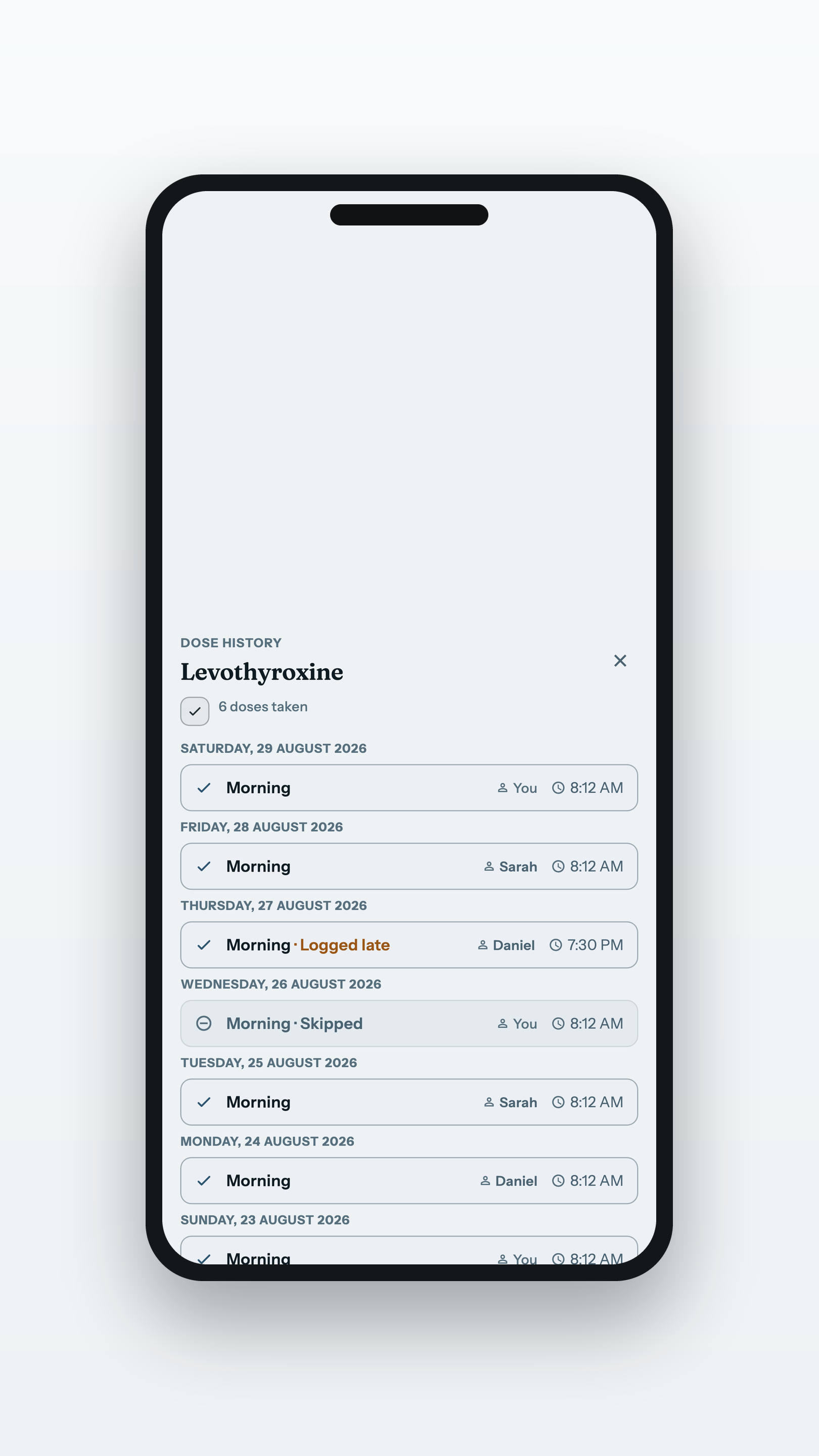
Today’s doses ticked off, the week at a glance, and the history of a shared profile: every dose named to the hand that recorded it.
The week at a glancePNG · 1620×2880
Who gave each dosePNG · 1620×2880
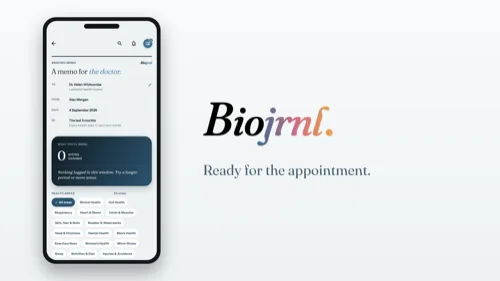
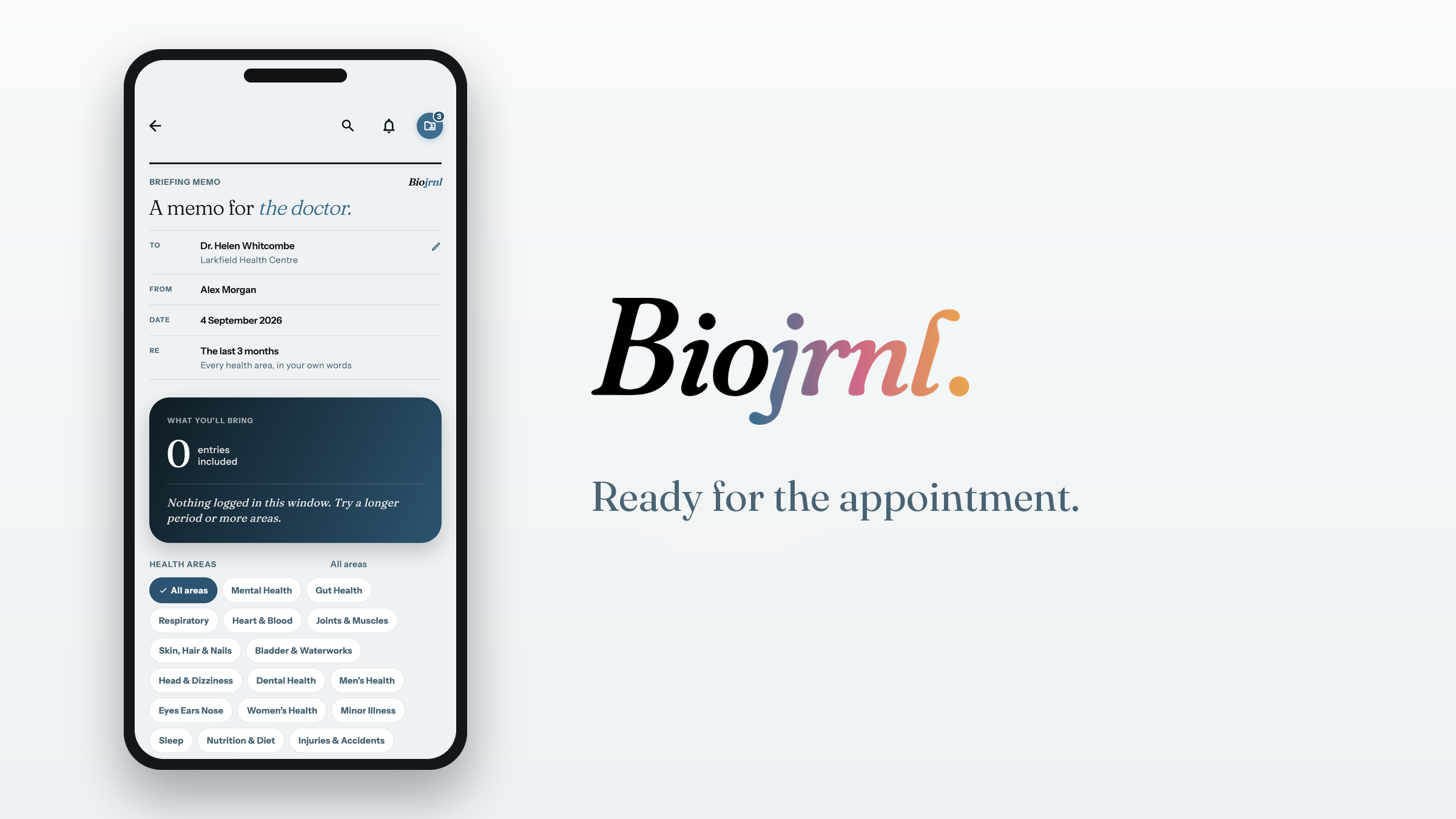
For the appointment
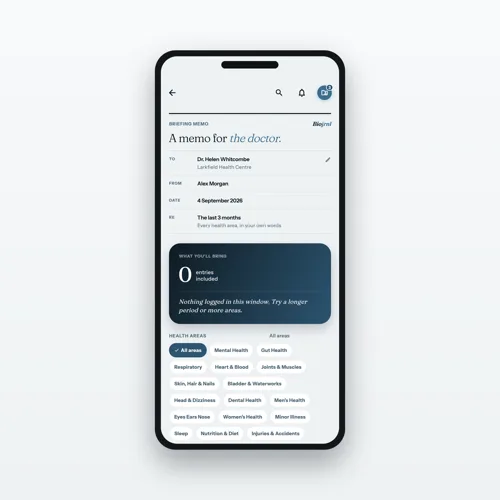
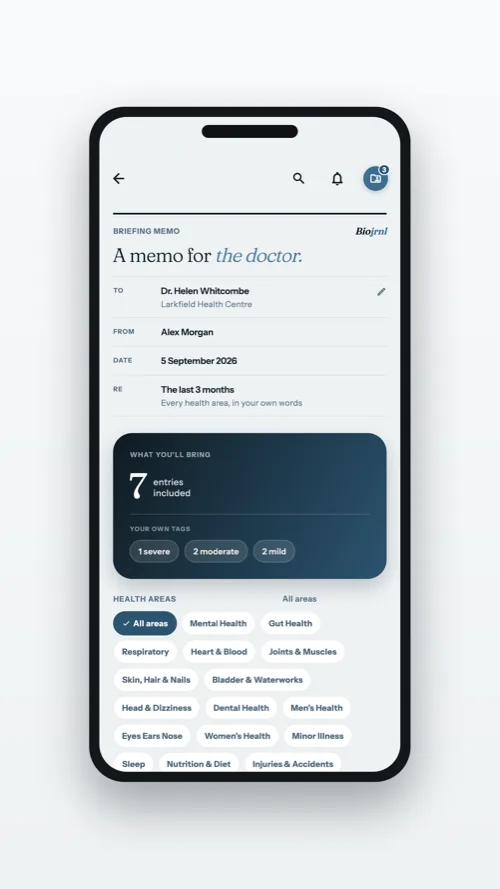
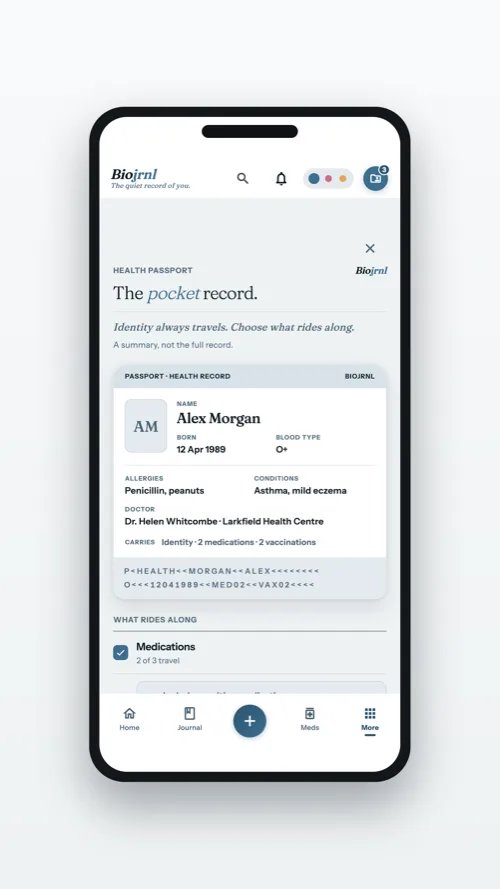
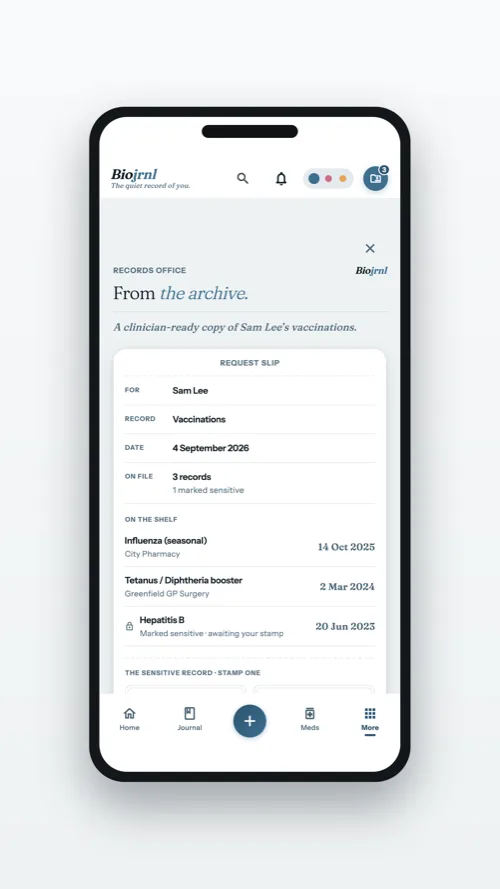
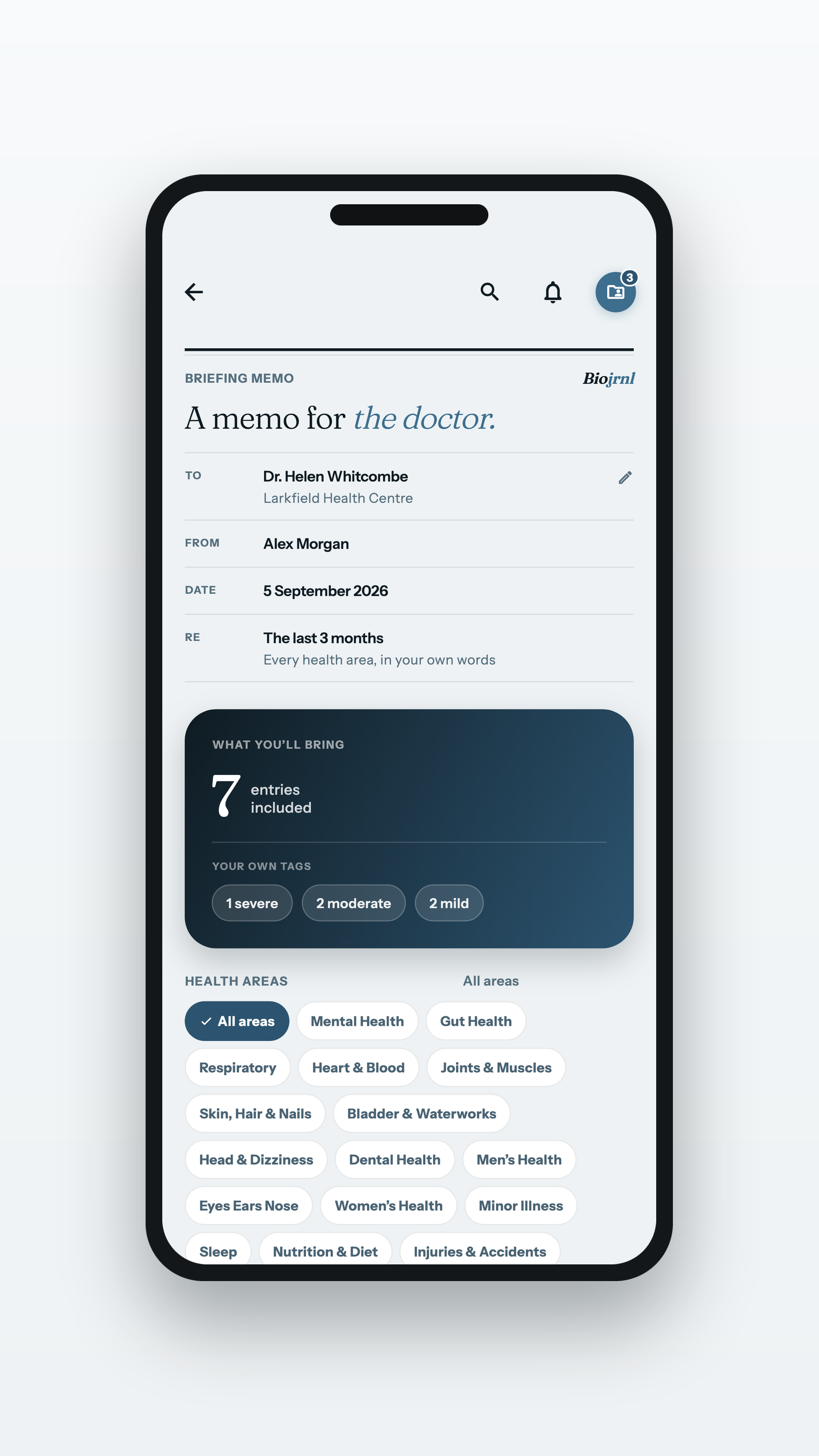
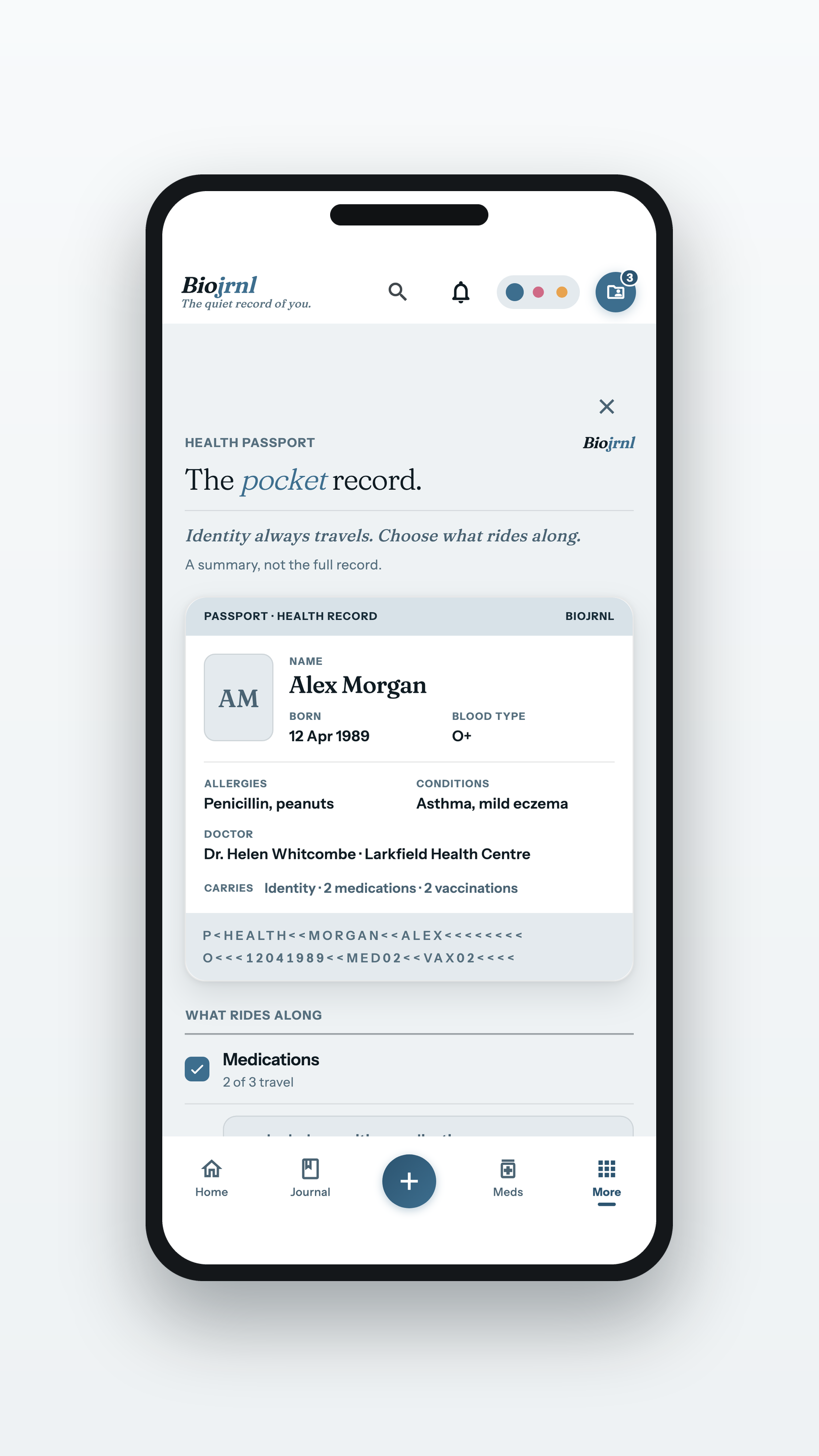
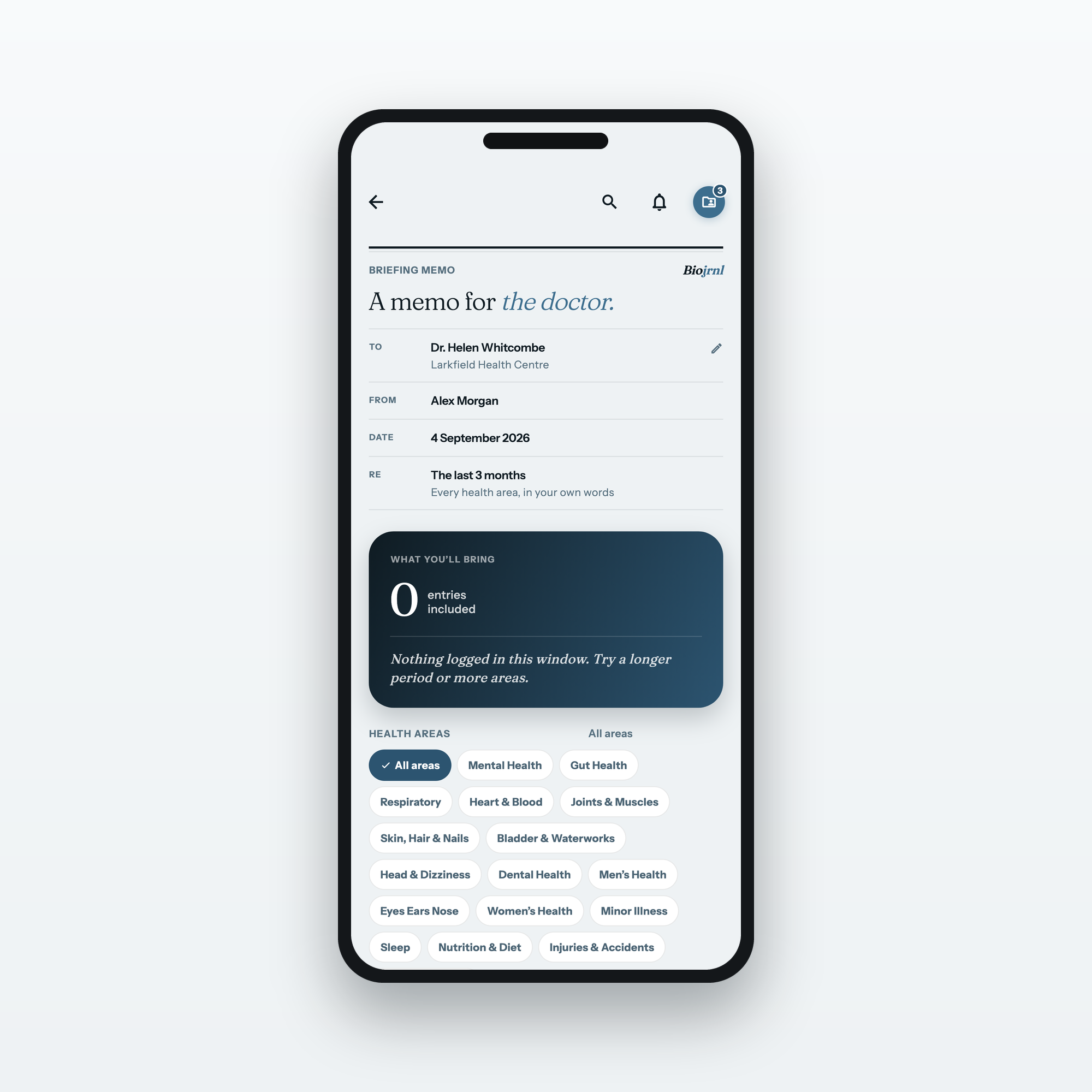
Get ready, walk in with the essentials on one card, and hand over a copy of the record itself.
A copy of the recordPNG · 1620×2880
On paper
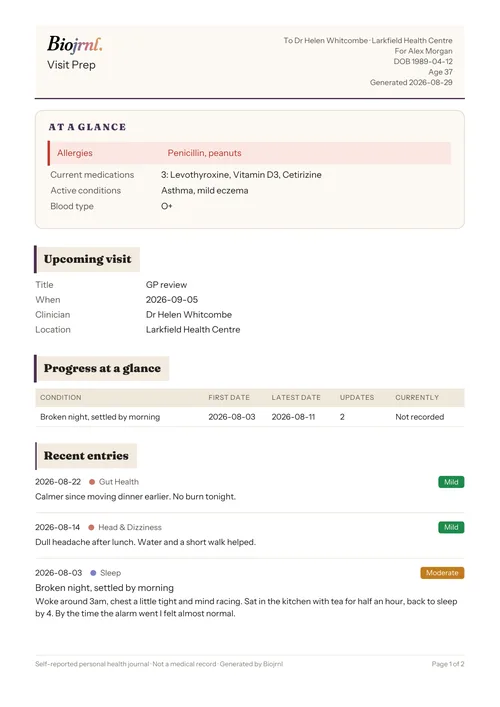
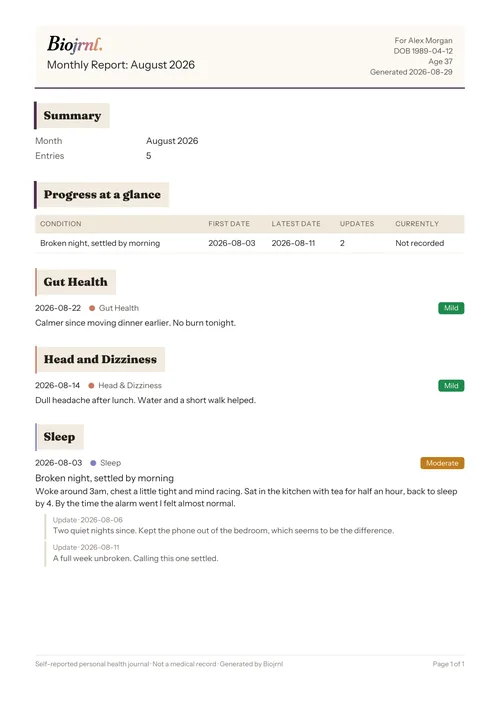
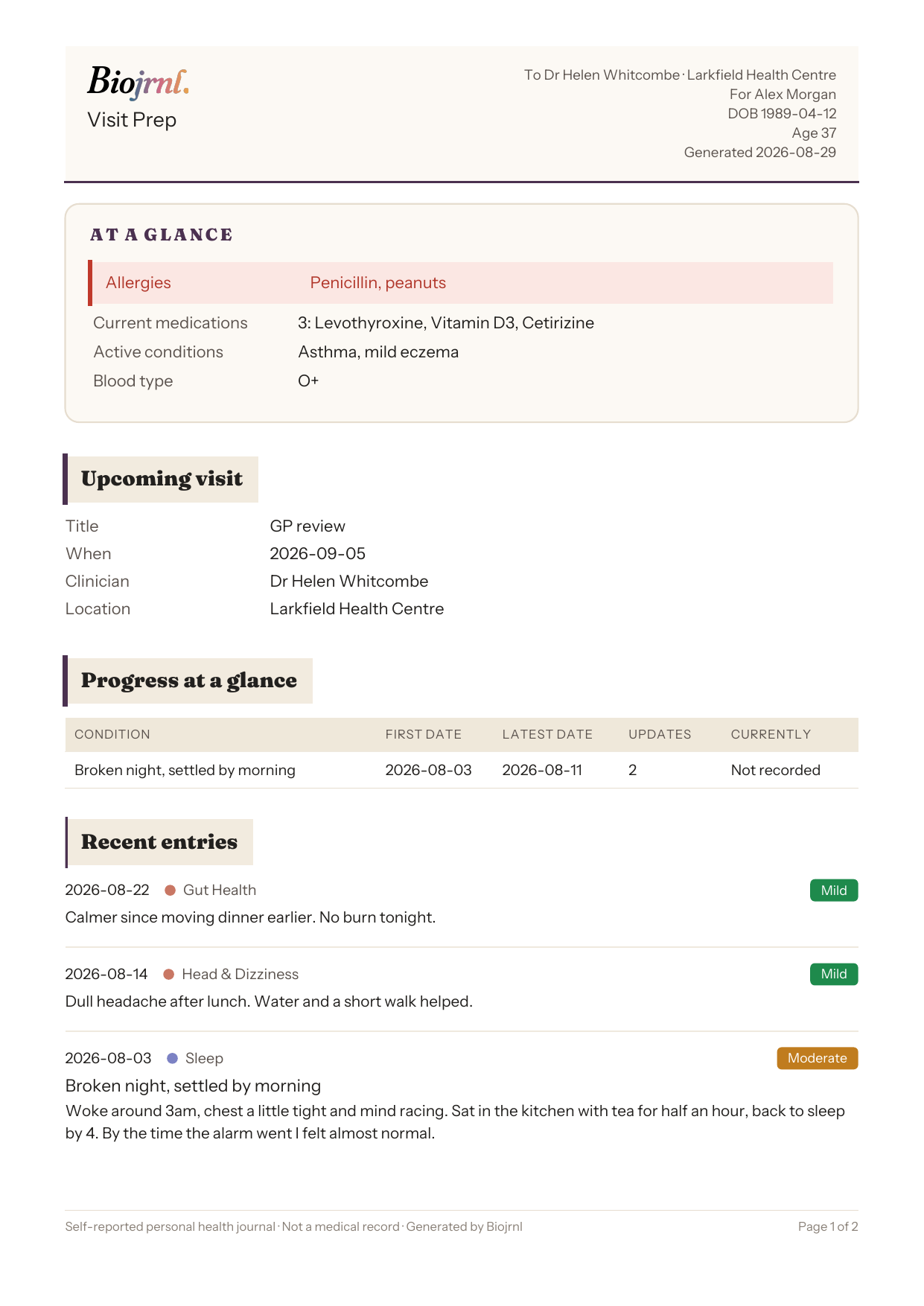
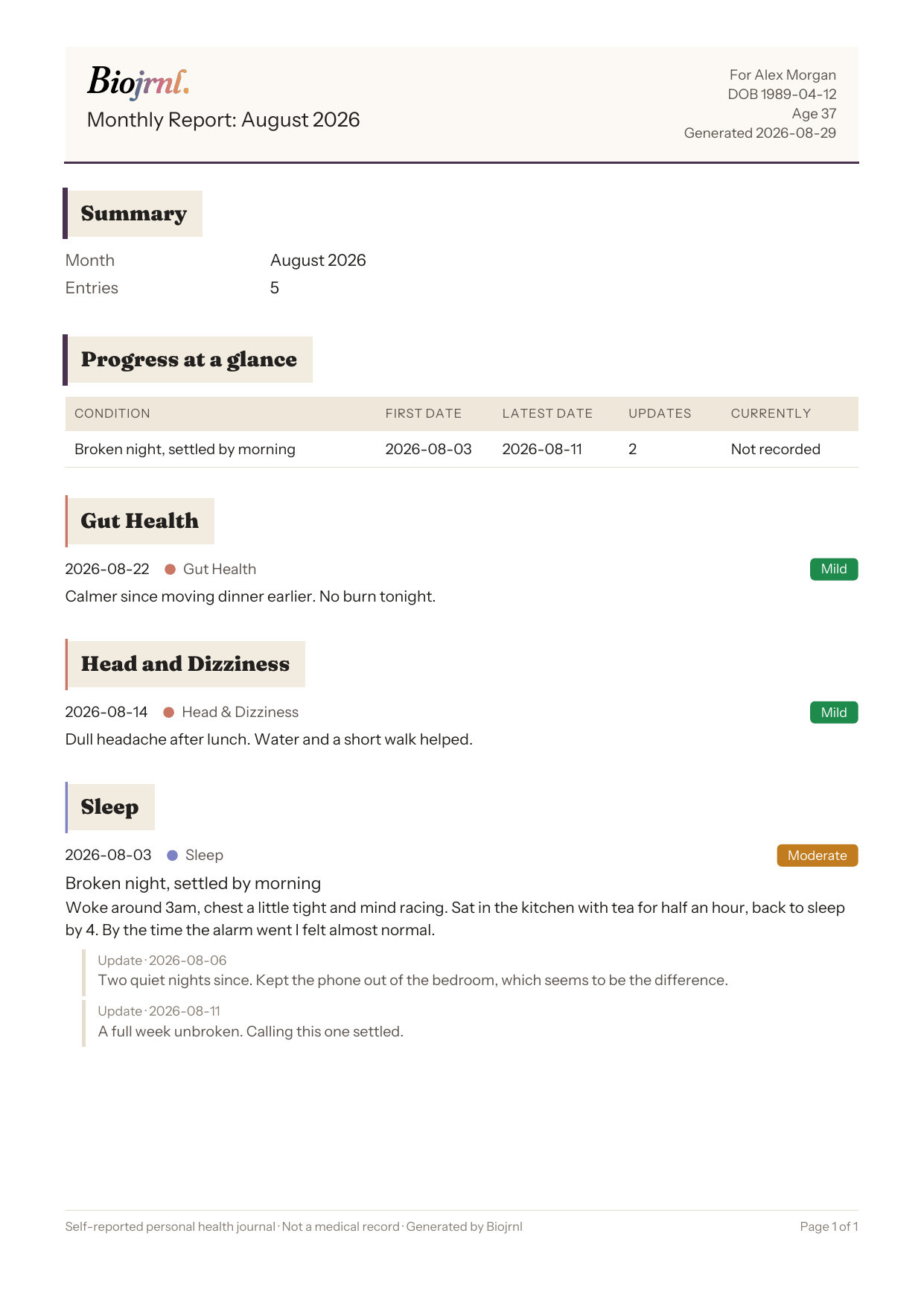
What the doctor actually receives: the Visit Prep memo and a monthly report with a thread and its updates, exported straight from the app.
Visit Prep, exportedPNG · A4 page
Getting around
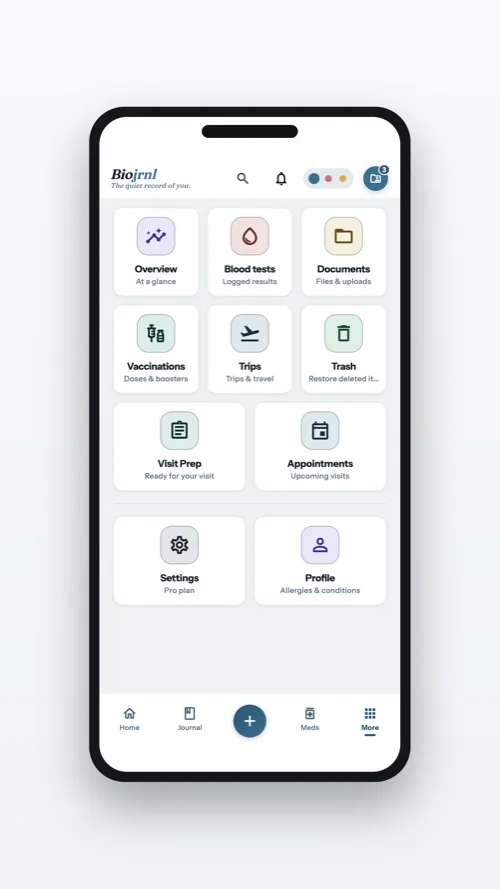
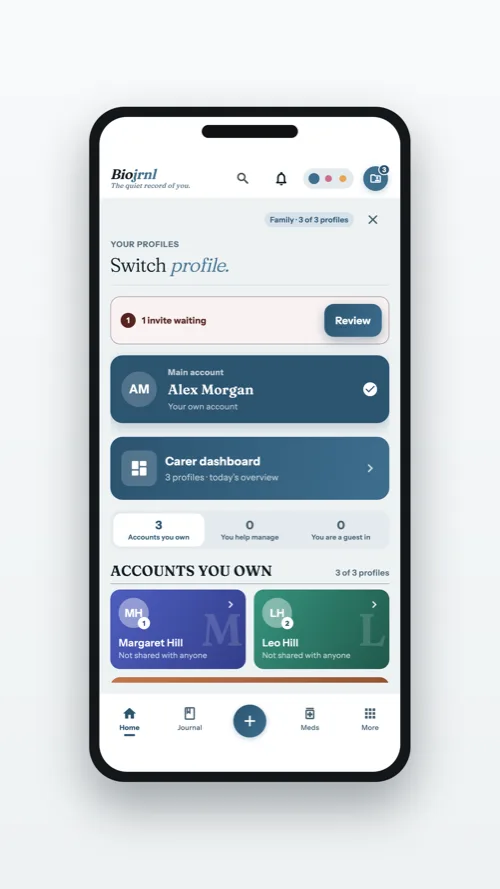
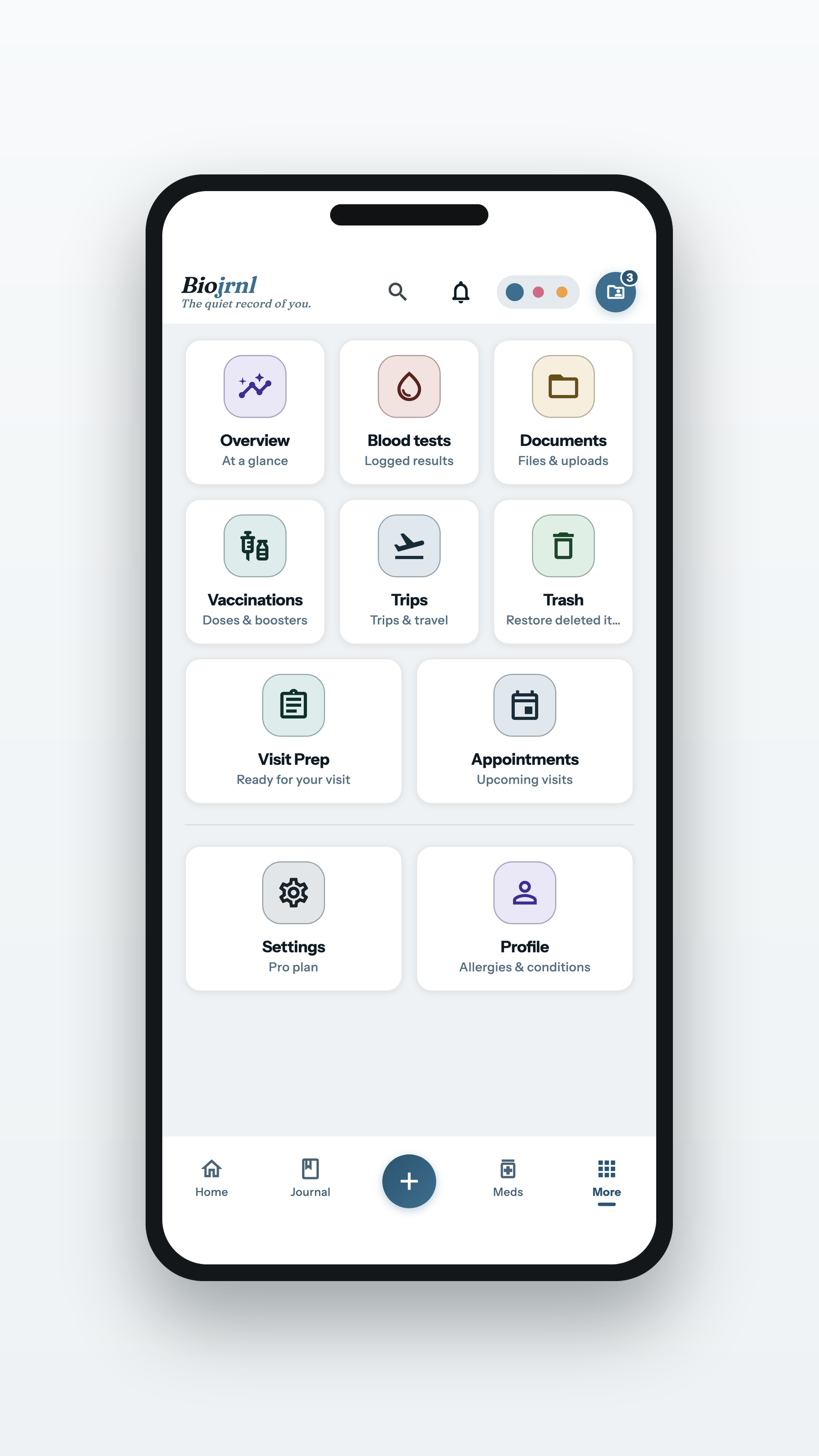
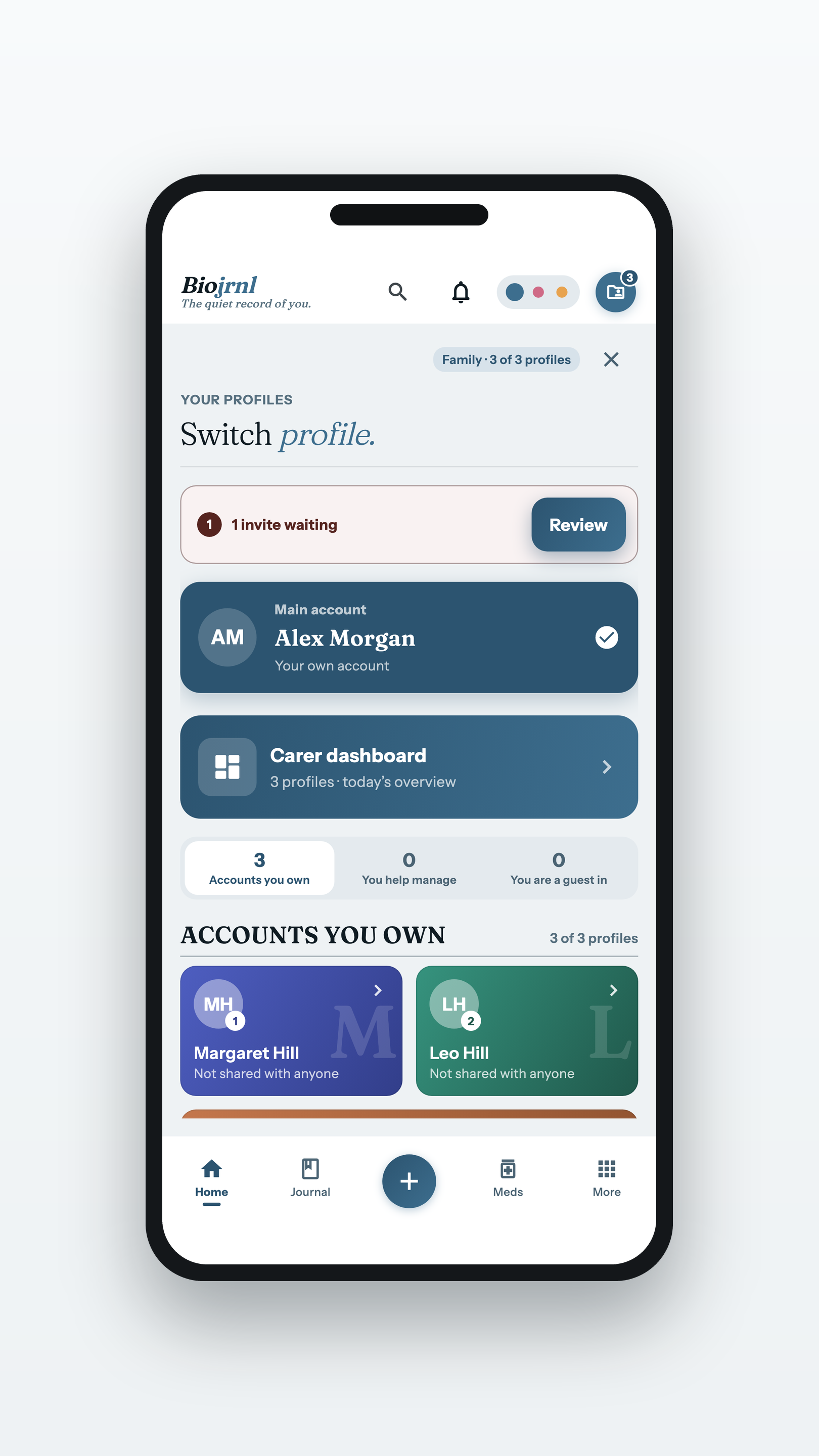
The rest of the app one tap away, and switching between the profiles you hold.
Results and records
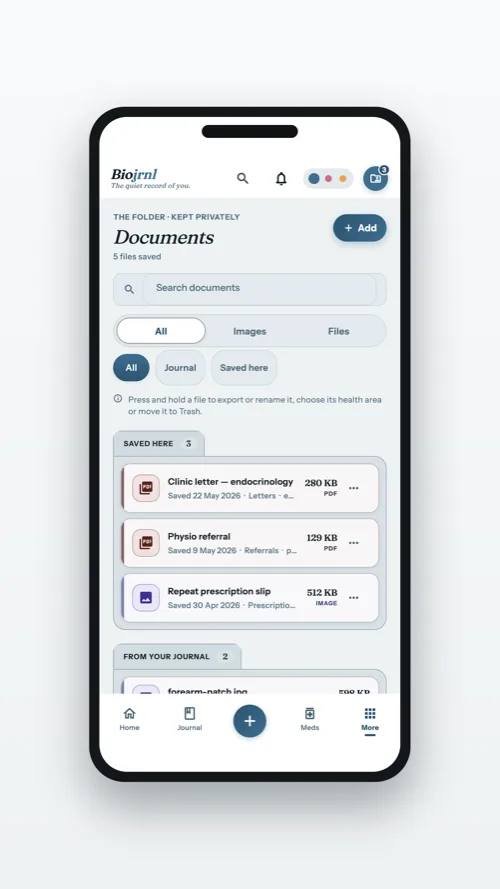
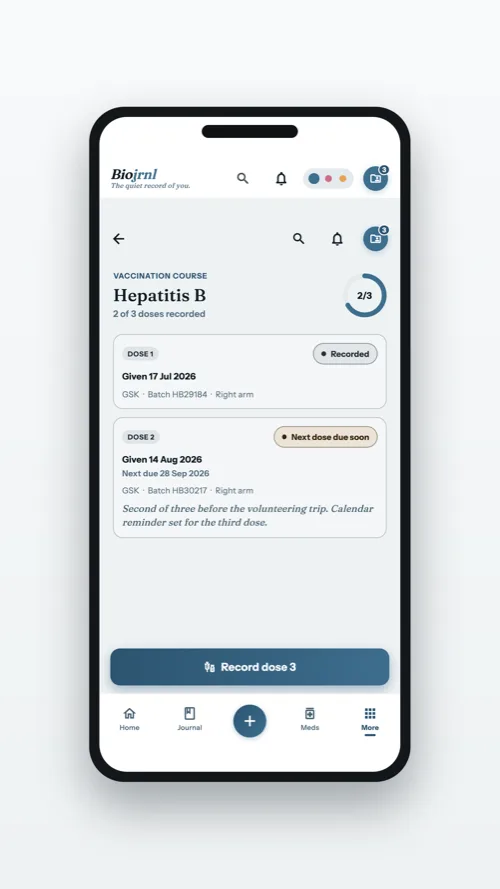
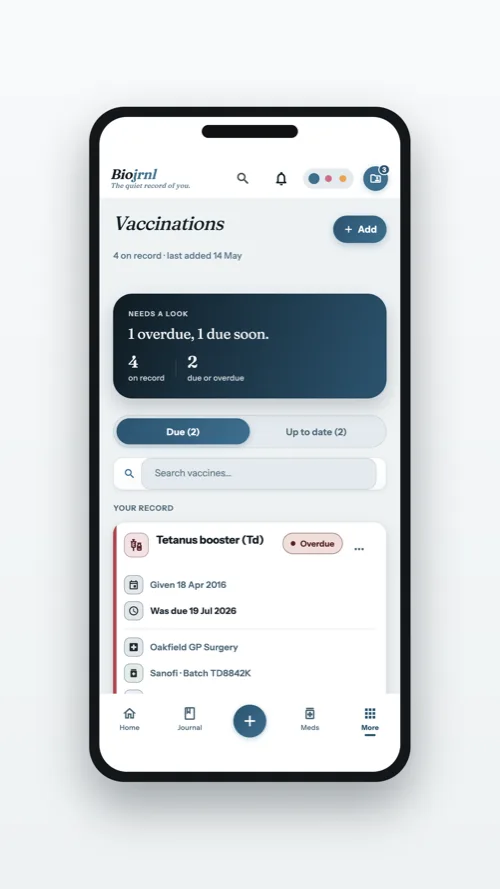
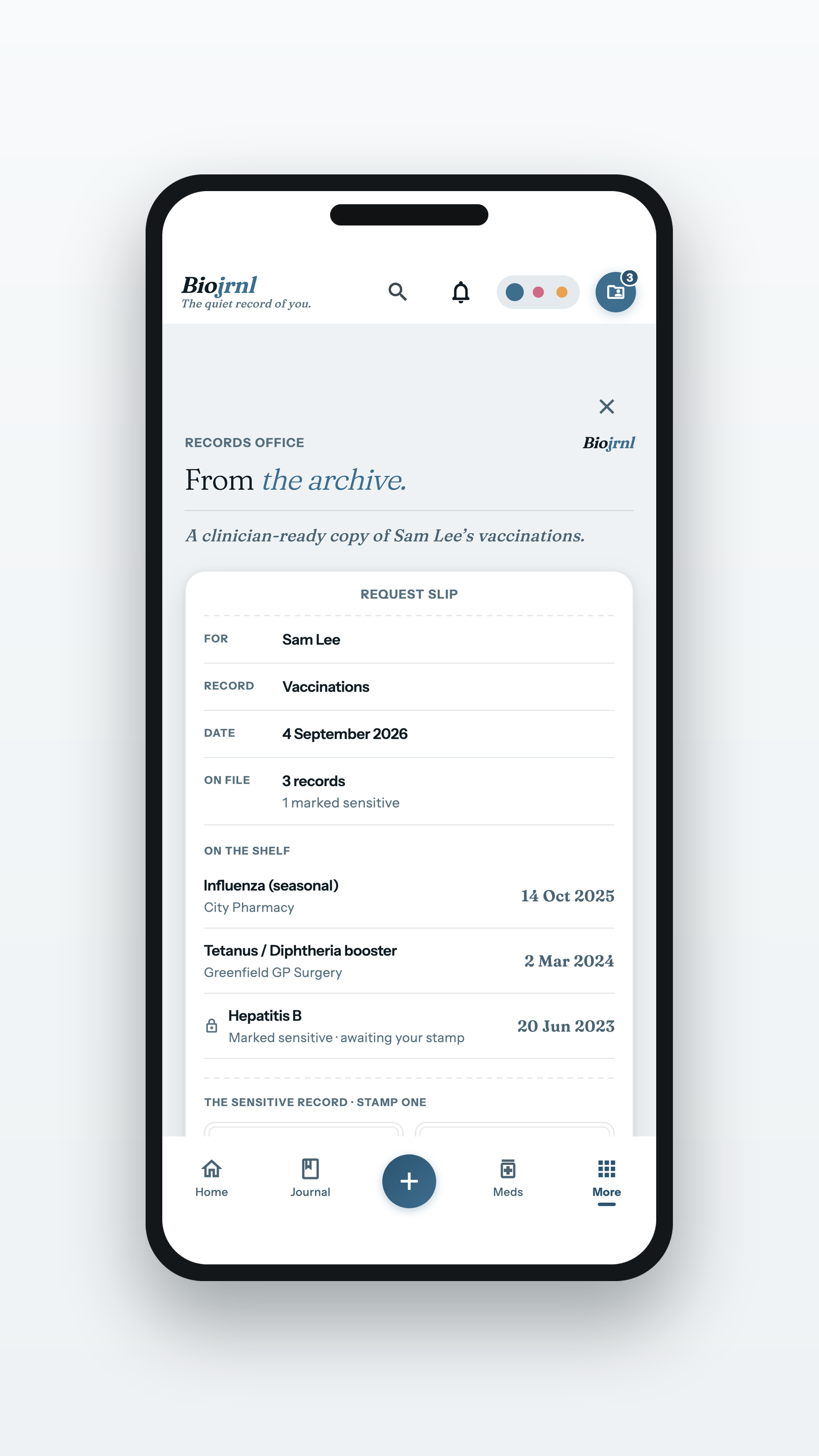
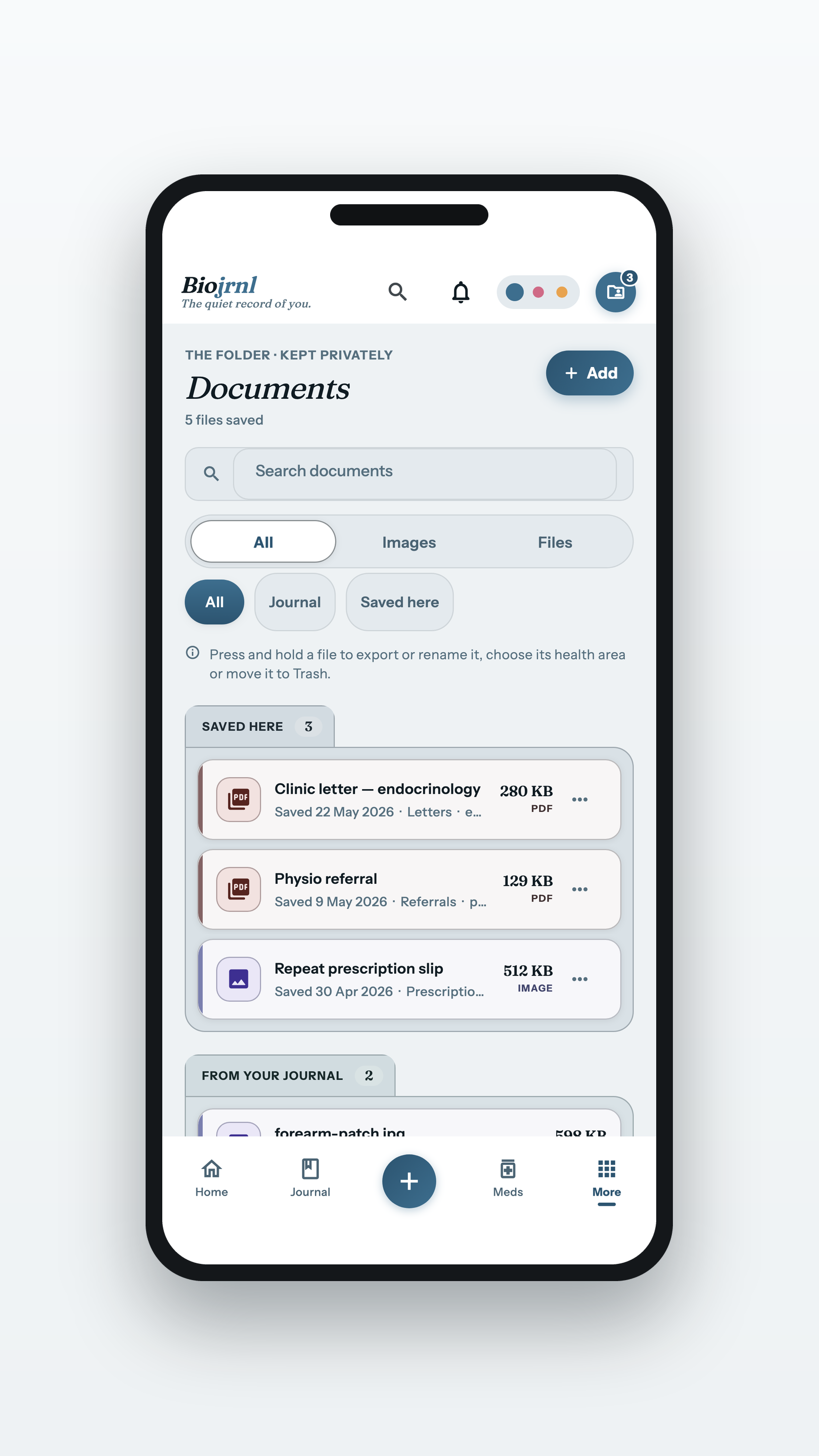
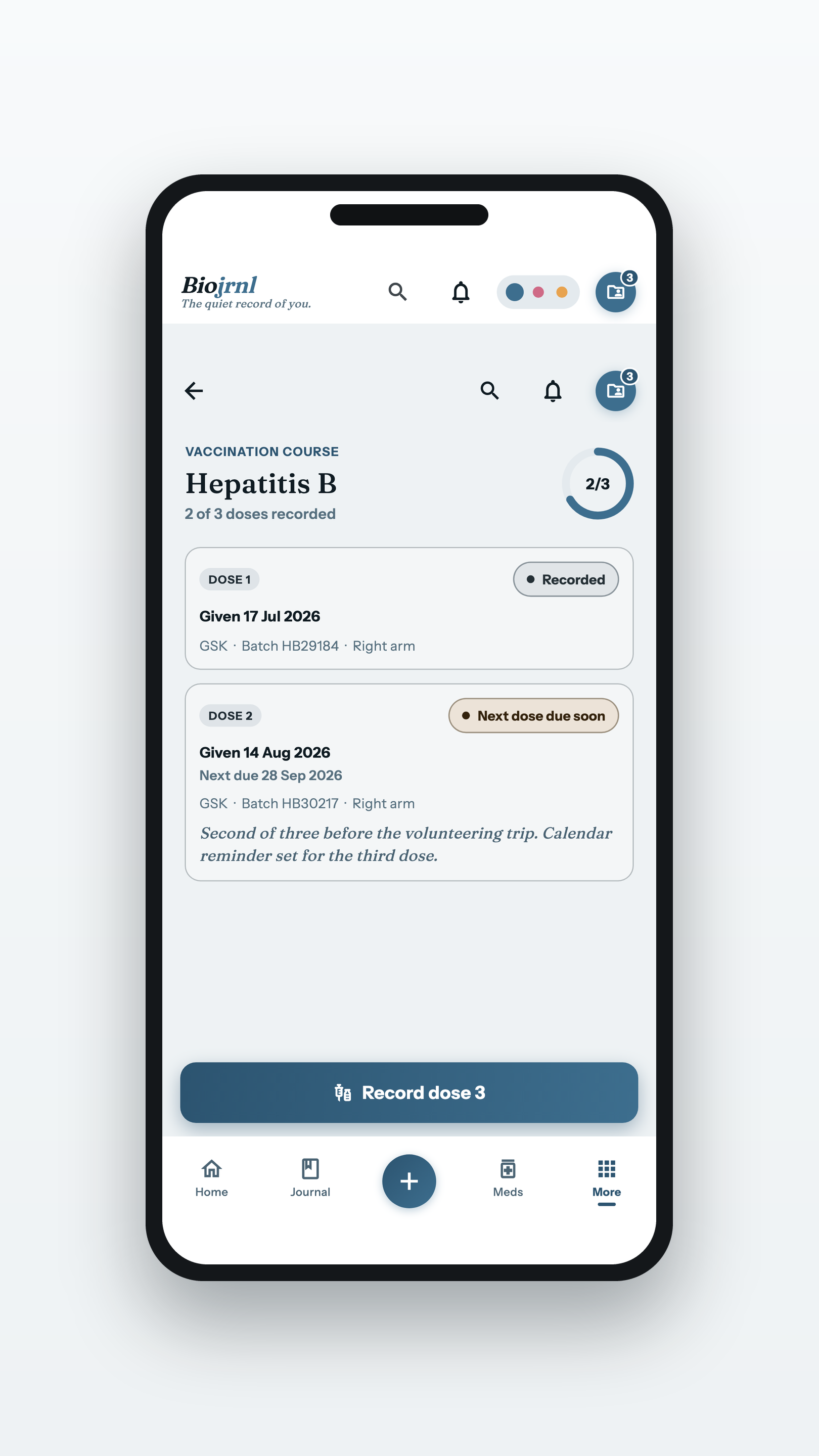
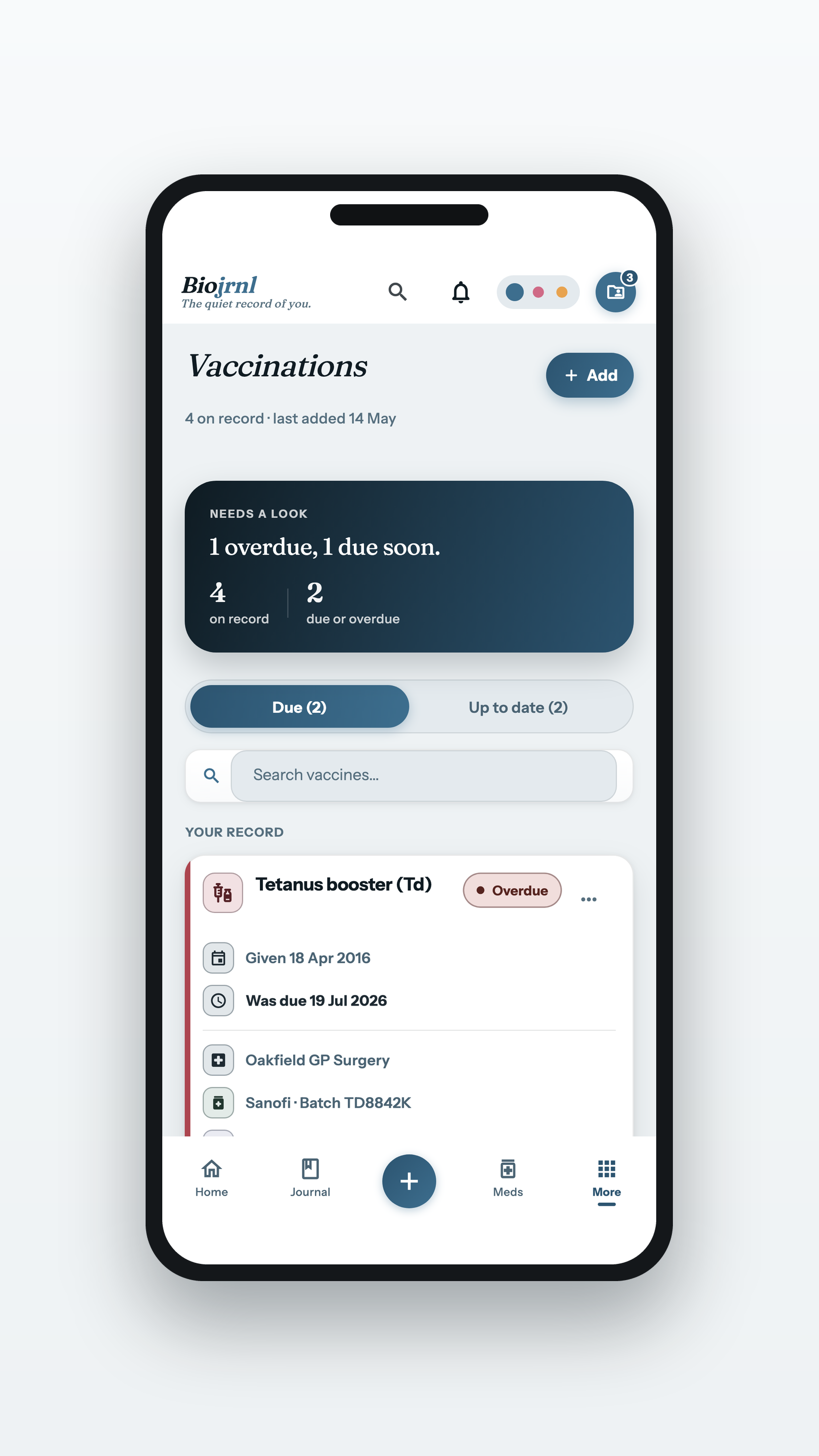
The documents folder, the vaccination record, and a vaccination course recorded dose by dose.
A course, dose by dosePNG · 1620×2880
A month in
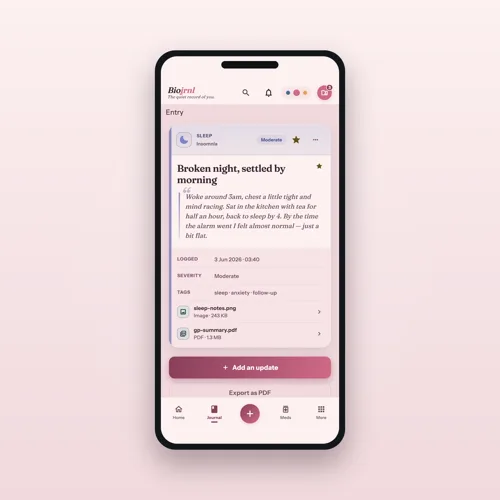
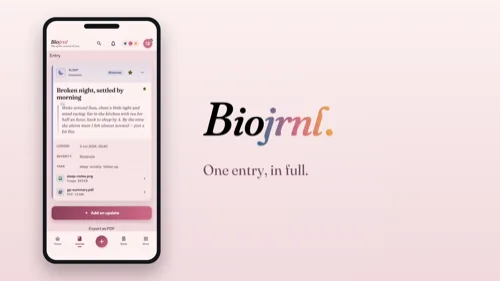
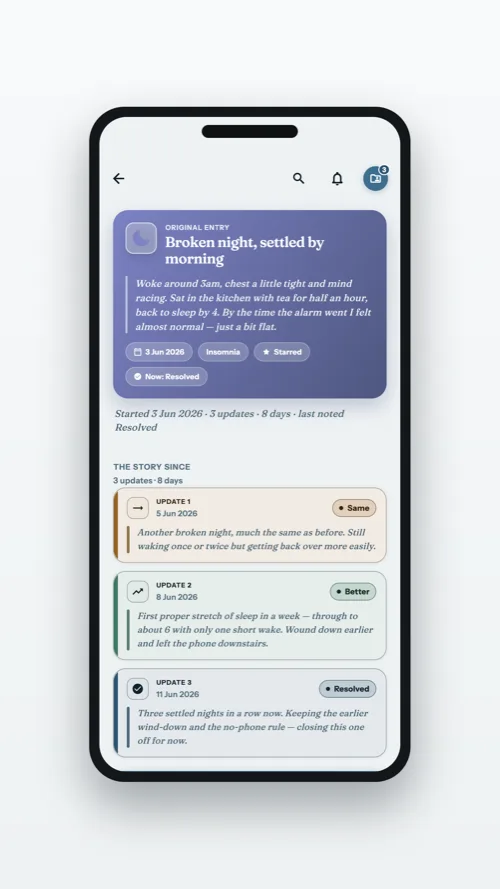
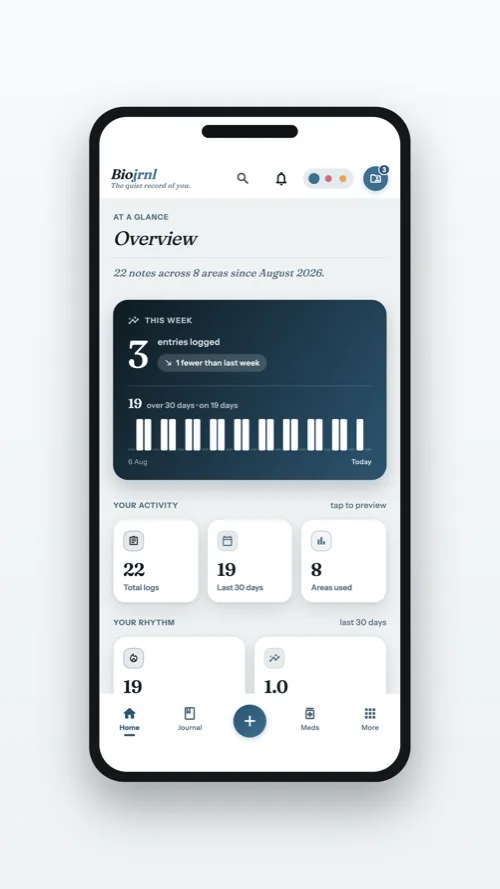
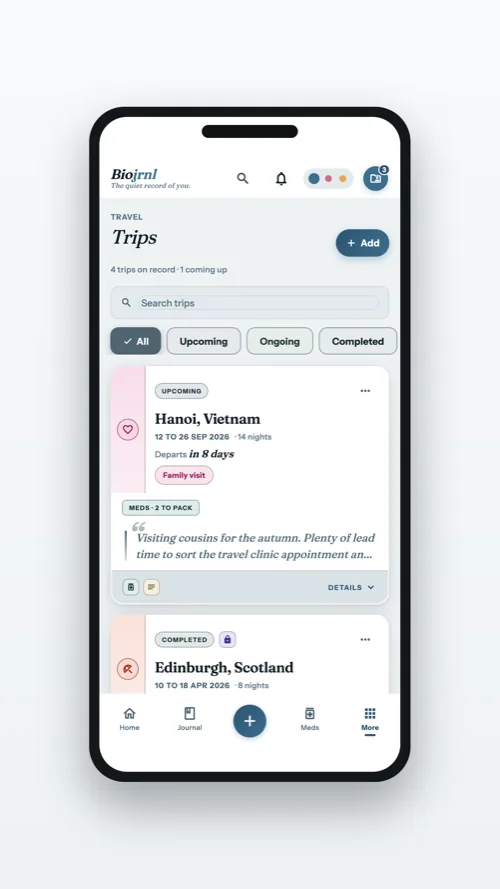
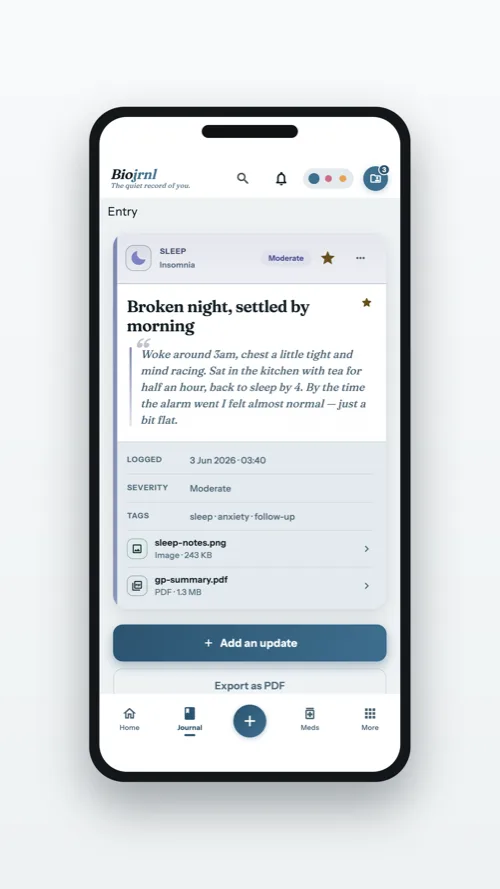
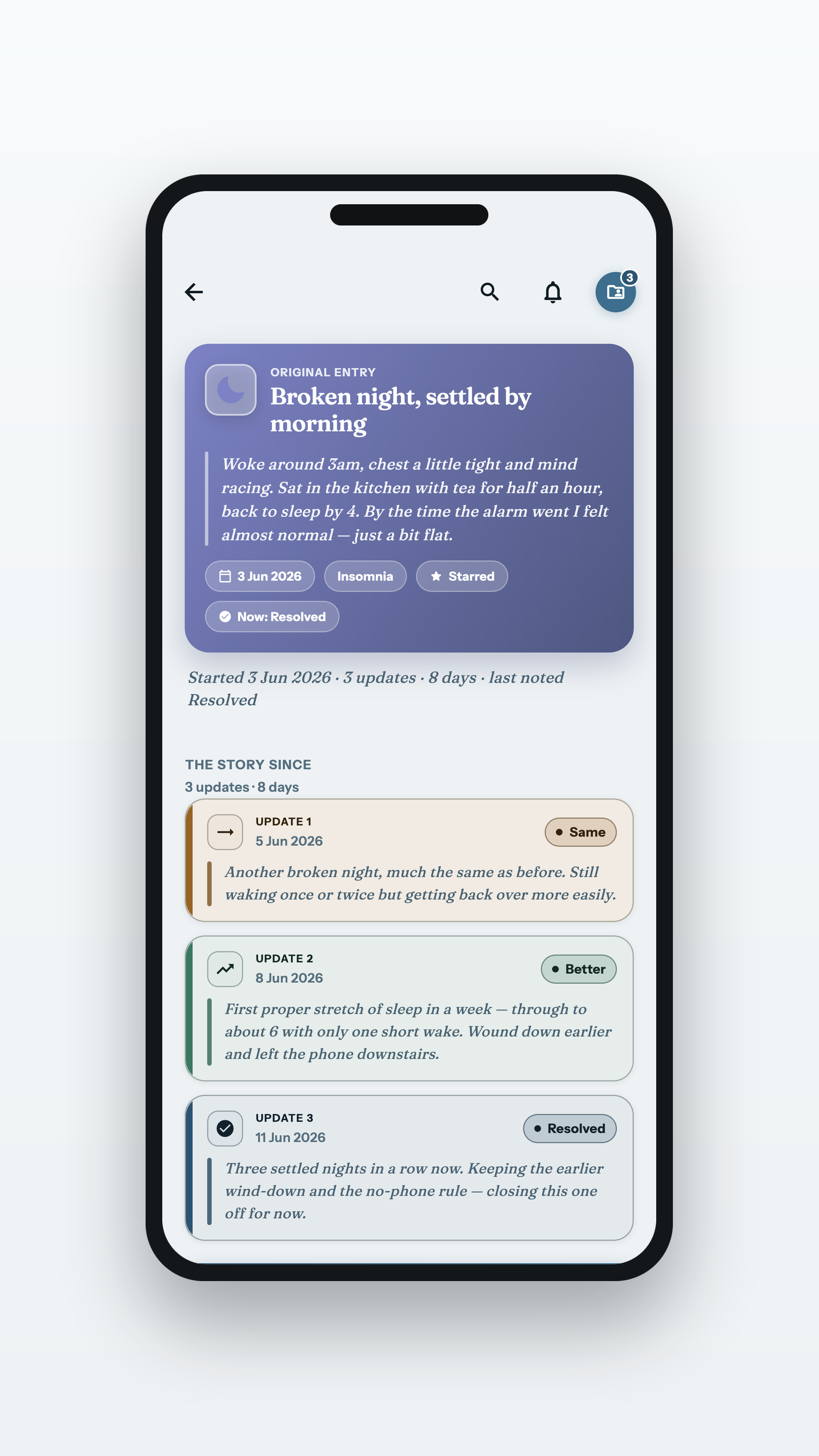
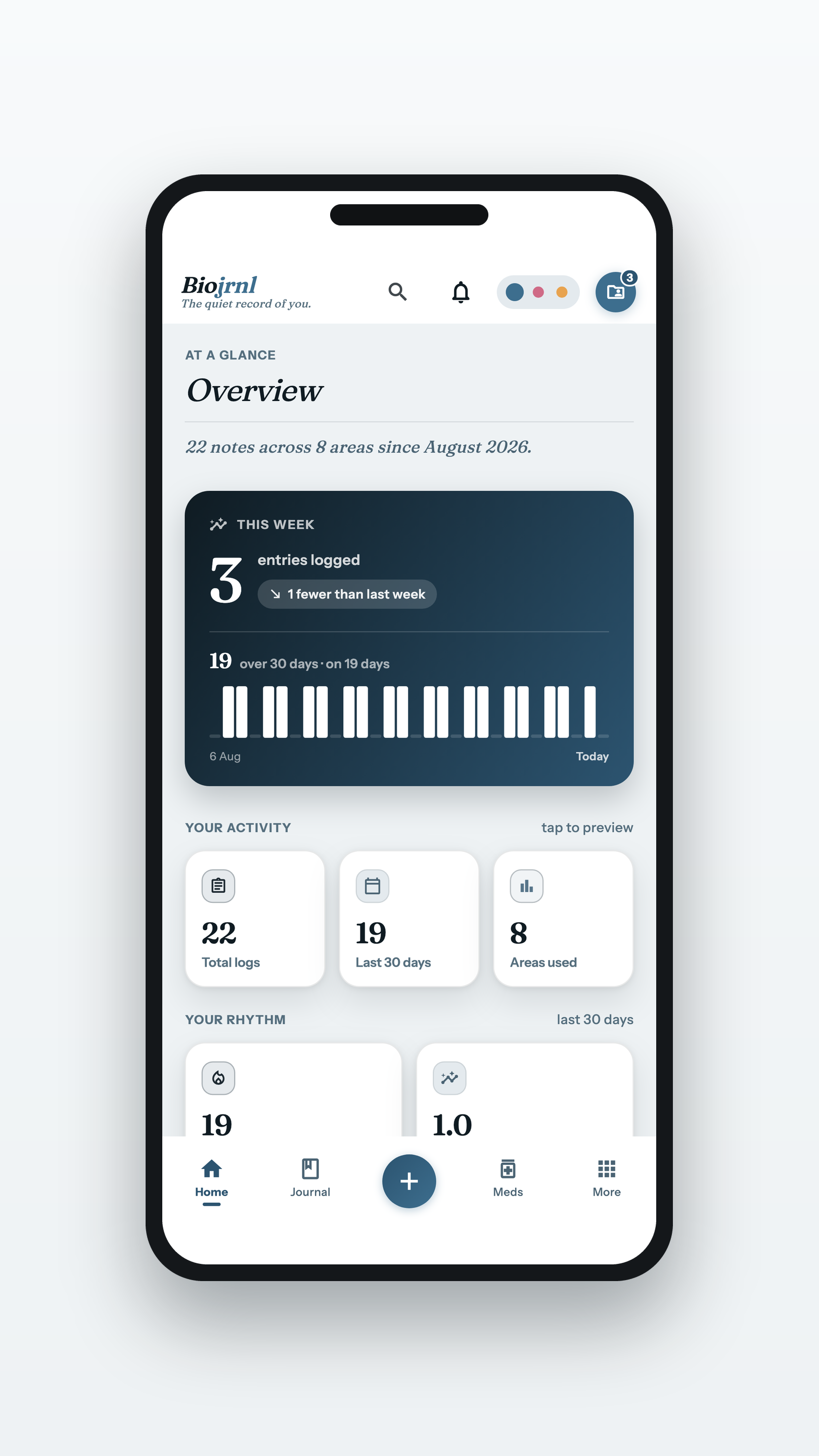
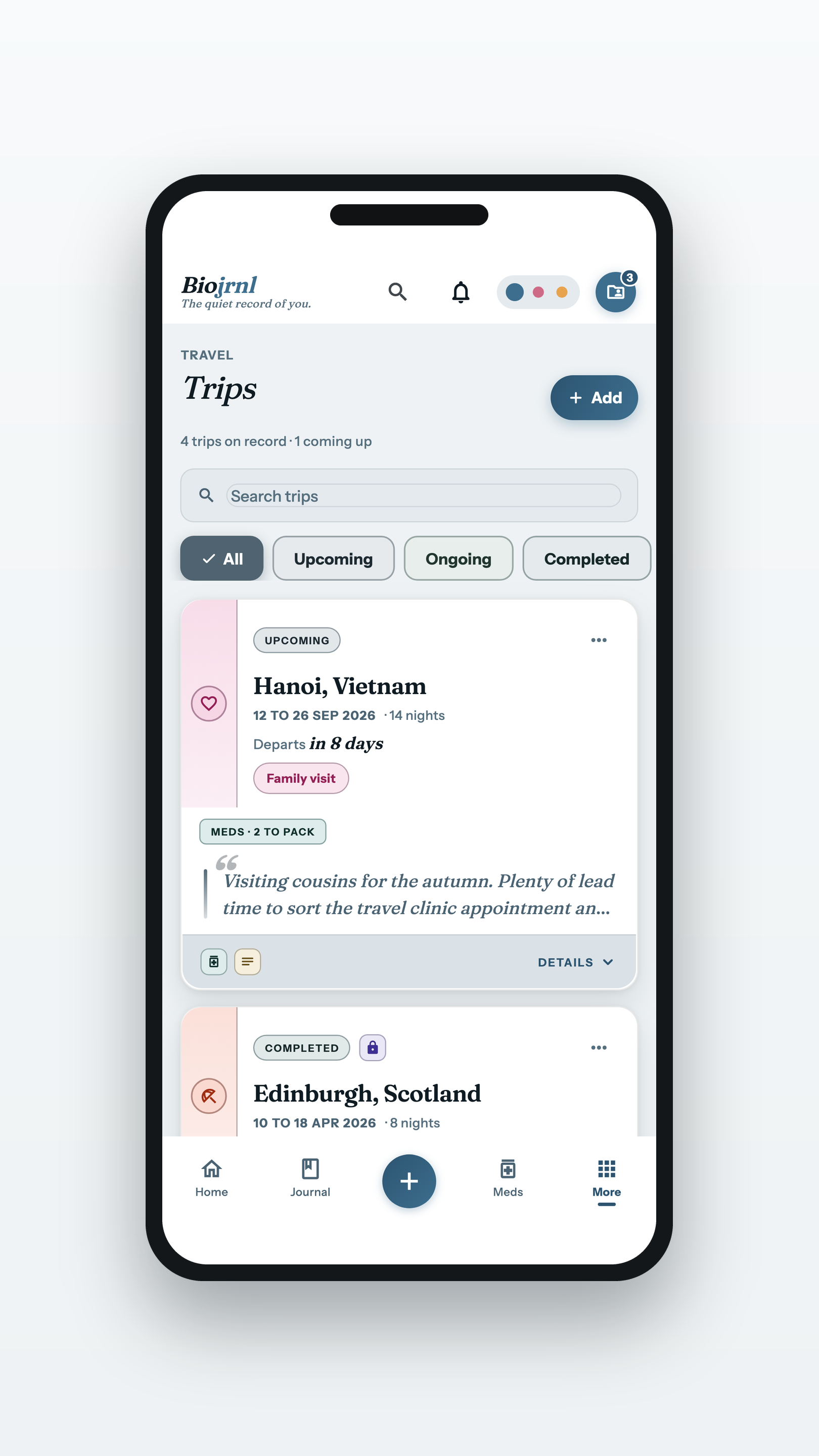
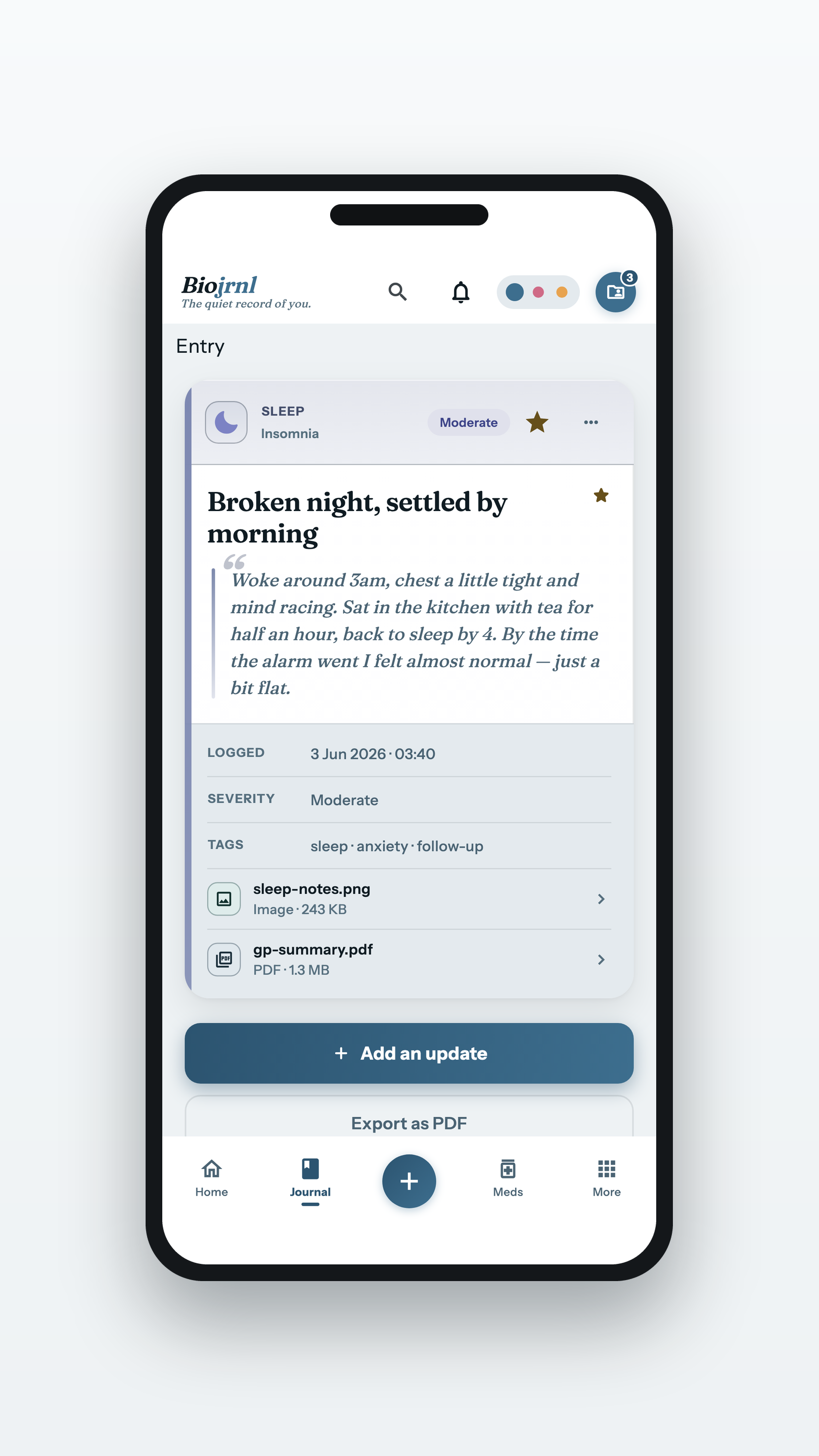
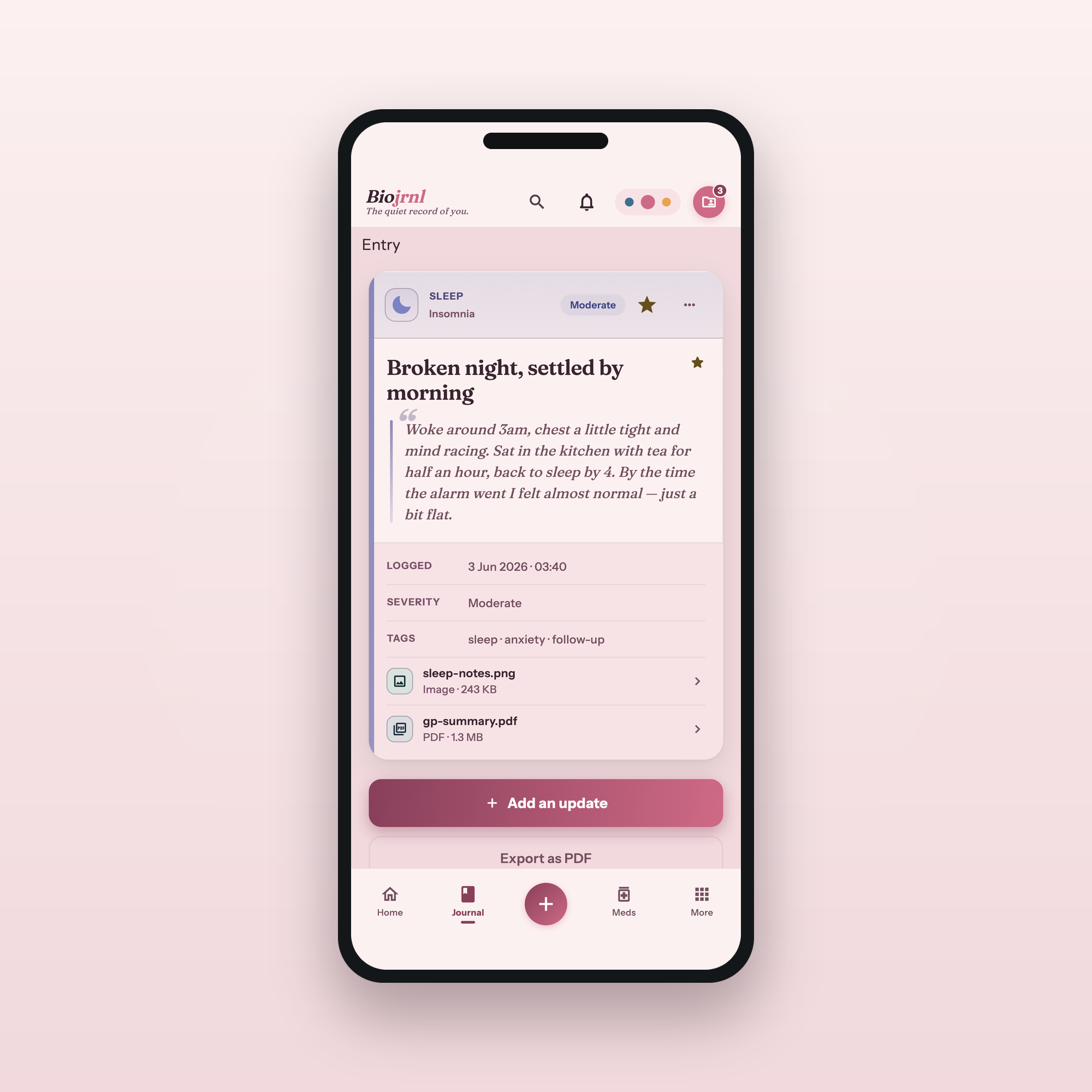
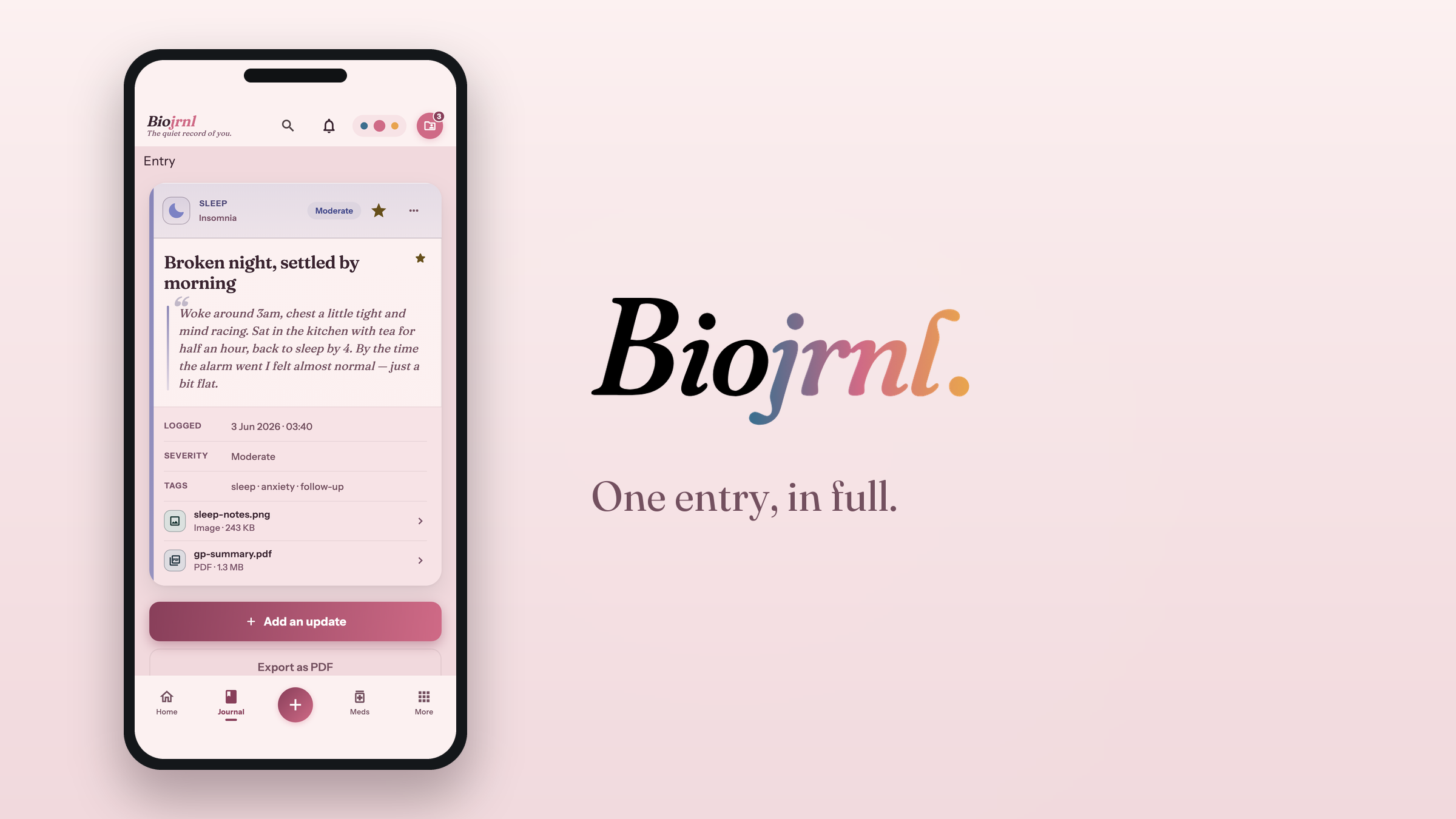
The overview across areas, trips with the paperwork attached, and one entry opened with everything it carries.
An entry, openedPNG · 1620×2880
The care circle
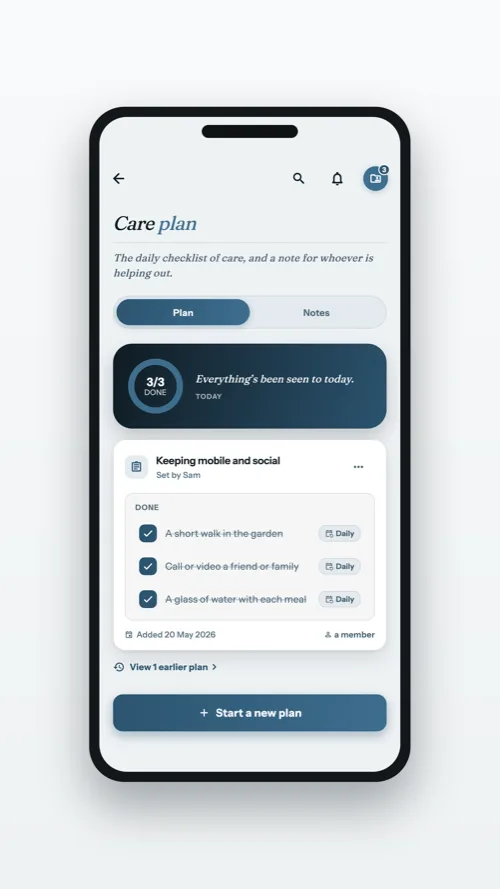
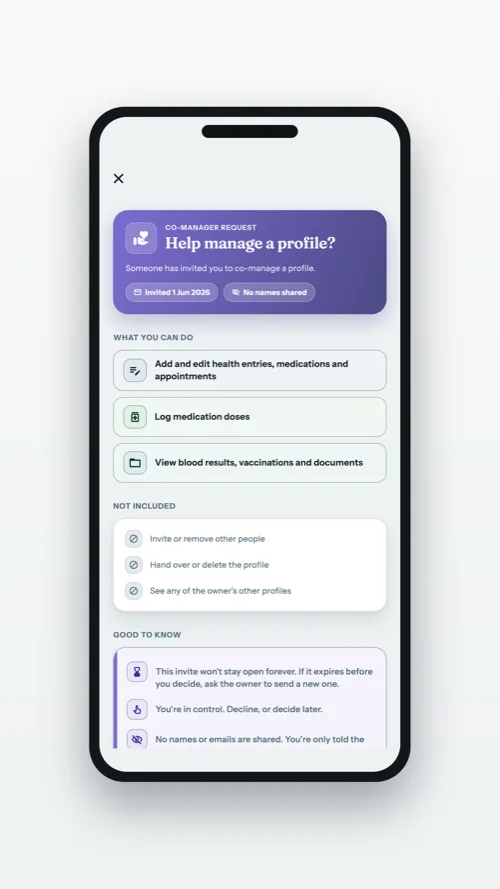
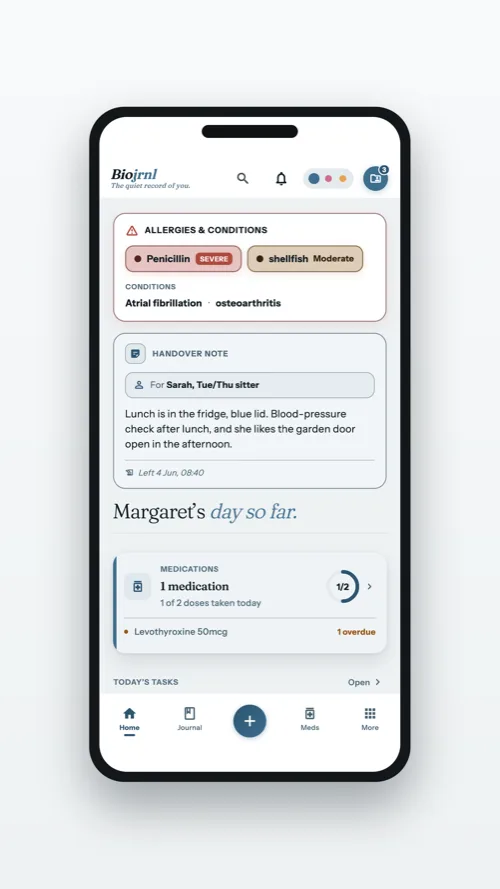
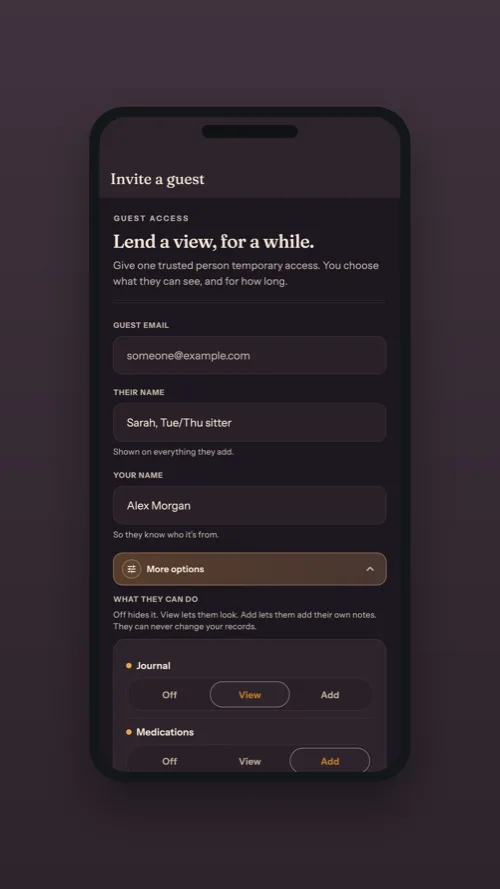
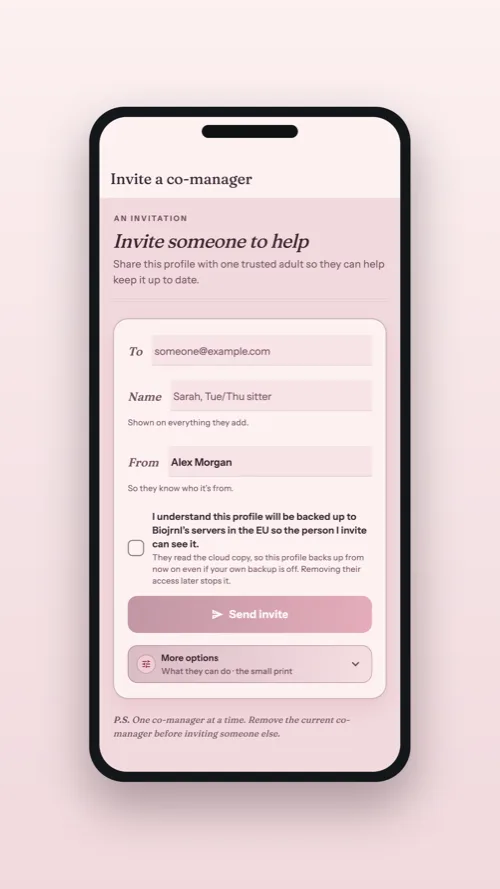
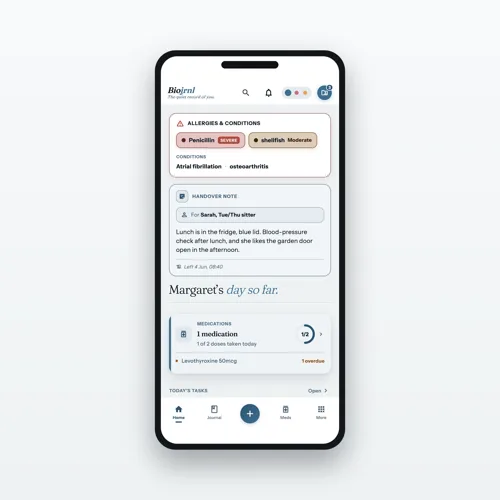
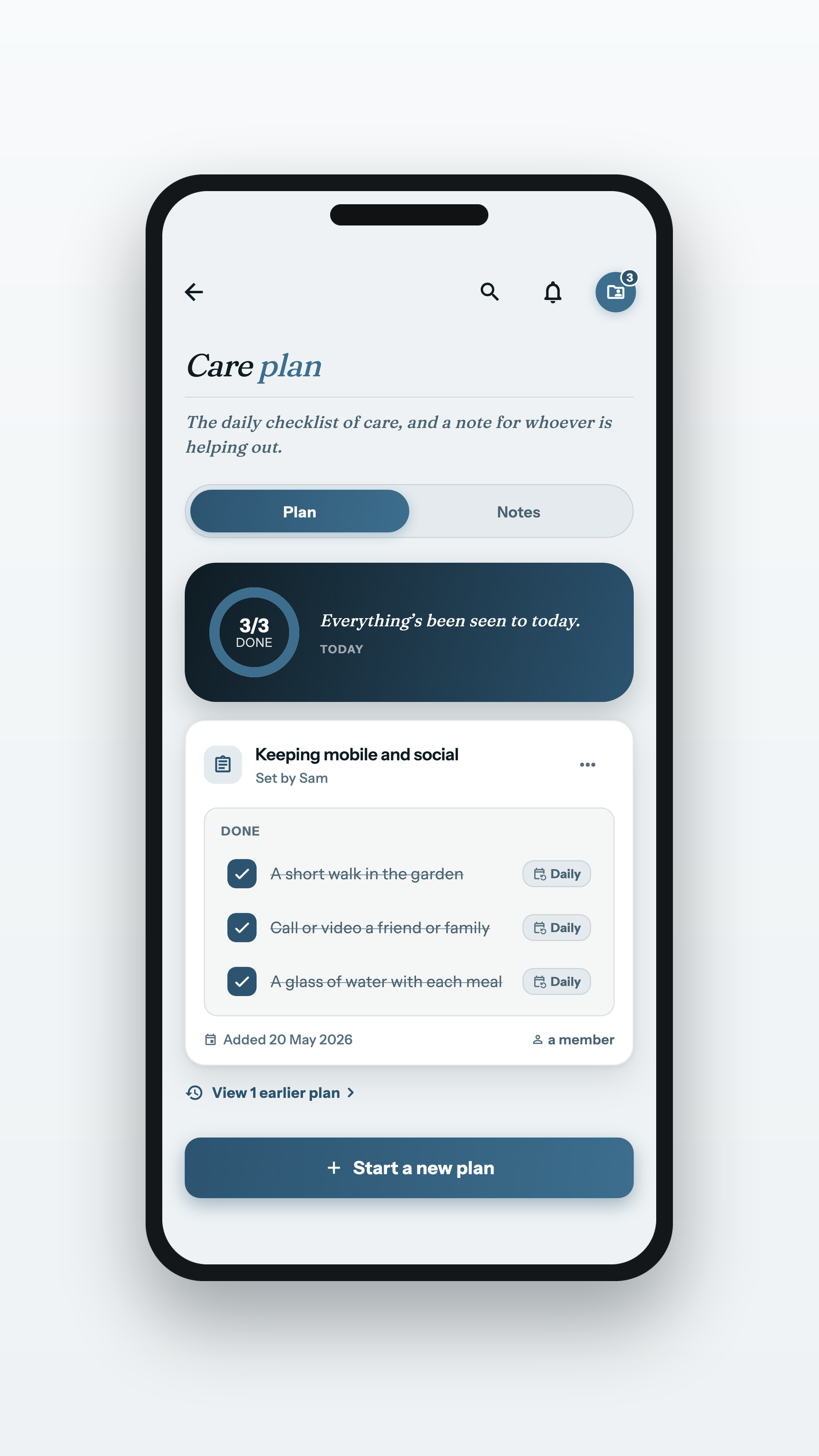
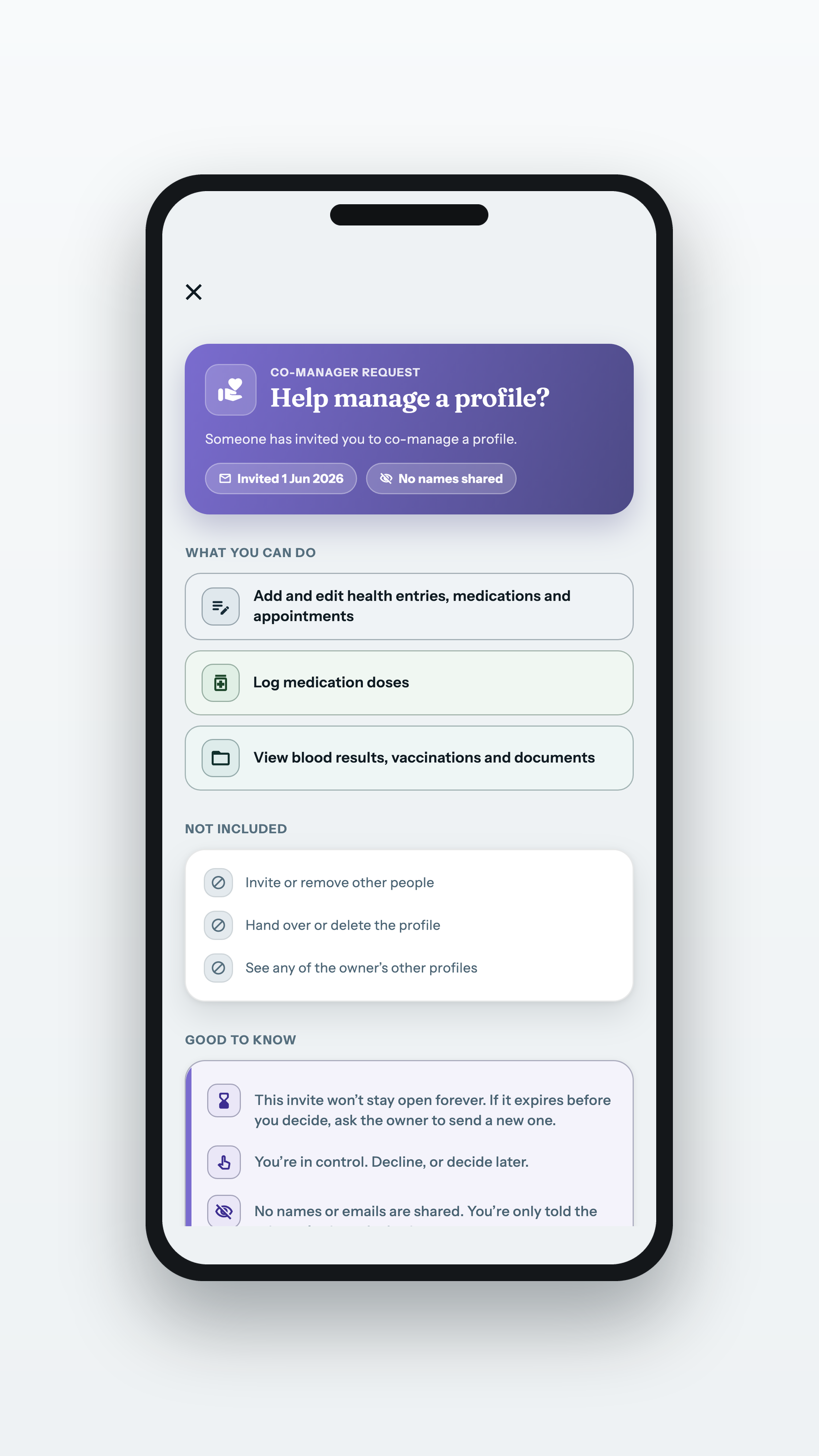
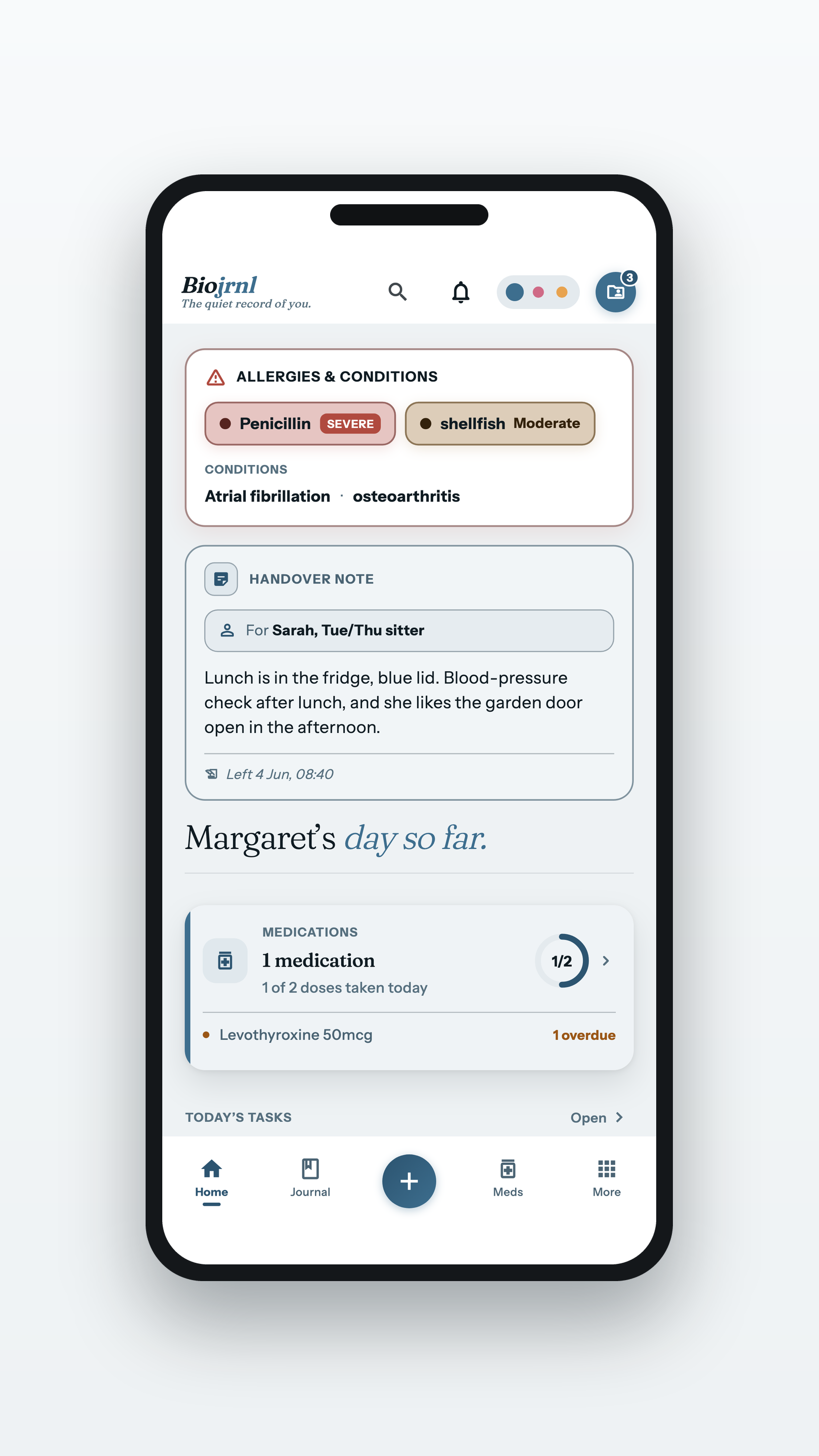
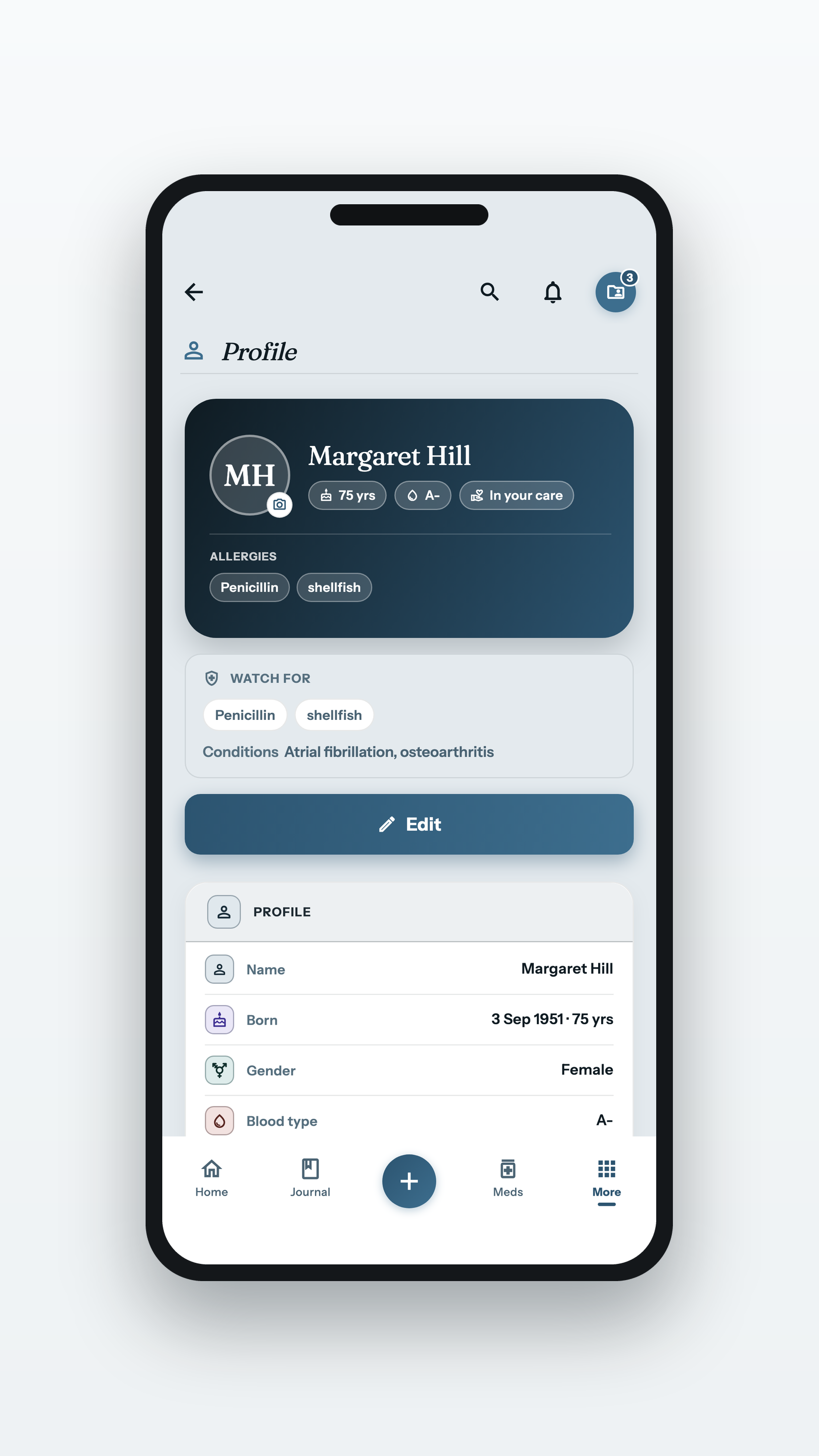
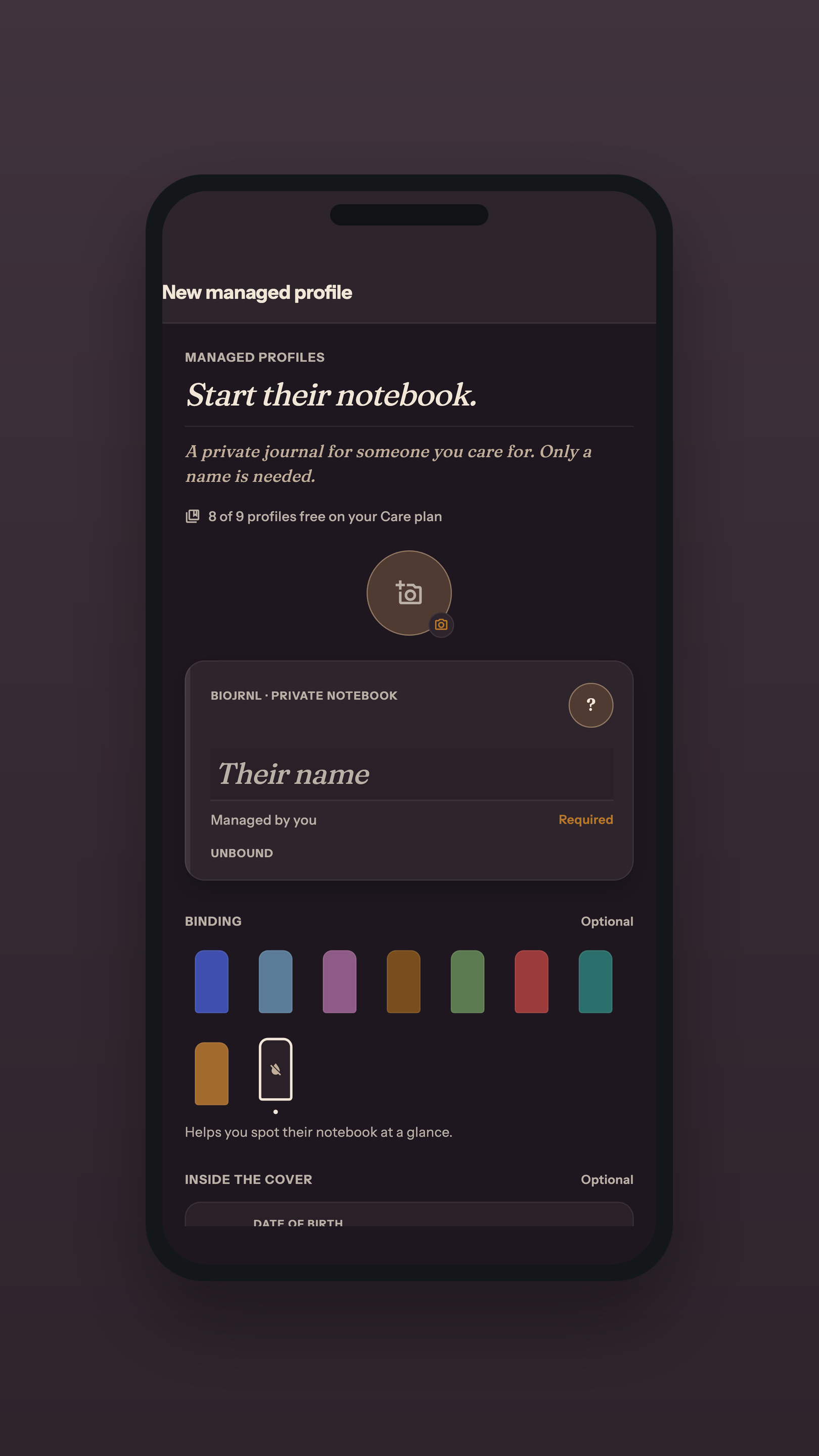
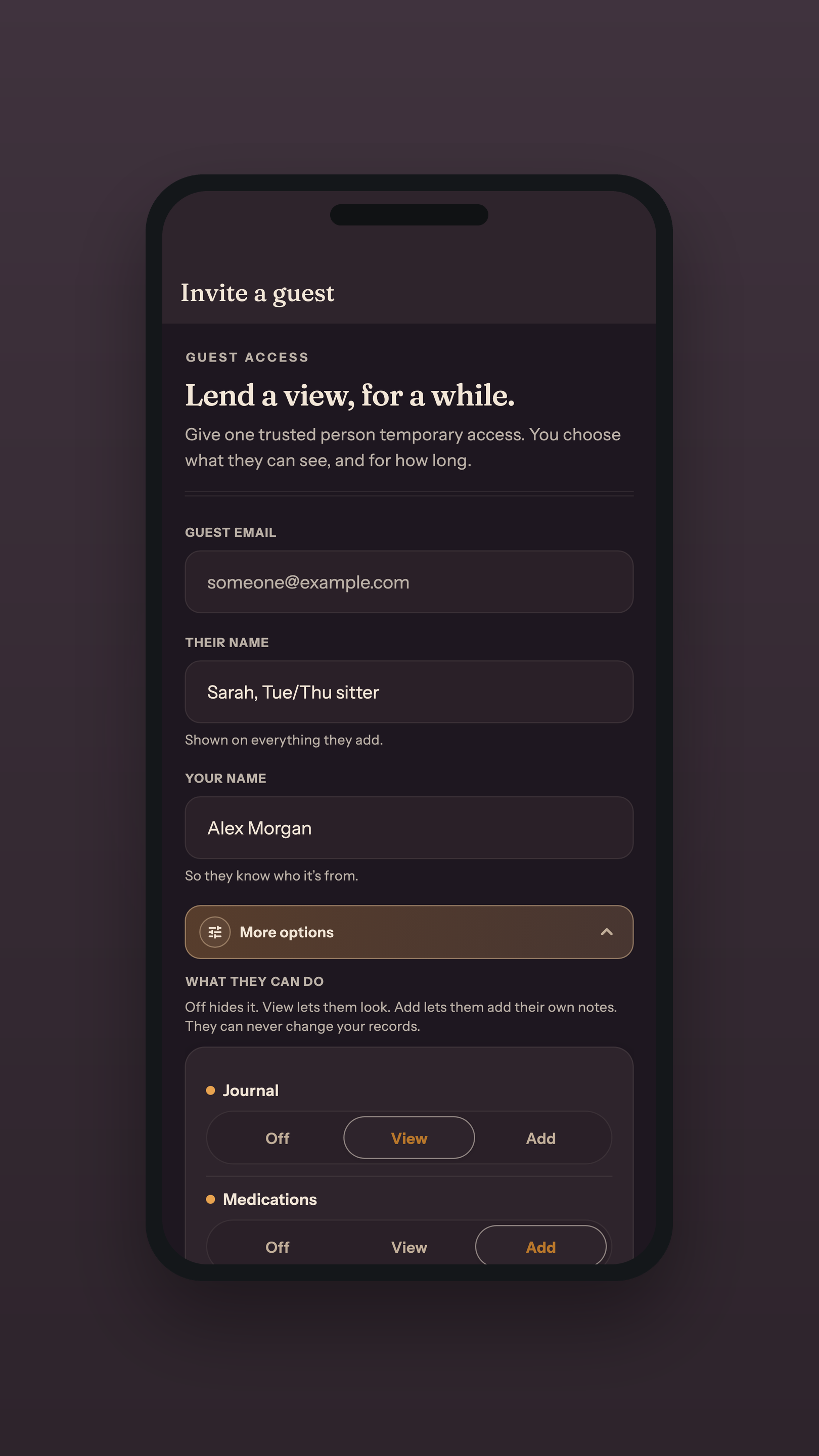
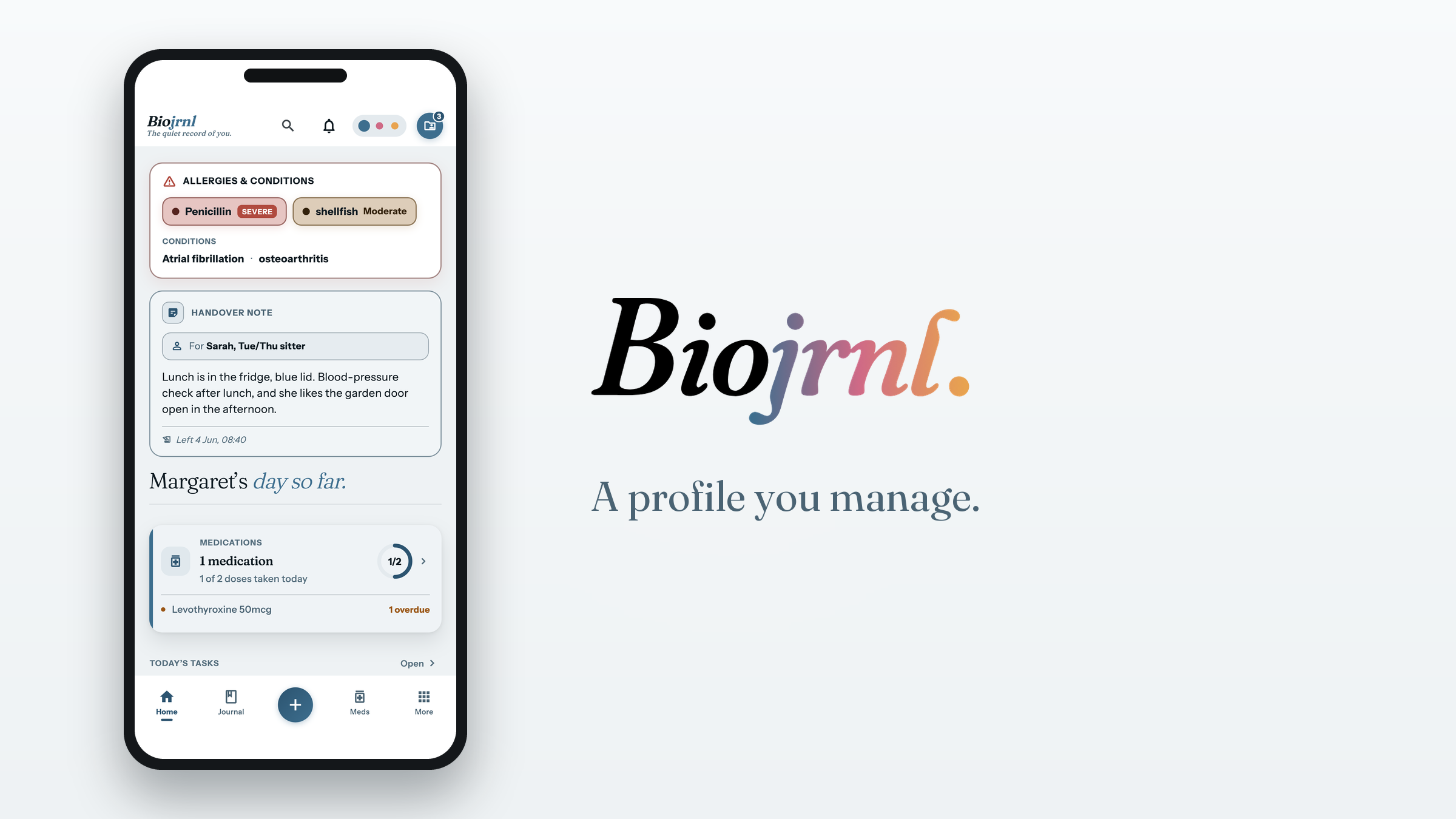
Caring for someone else: their home screen and their health profile, the shared care plan, and what a guest agrees to before seeing anything.
What a guest agrees toPNG · 1620×2880
A profile you managePNG · 1620×2880
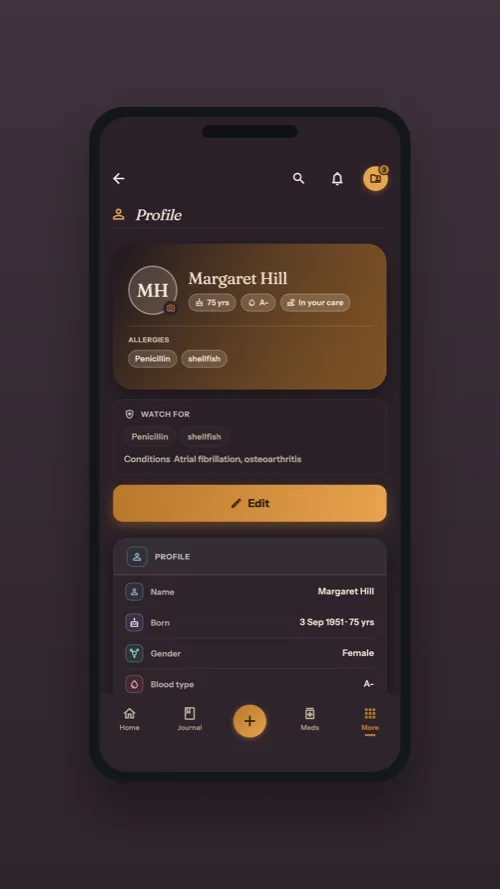
Their health profilePNG · 1620×2880
A profile you manage · BlushPNG · 1620×2880
Their health profile · DuskPNG · 1620×2880
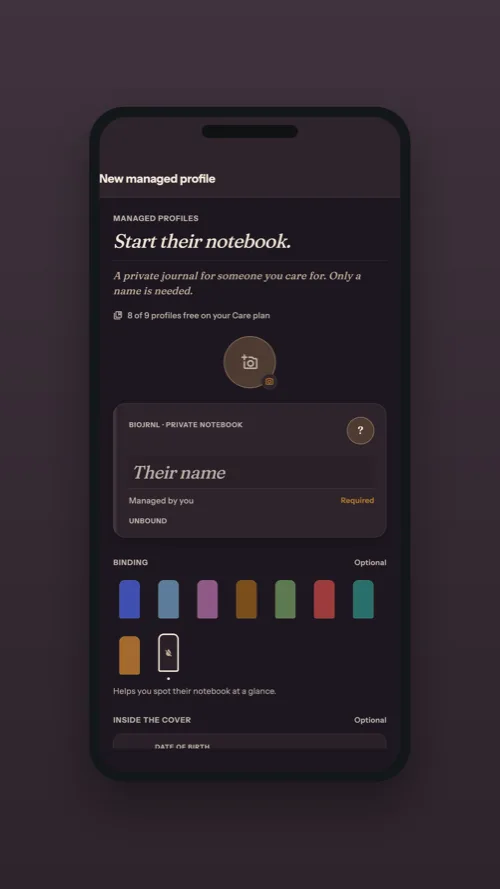
A new managed profilePNG · 1620×2880
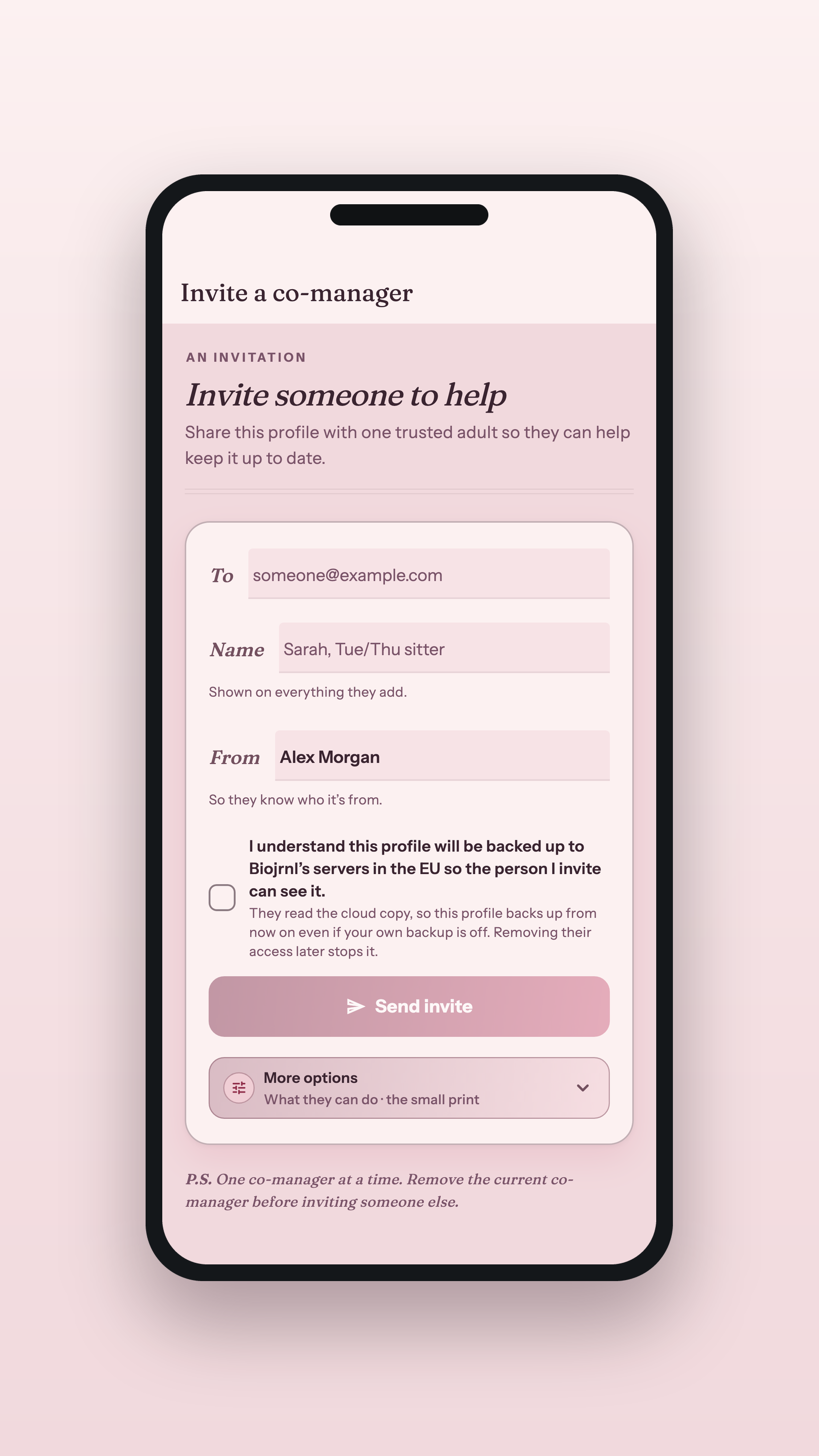
Invite a co-managerPNG · 1620×2880
The fine grain
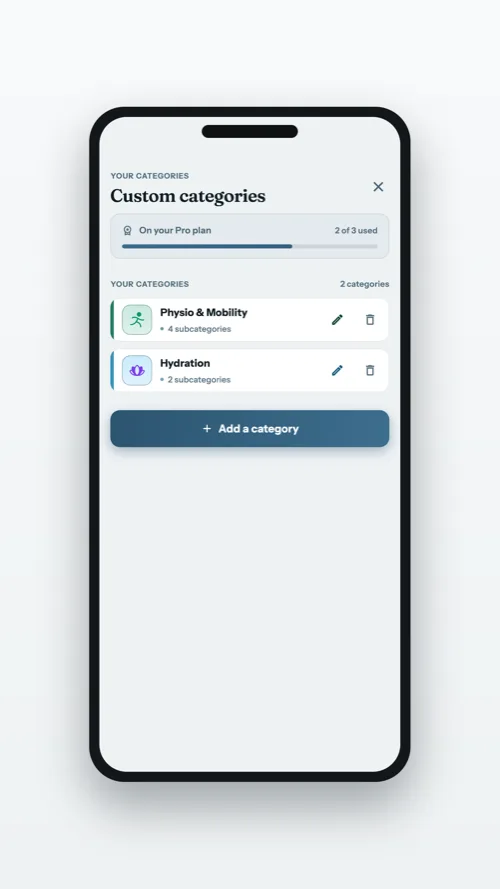
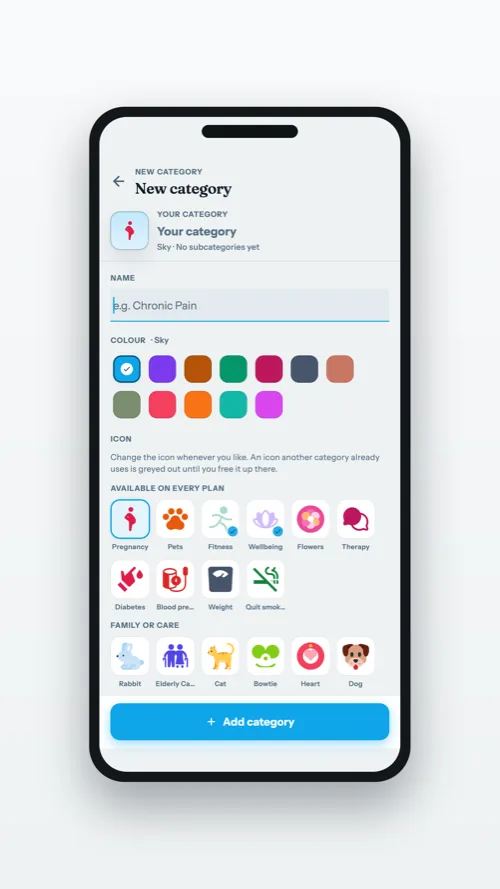
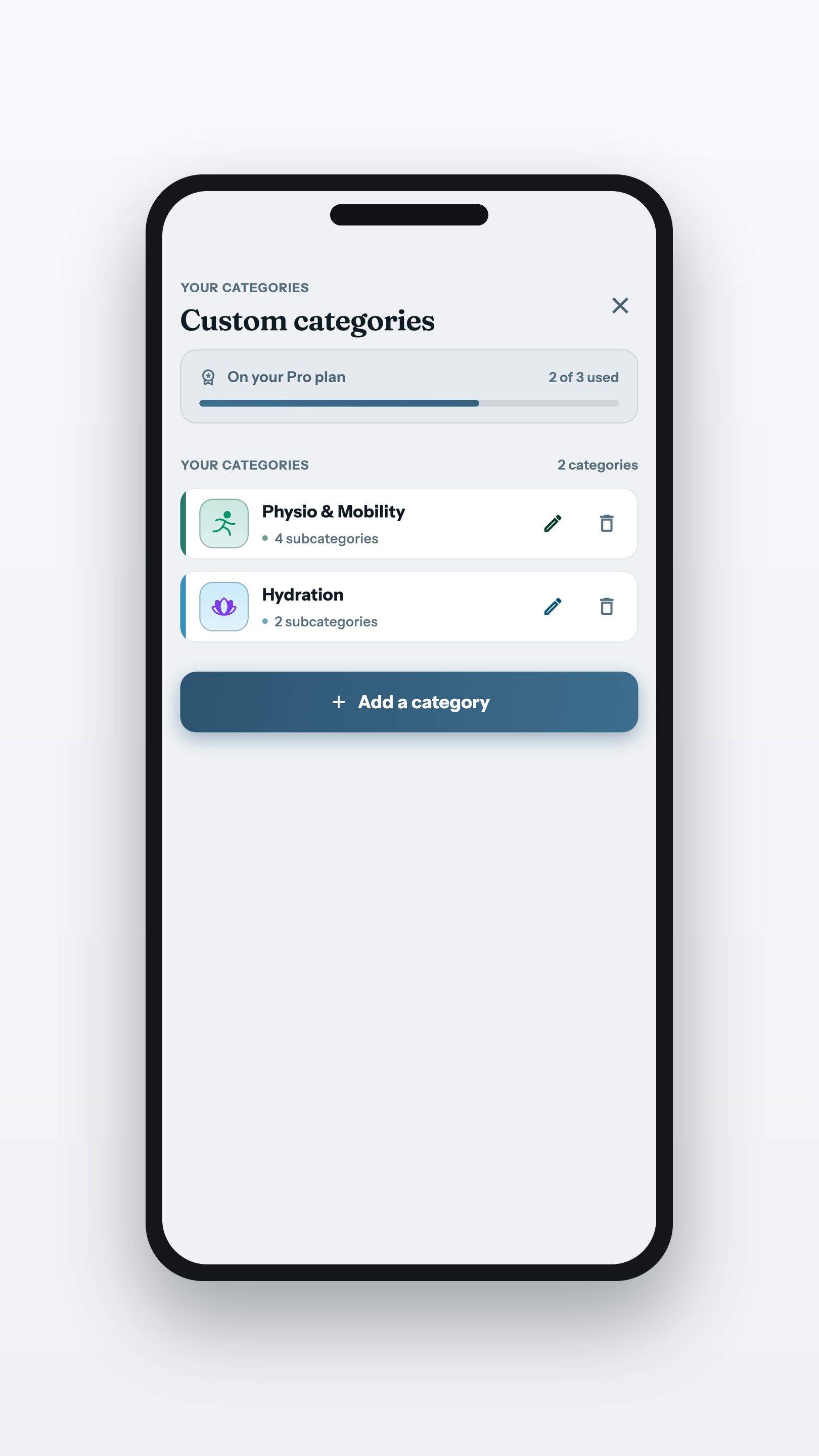
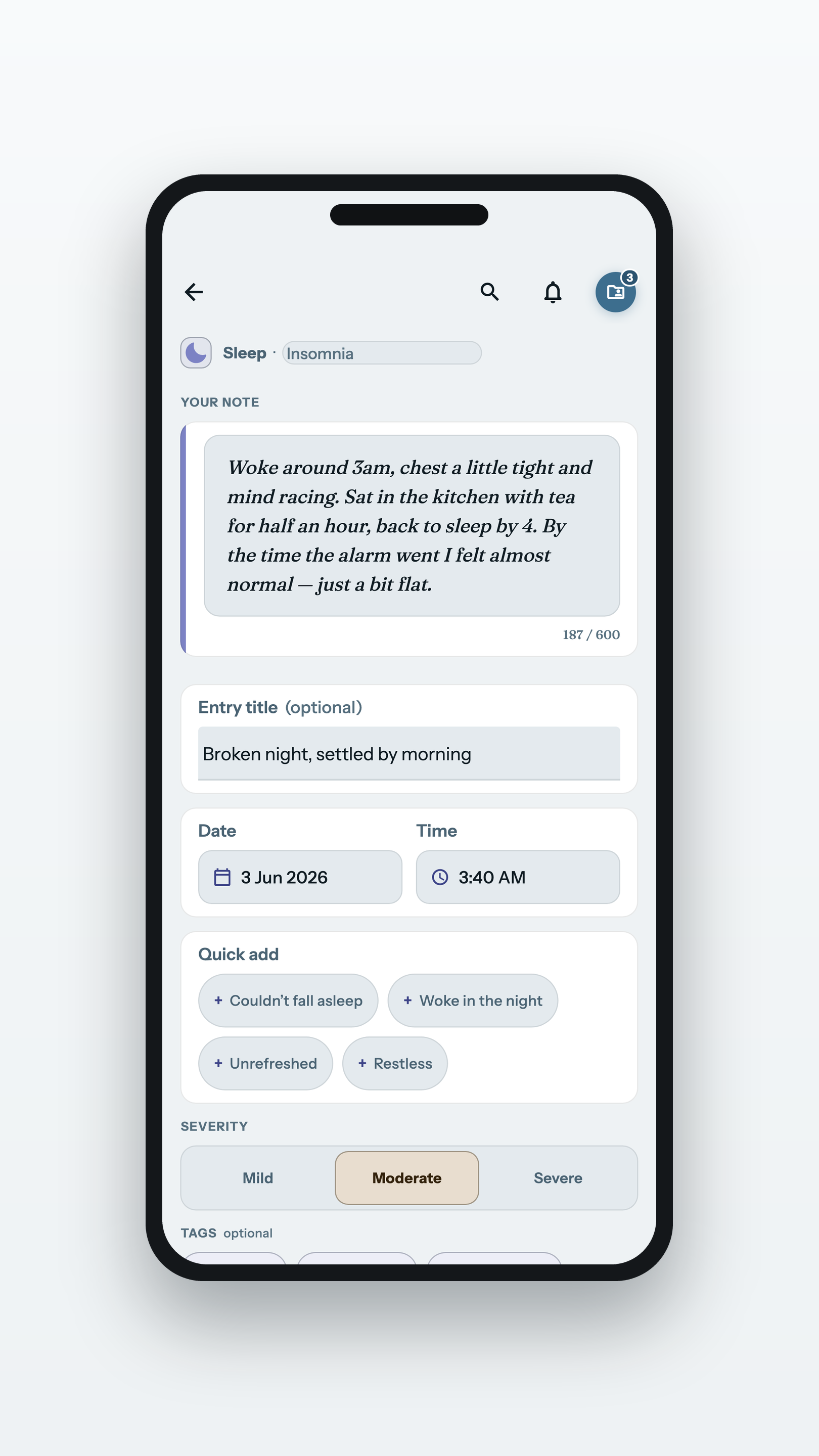
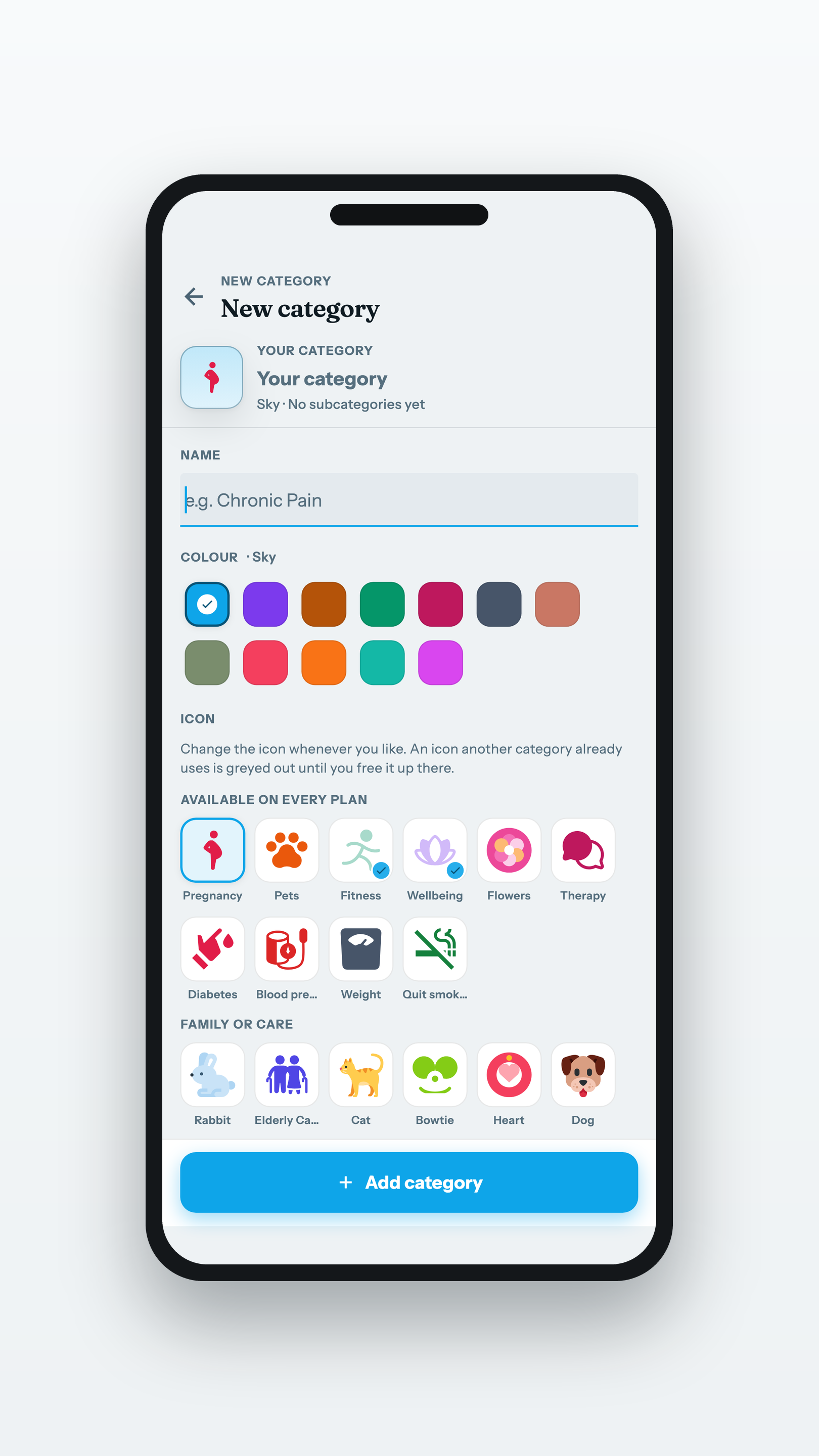
The custom category manager, the editor where you name it and pick its icon, and editing an entry properly.
Custom categoriesPNG · 1620×2880
Editing an entryPNG · 1620×2880
Clips
Seven films, one for each part of the record. Every one is vertical, made to
repost as it is or cut from. Press play to preview any of them here.
The launch filmMP4 · 720×1280 · 65s · 5.8 MB
Your journalMP4 · 720×1280 · 50s · 3.9 MB
Caring for someoneMP4 · 720×1280 · 56s · 4.4 MB
MedicationsMP4 · 720×1280 · 51s · 3.6 MB
AppointmentsMP4 · 720×1280 · 45s · 3.0 MB
Results and documentsMP4 · 720×1280 · 48s · 3.4 MB
Vaccinations and travelMP4 · 720×1280 · 51s · 3.4 MB
Clips in Blush
The same films in the app’s warmer theme, for a feed that wants it.
Your journalMP4 · 720×1280 · 50s · 3.7 MB
Caring for someoneMP4 · 720×1280 · 56s · 4.2 MB
MedicationsMP4 · 720×1280 · 51s · 3.6 MB
AppointmentsMP4 · 720×1280 · 45s · 3.0 MB
Results and documentsMP4 · 720×1280 · 48s · 3.5 MB
Vaccinations and travelMP4 · 720×1280 · 51s · 3.3 MB
The launch film is the one theme it is not
made in. Posting somewhere that wants full quality? The 4K master is too large to host
here; ask and we’ll send it.
Other shapes
The same screens as a square for a feed or an article body, and as 16:9 with room to write beside the phone: a blog header or a link preview. The story set above is what most placements want; these are here if you need them.
A profile you managePNG · 2000×2000
For the appointmentPNG · 2000×2000
One entry · BlushPNG · 2000×2000
A profile you managePNG · 2400×1350
For the appointmentPNG · 2400×1350
One entry · BlushPNG · 2400×1350
Need a screen that isn’t here, or footage for a clip? Ask us